Close Menu
techwavedispatch.com

    Subscribe to Updates

    Get the latest creative news from FooBar about art, design and business.

    What's Hot

    How To Clear Your Cache On Google TV

    November 23, 2026

    This Free ‘Swiss Army Knife’ For macOS Can Replace Your Utility Apps

    November 23, 2026

    Public Vs. Private IP Addresses: What’s The Difference?

    November 23, 2026
    Facebook X (Twitter) Instagram
    Trending
    • How To Clear Your Cache On Google TV
    • This Free ‘Swiss Army Knife’ For macOS Can Replace Your Utility Apps
    • Public Vs. Private IP Addresses: What’s The Difference?
    • 8 Windows Apps You Should Probably Remove From Your PC
    • What Is The Best Way To Secure Your PlayStation 5 For A Flight?
    • How To Use AI Glasses As A Teleprompter
    • The Pros And Cons Of Sharing Your Location
    • We haven’t seen the last of the major tech outages
    Facebook X (Twitter) Instagram
    techwavedispatch.com
    Subscribe
    Monday, November 23
    • Home
    • AI Tools & Software
    • Machine Learning
    • Generative AI
    • Robotics & Automation
    • Future Tech & Hardware
    • AI in Business
    • Ethics & Regulations
    • More
      • Gadgets & Smart Devices
      • Cybersecurity & AI
      • Tech Breakthroughs
    techwavedispatch.com
    Home»Gadgets & Smart Devices»How To Clear Your Cache On Google TV
    Gadgets & Smart Devices

    How To Clear Your Cache On Google TV

    adminBy adminNovember 23, 2026No Comments4 Mins Read
    Facebook Twitter Pinterest LinkedIn Tumblr Email
    How To Clear Your Cache On Google TV
    Share
    Facebook Twitter LinkedIn Pinterest Email

    It’s worth trying if you’re having issues.


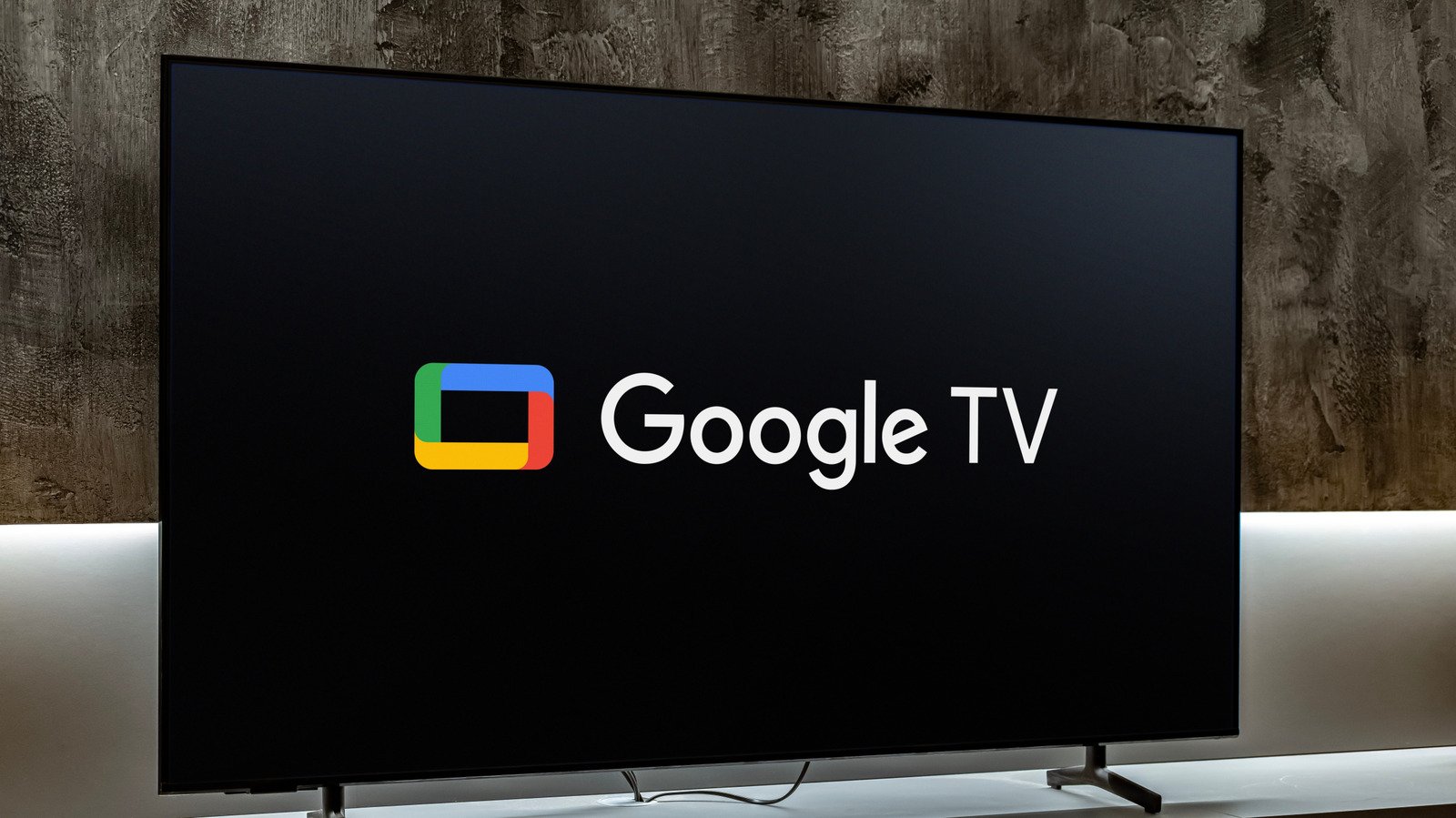
    TV set displaying Google TV logo.
    monticello/Shutterstock

    If you’re experiencing slow performance or other issues with your Google TV, you may have heard about clearing the cache. Caches generally help Android devices such as Google TVs run more smoothly by storing data — such as TV show thumbnails — that may need to be accessed quickly later. While this may not be an issue on a device with plenty of storage, very few Google TV devices have more than the bare minimum there. The Google TV Streamer that replaced the Chromecast has 32GB of space, the bare minimum for an Android device, making cache management all the more important. 

    Even though Google TV manages app caches automatically, they can still get too large, especially if you have a lot of apps installed or store large video files on the TV or streaming box. App caches can also bloat or get corrupted, causing issues including slow performance, app crashes and frustrating system glitches.

    Thankfully, Android makes it easy to clear the cache, whether for individual apps or all installed apps, through its settings menu. If your Google TV has become sluggish or glitchy over time, clearing the cache is a troubleshooting step you shouldn’t skip.

    How to clear the cache for either a single Google TV app or the entire device.


    Hand holding Google TV Streamer remote.
    Wongsakorn 2468/Shutterstock

    There are two ways to clear your Google TV cache: system-wide or per-app. If you’re experiencing slowdowns or other issues across the entire operating system, use the former option. The latter is best for when only a single app is giving you trouble.

    To clear the cache system-wide, open Google TV settings by going to the home screen, holding down the home button on your remote or selecting your profile icon, and selecting the gear icon at the top of the quick settings panel. Go to System > Storage > Internal shared storage > Cached data, then select OK to clear the cached data for all of the apps on your device.

    If only one app is acting up, clearing all the cache is overkill. Instead, go to Settings using the steps in the above paragraph, then select Apps > See all apps. Scroll to find and select the app you’re having issues with, then select Force Stop and confirm by selecting OK. Next, select Clear Cache and confirm by selecting OK. If you still have issues, it’s worth clearing the cache system-wide using the above steps. If even that doesn’t work, try rebooting the Google TV. Finally, if you still have trouble, go back to the app’s settings page and clear both its cache and data. This will erase everything and return the app to its default state, so only use it as a last resort.

    Clearing your cache on Google TV is a temporary solution for low storage


    Hand holding Google TV Streamer or Chromecast remote with TV blurred in background.
    Wongsakorn 2468/Shutterstock

    While clearing the cache for all apps system-wide can make your Google TV device more responsive in the short term, it’s a temporary fix for the real problem: insufficient storage. As noted earlier, Google TV devices rarely come with that much storage, and installing dozens of apps will quickly eat through it.

    It’s generally good practice to keep approximately 10 percent of an Android device’s storage empty. This buffer gives the system breathing room for operations that keep the drive healthy and to build robust app caches. If your Google TV storage is too full, clearing the cache likely won’t resolve all your performance issues.

    After clearing the system-wide cache, go to Settings > System > Storage > Internal Shared Storage to see how much space your apps, movies, photos and other files are taking up. The remaining free space will be shown at the bottom. If 90 percent or more of the drive is full, it’s time to start deleting things.

    If media is the culprit, back the files up and delete them. For most Google TVs, though, the space-hogging culprit is likely installed apps. A good way to start is by deleting any apps you haven’t used in a long time, especially if they’re taking up an inordinate amount of space. Keeping that streaming service you downloaded to watch a single movie isn’t worth the frustration of dealing with a slow TV.

    Cache Clear Google
    Share. Facebook Twitter Pinterest LinkedIn Tumblr Email
    admin
    • Website

    Related Posts

    This Free ‘Swiss Army Knife’ For macOS Can Replace Your Utility Apps

    November 23, 2026

    Public Vs. Private IP Addresses: What’s The Difference?

    November 23, 2026

    8 Windows Apps You Should Probably Remove From Your PC

    November 23, 2026
    Leave A Reply Cancel Reply

    Top Posts

    NVIDIA Is Investigating Reports That CEO Jensen Huang Was The Target Of Chinese Spy Efforts

    November 8, 202619 Views

    ADIndex: Layer-Adaptive Sparse Attention Indexing via Group-Level Distillation

    November 11, 20266 Views

    Anthropic releases new Mythos and Fable models amid RSI concerns

    November 9, 20266 Views

    If AGI is so close, why is everyone leaving? The neolabs and their bets

    November 6, 20266 Views
    Don't Miss
    Gadgets & Smart Devices

    How To Clear Your Cache On Google TV

    By adminNovember 23, 20260

    It’s worth trying if you’re having issues. monticello/Shutterstock If you’re experiencing…

    This Free ‘Swiss Army Knife’ For macOS Can Replace Your Utility Apps

    November 23, 2026

    Public Vs. Private IP Addresses: What’s The Difference?

    November 23, 2026

    8 Windows Apps You Should Probably Remove From Your PC

    November 23, 2026
    About Us

    Welcome to TechWave Dispatch

    At TechWave Dispatch, we bring you the latest news, insights, and developments from the ever-evolving world of technology. Our mission is to keep readers informed about the innovations shaping our digital future.

    From artificial intelligence and machine learning to cybersecurity, robotics, smart devices, and groundbreaking technologies, we cover the topics that matter in today's fast-moving tech landscape.

    Our Picks

    How To Clear Your Cache On Google TV

    November 23, 2026

    This Free ‘Swiss Army Knife’ For macOS Can Replace Your Utility Apps

    November 23, 2026

    Public Vs. Private IP Addresses: What’s The Difference?

    November 23, 2026
    Most Popular

    Egyptian and Nigerian English join the Open ASR Leaderboard

    November 6, 20260 Views

    Ads in Chatbots Have Arrived. Here’s What’s Working—and What’s Not

    November 6, 20260 Views

    The General Purpose Pendulum – O’Reilly

    November 6, 20260 Views
    Facebook X (Twitter) Instagram Pinterest
    • Terms and Conditions
    • Privacy Policy
    • Contact Us
    • About Us
    © 2026 TechWave Dispatch. All Rights Reserved.

    Type above and press Enter to search. Press Esc to cancel.