Close Menu
techwavedispatch.com

    Subscribe to Updates

    Get the latest creative news from FooBar about art, design and business.

    What's Hot

    A Perk Of Buying Gadgets From Anker’s Official Store Instead Of Amazon

    November 28, 2026

    How To Permanently Delete Your PlayStation Account

    November 28, 2026

    Car Speakers Rattling? Try These Fixes Before Calling A Mechanic

    November 28, 2026
    Facebook X (Twitter) Instagram
    Trending
    • A Perk Of Buying Gadgets From Anker’s Official Store Instead Of Amazon
    • How To Permanently Delete Your PlayStation Account
    • Car Speakers Rattling? Try These Fixes Before Calling A Mechanic
    • 5 Cool Amazon Echo Show Features You Shouldn’t Overlook
    • Police reportedly turn water cannons on protesters outside Meta offices in India
    • Should You Repair Or Replace Your PC’s Motherboard?
    • Why Updating Your iPhone Can Improve Your CarPlay Experience
    • How You Can Give Your Old DJI Drone New Purpose
    Facebook X (Twitter) Instagram
    techwavedispatch.com
    Subscribe
    Saturday, November 28
    • Home
    • AI Tools & Software
    • Machine Learning
    • Generative AI
    • Robotics & Automation
    • Future Tech & Hardware
    • AI in Business
    • Ethics & Regulations
    • More
      • Gadgets & Smart Devices
      • Cybersecurity & AI
      • Tech Breakthroughs
    techwavedispatch.com
    Home»Gadgets & Smart Devices»Why Updating Your iPhone Can Improve Your CarPlay Experience
    Gadgets & Smart Devices

    Why Updating Your iPhone Can Improve Your CarPlay Experience

    adminBy adminNovember 28, 2026No Comments3 Mins Read
    Facebook Twitter Pinterest LinkedIn Tumblr Email
    Why Updating Your iPhone Can Improve Your CarPlay Experience
    Share
    Facebook Twitter LinkedIn Pinterest Email

    Skipping iPhone updates can cost you new CarPlay features. Here’s what you could be missing.


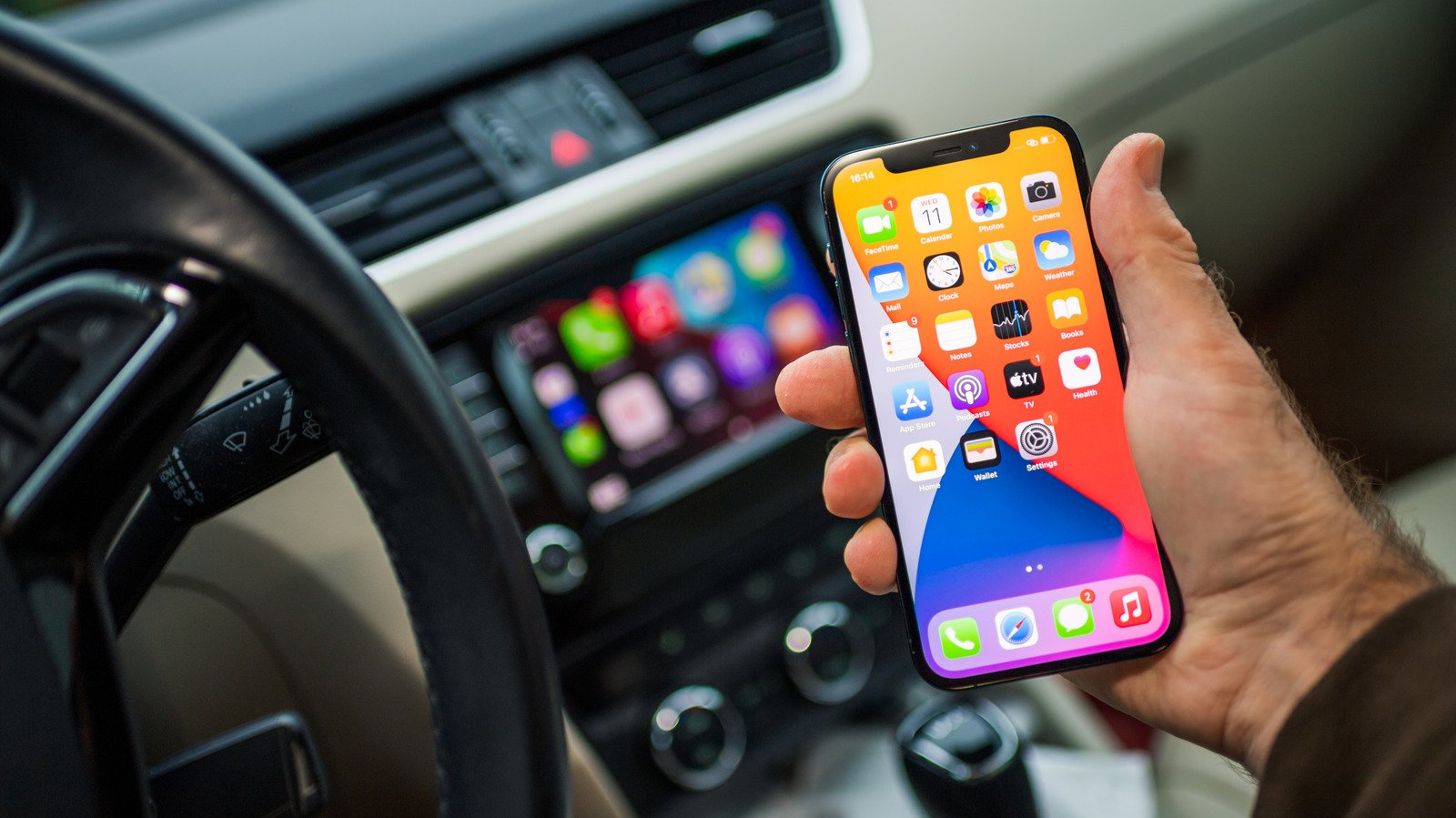
    Driver holding iPhone with CarPlay running in the background.
    Hadrian/Shutterstock

    CarPlay is a great way to get all of your music, contacts and addresses on your car’s infotainment system. But CarPlay isn’t an app installed on your car. It runs straight from your iPhone, so the car usually doesn’t have an “update CarPlay” option of its own. To update CarPlay, you need to update iOS.

    CarPlay keeps working even if you don’t update your phone, but you’ll miss out on the new features, bug fixes and compatibility improvements. iOS 27, released September 14, added an audio mini-player, plus route sharing and video apps on supported cars. Apple says it also improves wireless CarPlay reliability and GPS accuracy. Here’s how updating your iPhone can improve your CarPlay experience.

    CarPlay updates come through your iPhone


    Closeup up of the Apple logo and progress bar on an iPhone.
    Tada Images/Shutterstock

    To update your iPhone, go to Settings > General > Software Update and check your iOS version. If a newer one is available, it will be waiting for you there. The latest version at the time of writing is iOS 27.2.1 (November 9). Phones still on iOS 26 will see a small iOS 26 update and the larger iOS 27 upgrade as separate options.

    iOS 27 (September 14) added several new CarPlay features, including an audio mini-player, a progress bar in Now Playing, route sharing with the car’s own screens, and apps for watching videos while the car is parked. The video apps and the route sharing option only work on cars where the automaker added support. Apple says iOS 27 also improves wireless CarPlay reliability and the accuracy of navigation heading and GPS.

    iOS 27.2 (October 26) added even more options, including a Podcasts Home tab with New Episodes and Continue Playing in place of Up Next. Siri also got an upgrade and can now recall past conversations. Keep in mind that Siri needs an iPhone 15 Pro or later, so not every phone gets it.

    What happens if you skip updates


    Details of App and icons on the the Apple CarPlay main screen in modern car dashboard.
    Adrianhancu/Getty Images

    If you skip every update Apple offers you, CarPlay will keep working as usual, with the features it already has. iOS 27 needs an iPhone 11 or later (or the second-generation iPhone SE), but Apple lists CarPlay as compatible with much older iPhones. Those phones still work but never get the new iOS 27 features.

    If CarPlay is acting up, try updating your phone first. If that doesn’t work, restart your phone and your car, then go to Settings > General > CarPlay, select your car, tap Forget This Car and set it up again. If that still doesn’t work, try updating your car’s stereo firmware. Apple lists this as the last troubleshooting step and points to the car’s manual for more information.

    CarPlay experience Improve iPhone Updating
    Share. Facebook Twitter Pinterest LinkedIn Tumblr Email
    admin
    • Website

    Related Posts

    A Perk Of Buying Gadgets From Anker’s Official Store Instead Of Amazon

    November 28, 2026

    How To Permanently Delete Your PlayStation Account

    November 28, 2026

    Car Speakers Rattling? Try These Fixes Before Calling A Mechanic

    November 28, 2026
    Leave A Reply Cancel Reply

    Top Posts

    NVIDIA Is Investigating Reports That CEO Jensen Huang Was The Target Of Chinese Spy Efforts

    November 8, 202620 Views

    Mixture of Experts Explained

    November 13, 202610 Views

    Anthropic launches Claude Meetings to turn workplace discussions into plans and tasks

    November 10, 20269 Views

    Finetuning olmOCR to be a faithful OCR-Engine

    November 10, 20268 Views
    Don't Miss
    Gadgets & Smart Devices

    A Perk Of Buying Gadgets From Anker’s Official Store Instead Of Amazon

    By adminNovember 28, 20260

    To start earning AnkerCredits, you’ll need to sign up on Anker’s website. In addition to…

    How To Permanently Delete Your PlayStation Account

    November 28, 2026

    Car Speakers Rattling? Try These Fixes Before Calling A Mechanic

    November 28, 2026

    5 Cool Amazon Echo Show Features You Shouldn’t Overlook

    November 28, 2026
    About Us

    Welcome to TechWave Dispatch

    At TechWave Dispatch, we bring you the latest news, insights, and developments from the ever-evolving world of technology. Our mission is to keep readers informed about the innovations shaping our digital future.

    From artificial intelligence and machine learning to cybersecurity, robotics, smart devices, and groundbreaking technologies, we cover the topics that matter in today's fast-moving tech landscape.

    Our Picks

    A Perk Of Buying Gadgets From Anker’s Official Store Instead Of Amazon

    November 28, 2026

    How To Permanently Delete Your PlayStation Account

    November 28, 2026

    Car Speakers Rattling? Try These Fixes Before Calling A Mechanic

    November 28, 2026
    Most Popular

    Hugging Face’s CEO Says His P(Doom) Is ‘Close to Zero’

    November 6, 20260 Views

    Kitchen Composters I Recommend After 2 Years of Testing (2026)

    November 6, 20260 Views

    A Closer Look at Phonon TTS. Launching High-Quality On-Device Speech That Tops the Benchmarks.

    November 6, 20260 Views
    Facebook X (Twitter) Instagram Pinterest
    • Terms and Conditions
    • Privacy Policy
    • Contact Us
    • About Us
    © 2026 TechWave Dispatch. All Rights Reserved.

    Type above and press Enter to search. Press Esc to cancel.