Close Menu
techwavedispatch.com

    Subscribe to Updates

    Get the latest creative news from FooBar about art, design and business.

    What's Hot

    A Perk Of Buying Gadgets From Anker’s Official Store Instead Of Amazon

    November 28, 2026

    How To Permanently Delete Your PlayStation Account

    November 28, 2026

    Car Speakers Rattling? Try These Fixes Before Calling A Mechanic

    November 28, 2026
    Facebook X (Twitter) Instagram
    Trending
    • A Perk Of Buying Gadgets From Anker’s Official Store Instead Of Amazon
    • How To Permanently Delete Your PlayStation Account
    • Car Speakers Rattling? Try These Fixes Before Calling A Mechanic
    • 5 Cool Amazon Echo Show Features You Shouldn’t Overlook
    • Police reportedly turn water cannons on protesters outside Meta offices in India
    • Should You Repair Or Replace Your PC’s Motherboard?
    • Why Updating Your iPhone Can Improve Your CarPlay Experience
    • How You Can Give Your Old DJI Drone New Purpose
    Facebook X (Twitter) Instagram
    techwavedispatch.com
    Subscribe
    Saturday, November 28
    • Home
    • AI Tools & Software
    • Machine Learning
    • Generative AI
    • Robotics & Automation
    • Future Tech & Hardware
    • AI in Business
    • Ethics & Regulations
    • More
      • Gadgets & Smart Devices
      • Cybersecurity & AI
      • Tech Breakthroughs
    techwavedispatch.com
    Home»Gadgets & Smart Devices»How To Permanently Delete Your PlayStation Account
    Gadgets & Smart Devices

    How To Permanently Delete Your PlayStation Account

    adminBy adminNovember 28, 2026No Comments4 Mins Read
    Facebook Twitter Pinterest LinkedIn Tumblr Email
    How To Permanently Delete Your PlayStation Account
    Share
    Facebook Twitter LinkedIn Pinterest Email

    Closing your PSN account is permanent and means you’ll lose all your games, trophies and save data forever.


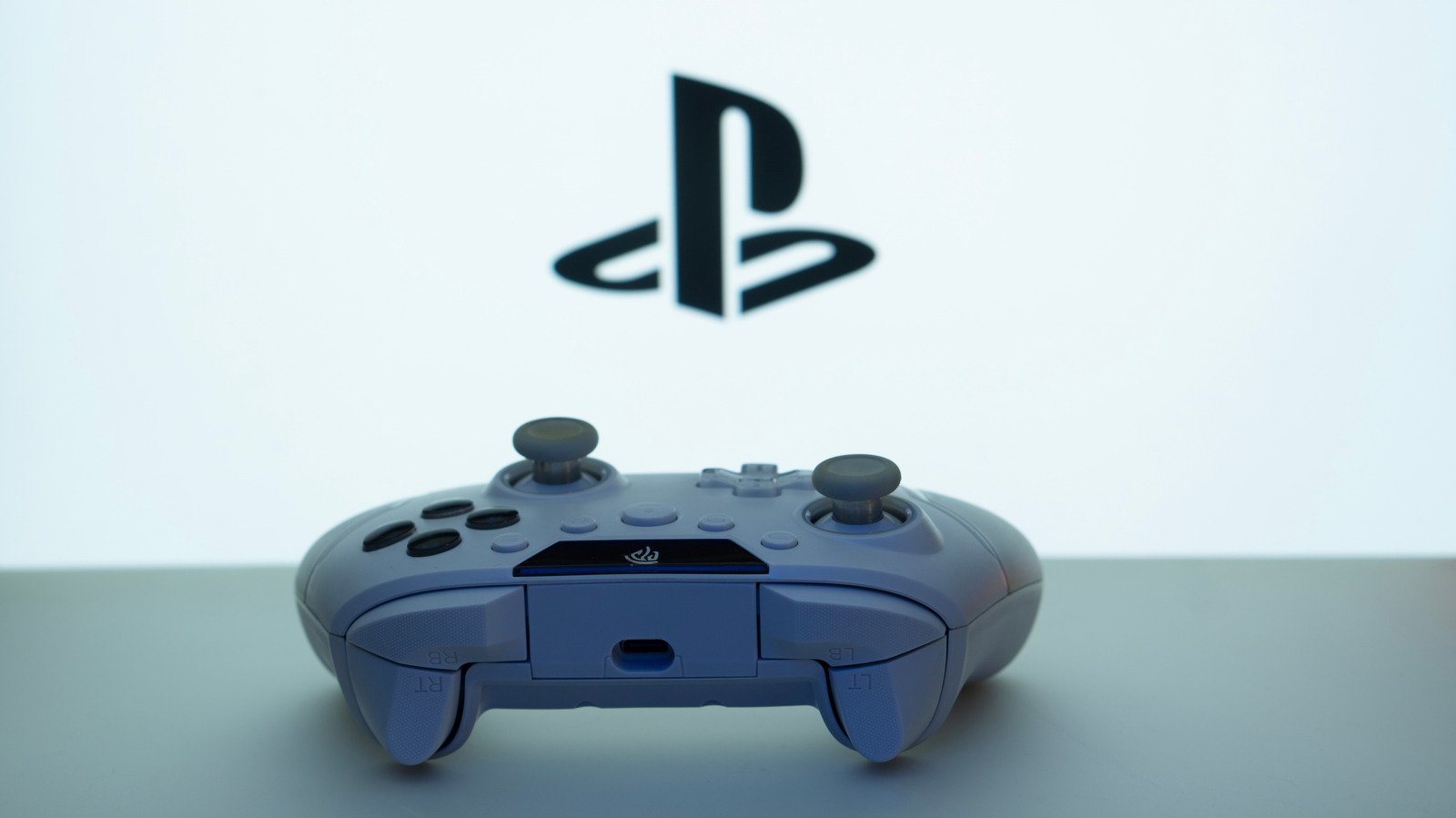
    A third-party PS5 controller below a PlayStation logo on a white table.
    Bangla press/Shutterstock

    You might decide to delete your PlayStation account if you’re giving up gaming, switching to PC or protesting Sony’s plans to stop producing physical games. And while deleting your account isn’t difficult, it’s a major step you should evaluate carefully before you carry it out.

    There’s a lot tied to your PlayStation account that you’ll lose, especially if you’ve been gaming on Sony’s systems for multiple generations. Make sure you really don’t want to keep your account before moving on, as the deletion is irreversible after a short grace period. In case you’re done using the account, consider handing off the credentials to a friend, child or other family member, so your digital collection doesn’t end up going to waste.

    What happens when you delete your PlayStation account


    A hand putting a video game controller into a garbage bin.
    Imago Media Indonesia/Shutterstock

    Once your PlayStation account is deleted, everything connected to it is gone forever. All digital games you had a license for (you don’t own them) are lost, including DLC. Any credit you had in your wallet can no longer be used, your trophy collection will disappear and you can’t access your friend list anymore. If you’re currently subscribed to PlayStation Plus, you forfeit all remaining time. (You can cancel PlayStation Plus on its own anytime.)

    In case you have a PlayStation Family set up, deleting your account will also close all child accounts it manages. Also, your PSN ID (online username) can never be used again.

    Once you request the deletion, your account will be frozen for 30 days. You can’t log in during this time, but if you change your mind during the period, contact PlayStation Support, and they can reverse the deletion. After that, your account and everything tied to it are permanently obliterated. There’s no option to temporarily deactivate your PlayStation account as some others offer (like Meta accounts). If you’re taking a break, just leave your account alone.

    How to close your PlayStation account

    You can close your PlayStation account using the PlayStation app on your phone. Sign in if you’re not already, then tap the Settings gear at the top-right of the Play tab. Near the bottom of the page, select Close Account, after which you’ll have to walk through a series of steps to confirm the closure.

    If you’re using any other Sony services with your account, you’ll see a warning that you need to close them first. To do that, tap the Apps and services link that appears to step through each of them.

    You also have the option to close your account through the web. Visit PlayStation Support and explain that you want to close your account — you’ll need the details to prove it’s you. You’ll likely start with a chatbot, which should connect you with a real person once it determines what you’re looking for.

    You can remove console users without deleting your account


    Hand holding a PS5 controller in front of the PS5's Home screen on a TV.
    Girts Ragelis/Getty Images

    If you just need to remove a user from your PS5, it’s not necessary to delete your account entirely. To erase a user on your console, go to Settings > Users and Accounts > Delete Users. Select the profile in question and confirm. This will erase their saved data, along with screenshots and videos, so make sure to have anything important backed up (either to PS Plus cloud storage or a USB drive) before doing this.

    After removing your profile from a console, other users on the system can no longer gameshare your PS5 library. To check this option before erasing the local user, visit Settings > Users and Accounts > Other > Console Sharing and Offline Play. When this is set to Enable, anyone else on the console can play games you’ve purchased. Upon signing into your PSN account on a new system, you’ll be able to re-download your games and any data saved to PlayStation Plus, then set it as your new home PS5 so others can access your library on it.

    If you ever need to de-authorize a console that you don’t have access to, you’ll have to sign into your PlayStation account management page and use Device Management > PlayStation Consoles > Deactivate All Devices, which only works once every six months.

    And if you’re planning to sell or give away your PlayStation, you should factory reset it at Settings > System > System Software > Reset Options. Choose Reset Your Console and confirm. This wipes the system: all users, games, save data and media captures will be gone, but it doesn’t delete your PSN account. Use it only if you don’t plan to keep your system.

    account Delete Permanently PlayStation
    Share. Facebook Twitter Pinterest LinkedIn Tumblr Email
    admin
    • Website

    Related Posts

    A Perk Of Buying Gadgets From Anker’s Official Store Instead Of Amazon

    November 28, 2026

    Car Speakers Rattling? Try These Fixes Before Calling A Mechanic

    November 28, 2026

    5 Cool Amazon Echo Show Features You Shouldn’t Overlook

    November 28, 2026
    Leave A Reply Cancel Reply

    Top Posts

    NVIDIA Is Investigating Reports That CEO Jensen Huang Was The Target Of Chinese Spy Efforts

    November 8, 202620 Views

    Mixture of Experts Explained

    November 13, 202610 Views

    Anthropic launches Claude Meetings to turn workplace discussions into plans and tasks

    November 10, 20269 Views

    Finetuning olmOCR to be a faithful OCR-Engine

    November 10, 20268 Views
    Don't Miss
    Gadgets & Smart Devices

    A Perk Of Buying Gadgets From Anker’s Official Store Instead Of Amazon

    By adminNovember 28, 20260

    To start earning AnkerCredits, you’ll need to sign up on Anker’s website. In addition to…

    How To Permanently Delete Your PlayStation Account

    November 28, 2026

    Car Speakers Rattling? Try These Fixes Before Calling A Mechanic

    November 28, 2026

    5 Cool Amazon Echo Show Features You Shouldn’t Overlook

    November 28, 2026
    About Us

    Welcome to TechWave Dispatch

    At TechWave Dispatch, we bring you the latest news, insights, and developments from the ever-evolving world of technology. Our mission is to keep readers informed about the innovations shaping our digital future.

    From artificial intelligence and machine learning to cybersecurity, robotics, smart devices, and groundbreaking technologies, we cover the topics that matter in today's fast-moving tech landscape.

    Our Picks

    A Perk Of Buying Gadgets From Anker’s Official Store Instead Of Amazon

    November 28, 2026

    How To Permanently Delete Your PlayStation Account

    November 28, 2026

    Car Speakers Rattling? Try These Fixes Before Calling A Mechanic

    November 28, 2026
    Most Popular

    Hugging Face’s CEO Says His P(Doom) Is ‘Close to Zero’

    November 6, 20260 Views

    Kitchen Composters I Recommend After 2 Years of Testing (2026)

    November 6, 20260 Views

    A Closer Look at Phonon TTS. Launching High-Quality On-Device Speech That Tops the Benchmarks.

    November 6, 20260 Views
    Facebook X (Twitter) Instagram Pinterest
    • Terms and Conditions
    • Privacy Policy
    • Contact Us
    • About Us
    © 2026 TechWave Dispatch. All Rights Reserved.

    Type above and press Enter to search. Press Esc to cancel.