Close Menu
techwavedispatch.com

    Subscribe to Updates

    Get the latest creative news from FooBar about art, design and business.

    What's Hot

    The Risks Of Using Alcohol Wipes On Your Laptop Screen

    November 28, 2026

    iOS 27 Has Automatic Subtitles, But You Can Simply Turn Them Off

    November 28, 2026

    How To Get Warnings About Speed Cameras In Android Auto

    November 28, 2026
    Facebook X (Twitter) Instagram
    Trending
    • The Risks Of Using Alcohol Wipes On Your Laptop Screen
    • iOS 27 Has Automatic Subtitles, But You Can Simply Turn Them Off
    • How To Get Warnings About Speed Cameras In Android Auto
    • The Best Black Friday MacBook Deals Take Up to $300 Off
    • The Important iCloud Security Settings You Should Be Using
    • The Peak Design Gear We Love Is Up to 40 Percent Off at Shop.com
    • How Far Can You Track A Samsung SmartTag?
    • Oura Ring 5 Is $100 Off This Black Friday and Cyber Week (2026)
    Facebook X (Twitter) Instagram
    techwavedispatch.com
    Subscribe
    Saturday, November 28
    • Home
    • AI Tools & Software
    • Machine Learning
    • Generative AI
    • Robotics & Automation
    • Future Tech & Hardware
    • AI in Business
    • Ethics & Regulations
    • More
      • Gadgets & Smart Devices
      • Cybersecurity & AI
      • Tech Breakthroughs
    techwavedispatch.com
    Home»Gadgets & Smart Devices»iOS 27 Has Automatic Subtitles, But You Can Simply Turn Them Off
    Gadgets & Smart Devices

    iOS 27 Has Automatic Subtitles, But You Can Simply Turn Them Off

    adminBy adminNovember 28, 2026No Comments4 Mins Read
    Facebook Twitter Pinterest LinkedIn Tumblr Email
    iOS 27 Has Automatic Subtitles, But You Can Simply Turn Them Off
    Share
    Facebook Twitter LinkedIn Pinterest Email

    iOS 27 adds captions to your videos on its own, but a few changes in the Settings give you back control.


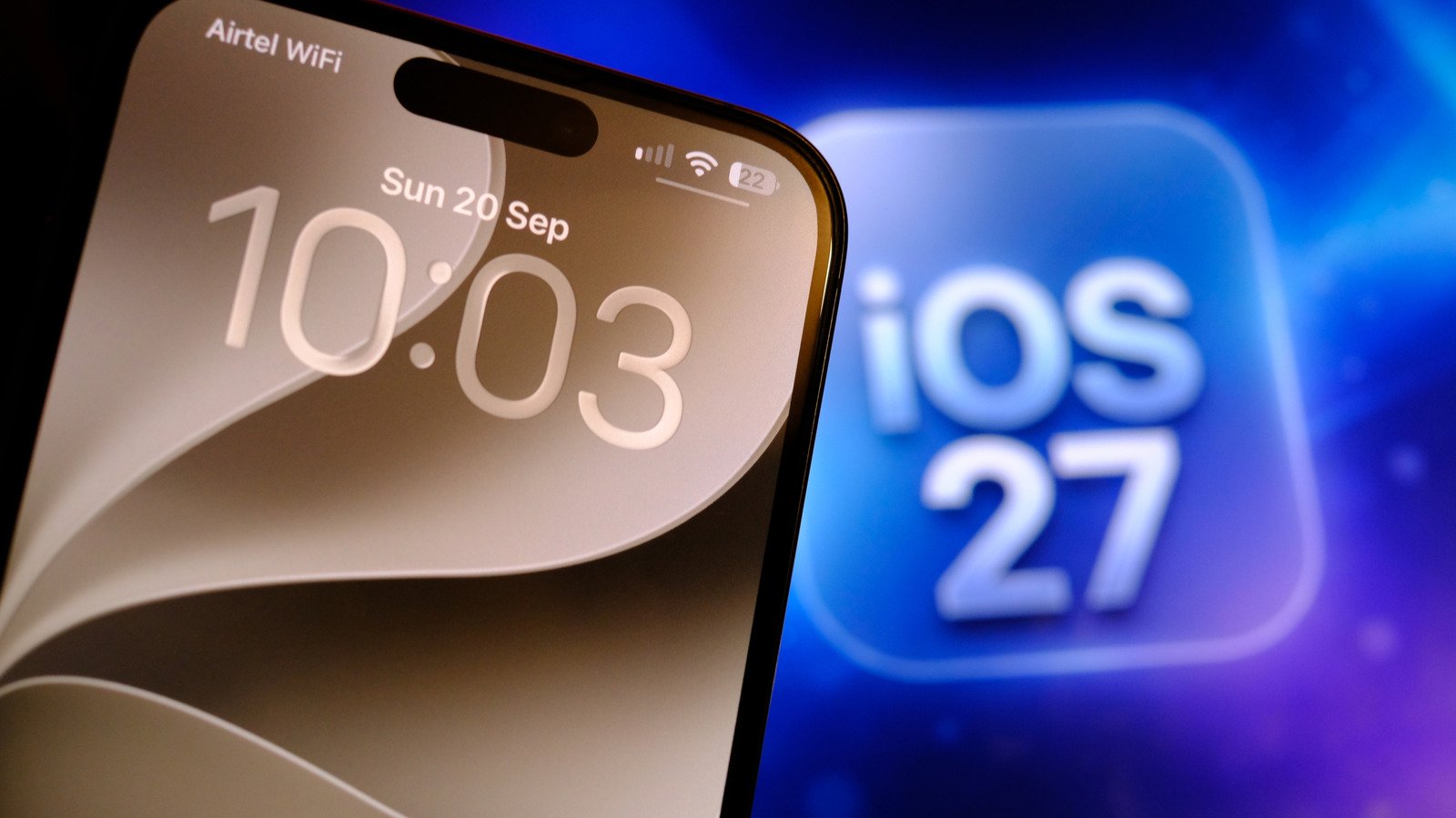
    iPhone in the foreground with iOS 27 on a screen in the background.
    Ravi_Sharma1030/Shutterstock

    There’s nothing wrong with subtitles, especially for those who need them, but releasing an update that turns them on automatically can be more than a little aggravating. With the iOS 27 release, there are certainly features you should be using after updating. But when the iPhone 15 Pro and later models drop text along the bottom of clips in content that uses Apple’s video player (when certain conditions are met), you start to question some of Apple’s choices. 

    The subtitle feature can kick on whenever the phone is muted and again when you rewind a video. It will also turn on when a video’s language doesn’t match your iPhone’s preferred language. Thankfully, you can turn it off easily enough by tapping the video to show the playback controls, opening More Controls and selecting Subtitles. From there, simply tap Off, and away it goes. The problem is that these subtitles can come right back on the next video.

    This is entirely separate from closed captions that come with a video, which have always been optional. What’s new is iOS deciding for you without making the feature optional from the jump, one of the many ways the iPhone has changed over the last five years. It’s simple enough to fix, sure, but perhaps it’s the principle of the thing. It’s especially noticeable on personal videos or random clips that friends or relatives send you. Unless you need the feature, it feels completely out of place.

    How to turn off iOS 27’s automatic subtitle triggers for good

    If turning off iOS 27’s subtitles on a case-by-case basis doesn’t sound appealing, there’s thankfully a way to turn them off for good. Open the Settings app, select Accessibility > Subtitles & Captioning > Automatic Subtitles and you’ll find three settings. Turn off When Languages Don’t Match if you don’t want subtitles to appear every time your iPhone detects a language that doesn’t match your preferred language. You can also turn off Show When Muted if you don’t want captions to pop up when your iPhone is muted. Lastly, turn off Show on Skip Back if you find rewinding makes captions needlessly appear.

    Toggling these options off applies to videos in supported apps and Apple’s video player. Text embedded in a video won’t be affected, and apps with their own caption settings can still display their captions. After an update, run through the settings again, just in case Apple tries to be slick and turns some or all of those settings back on or adds a new subtitles feature along those lines. If you leave any one of the three toggled on, you’ll see captions under that particular condition. You can also disable or restrict your iPhone’s Apple Intelligence features if there are other tools you’d rather keep switched off.

    What you can do if your subtitles won’t turn off


    iPhone screen showing assortment of streaming apps.
    Hapabapa/Getty Images

    If you find that subtitles are still appearing even after you’ve changed the settings detailed above, check the app’s own caption controls. You can also try to close out the app and reopen it to possibly force the settings to take effect. Apps that don’t support these settings may require you to turn captions off within the app itself. There are plenty of streaming apps and websites that generate their own captions and have their own CC or subtitles button, so it’s something to keep an eye on.

    Thankfully, you can still leave captions on for specific situations. If you watch a lot of videos in environments where you can’t crank up the sound, the Show When Muted setting is fine to leave on by itself. That alone won’t trigger captions if you have the volume up. This way, you can keep captions available when you need them without having them appear every time you watch a video.

    Automatic iOS Simply Subtitles Turn
    Share. Facebook Twitter Pinterest LinkedIn Tumblr Email
    admin
    • Website

    Related Posts

    The Risks Of Using Alcohol Wipes On Your Laptop Screen

    November 28, 2026

    How To Get Warnings About Speed Cameras In Android Auto

    November 28, 2026

    The Best Black Friday MacBook Deals Take Up to $300 Off

    November 28, 2026
    Leave A Reply Cancel Reply

    Top Posts

    NVIDIA Is Investigating Reports That CEO Jensen Huang Was The Target Of Chinese Spy Efforts

    November 8, 202620 Views

    Mixture of Experts Explained

    November 13, 202610 Views

    Anthropic launches Claude Meetings to turn workplace discussions into plans and tasks

    November 10, 20269 Views

    Finetuning olmOCR to be a faithful OCR-Engine

    November 10, 20268 Views
    Don't Miss
    Gadgets & Smart Devices

    The Risks Of Using Alcohol Wipes On Your Laptop Screen

    By adminNovember 28, 20260

    Your screen may look like it can handle a quick disinfecting swipe, but the manufacturers…

    iOS 27 Has Automatic Subtitles, But You Can Simply Turn Them Off

    November 28, 2026

    How To Get Warnings About Speed Cameras In Android Auto

    November 28, 2026

    The Best Black Friday MacBook Deals Take Up to $300 Off

    November 28, 2026
    About Us

    Welcome to TechWave Dispatch

    At TechWave Dispatch, we bring you the latest news, insights, and developments from the ever-evolving world of technology. Our mission is to keep readers informed about the innovations shaping our digital future.

    From artificial intelligence and machine learning to cybersecurity, robotics, smart devices, and groundbreaking technologies, we cover the topics that matter in today's fast-moving tech landscape.

    Our Picks

    The Risks Of Using Alcohol Wipes On Your Laptop Screen

    November 28, 2026

    iOS 27 Has Automatic Subtitles, But You Can Simply Turn Them Off

    November 28, 2026

    How To Get Warnings About Speed Cameras In Android Auto

    November 28, 2026
    Most Popular

    Why the 2026 Solar Eclipse Will Reshape Corona Studies

    November 6, 20260 Views

    A new way for LLMs to retain knowledge in continual learning

    November 6, 20260 Views

    Can a Radar-Equipped AC Actually Cut Your Power Bill?

    November 6, 20260 Views
    Facebook X (Twitter) Instagram Pinterest
    • Terms and Conditions
    • Privacy Policy
    • Contact Us
    • About Us
    © 2026 TechWave Dispatch. All Rights Reserved.

    Type above and press Enter to search. Press Esc to cancel.