Close Menu
techwavedispatch.com

    Subscribe to Updates

    Get the latest creative news from FooBar about art, design and business.

    What's Hot

    Meet Colette Kress, Nvidia’s New Interim CEO

    November 12, 2026

    Jensen Huang resigns as Nvidia CEO after espionage scandal wipes out $1.4 trillion in market value

    November 12, 2026

    Nvidia CEO Jensen Huang resigns amid spy, affair scandals

    November 12, 2026
    Facebook X (Twitter) Instagram
    Trending
    • Meet Colette Kress, Nvidia’s New Interim CEO
    • Jensen Huang resigns as Nvidia CEO after espionage scandal wipes out $1.4 trillion in market value
    • Nvidia CEO Jensen Huang resigns amid spy, affair scandals
    • Jensen Huang Is Out As NVIDIA CEO
    • Hundreds of streaming services and nothing to watch
    • How well can your Multimodal model jointly reason over text and image in text-rich scenes?
    • Apple’s HomeView Tries Face Authentication Without FaceID
    • Apple HomeView review: Siri AI comes home
    Facebook X (Twitter) Instagram
    techwavedispatch.com
    Subscribe
    Thursday, November 12
    • Home
    • AI Tools & Software
    • Machine Learning
    • Generative AI
    • Robotics & Automation
    • Future Tech & Hardware
    • AI in Business
    • Ethics & Regulations
    • More
      • Gadgets & Smart Devices
      • Cybersecurity & AI
      • Tech Breakthroughs
    techwavedispatch.com
    Home»Gadgets & Smart Devices»How iOS Can Warn You When One Of Your Passwords Shows Up In A Data Leak
    Gadgets & Smart Devices

    How iOS Can Warn You When One Of Your Passwords Shows Up In A Data Leak

    adminBy adminNovember 7, 2026No Comments4 Mins Read
    Facebook Twitter Pinterest LinkedIn Tumblr Email
    How iOS Can Warn You When One Of Your Passwords Shows Up In A Data Leak
    Share
    Facebook Twitter LinkedIn Pinterest Email

    A password leak warning doesn’t necessarily mean your account was hacked. Here’s how Apple’s alerts work and what to do next.


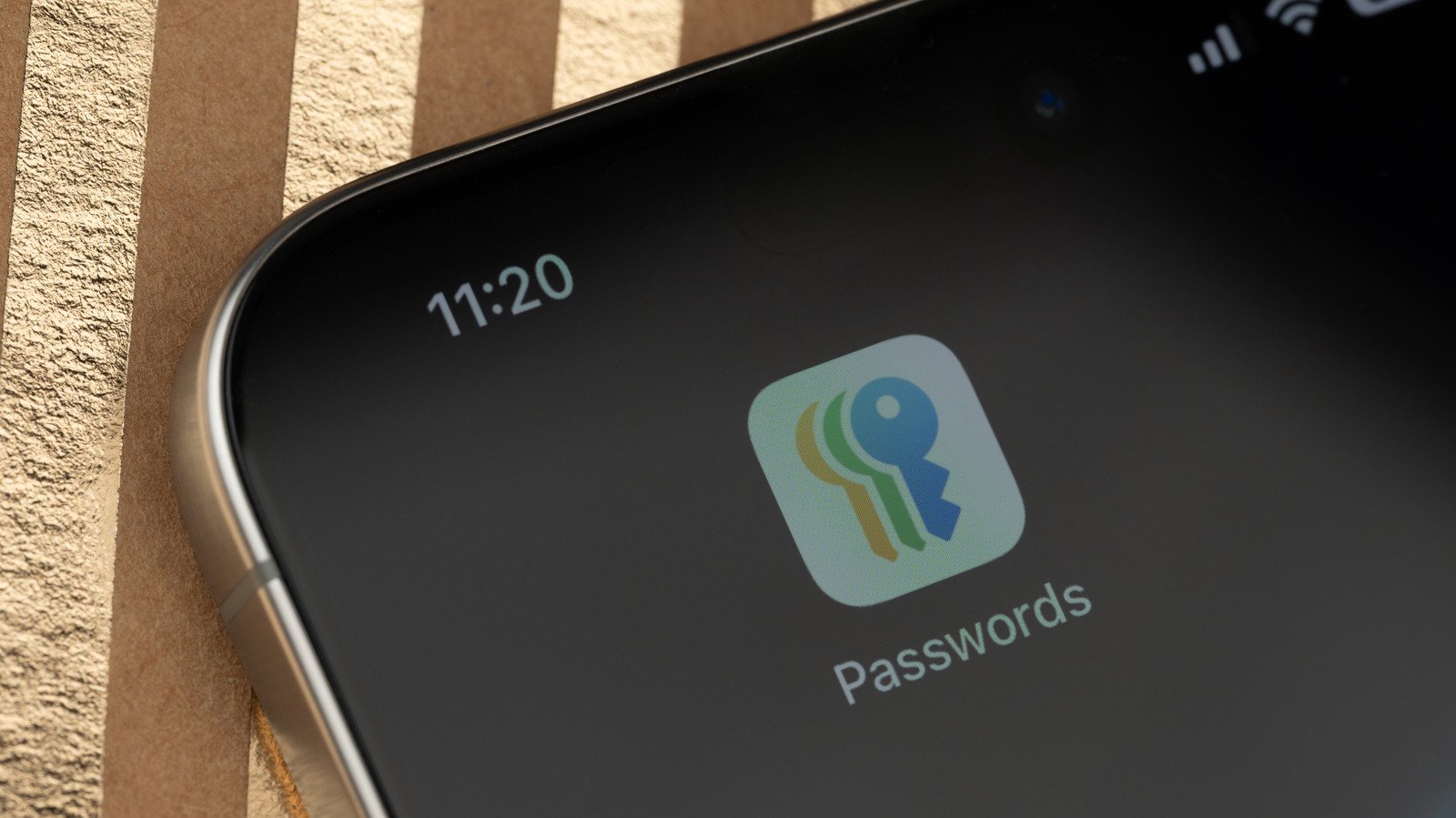
    Close-up of an iPhone screen displaying Apple's Passwords app icon.
    PixieMe/Shutterstock

    While many iPhone notifications can be easily dismissed, a warning that a saved password may have appeared in a data leak is harder to ignore. It makes you wonder if someone has accessed your account or if Apple’s tool is flagging a password that could be misused. Either way, you can quickly find out which logins require attention rather than spending the day guessing.

    Apple’s password warnings are real, but they don’t necessarily mean your iPhone was hacked or that someone got into your accounts. iOS compares passwords stored in the Passwords app with leaked password data, even if the website listed hasn’t reported a breach. The warning isn’t the only opportunity to take action: flagged accounts are stored in the Passwords app for your review. Here’s how Apple checks for leaked passwords and what to do about the ones it flags.

    How iOS knows your password appeared in a leak


    An iPhone showing the Security section of Apple's Passwords app with several compromised-password warnings.
    Husain Parvez for Engadget

    The free Passwords app provides a safe repository for logins and passkeys, which can be synced via iCloud Keychain with end-to-end encryption. If you’re already invested in Apple’s ecosystem, it’s a great option for creating strong passwords and autofilling them on websites and apps. While Apple doesn’t have a native iCloud Passwords app for Android, Windows users can access it via Chrome or Edge after setting up iCloud for Windows and the browser extension.

    To know if any passwords have been compromised, your iPhone checks your saved credentials against a local list of commonly leaked passwords. For passwords that aren’t on that list, your iPhone uses privacy-preserving cryptographic checks with Apple’s servers, sending information derived from the password rather than the password itself. Apple says it doesn’t keep that information either.

    Importantly, Apple’s warning doesn’t specify where a password was leaked. If you’ve used the same password on a forum and your bank, a forum hack could compromise the more important account as well. Apple also flags weak or reused passwords, which aren’t necessarily associated with known leaks. 

    Google Password Manager offers similar checks through Chrome on iPhone, though it of course checks passwords saved with Google. Other password managers like 1Password offer similar functionality.

    How to check for and change leaked passwords on iPhone


    Two iPhone screenshots showing the Security category in Apple's Passwords app and the Change Password on Website button for a flagged account.
    Husain Parvez for Engadget

    Apple introduced a new app for password management in iOS 18, eliminating the need to navigate through Settings to access security alerts. Open Passwords and authenticate with Face ID, Touch ID or your passcode, then follow these steps:

    1. Tap Security to view accounts that have flagged passwords. If you don’t see the category, return to the app’s main screen.
    2. Choose an impacted account and see if its password is marked as leaked, reused or weak.
    3. Tap Change Password to go to the service’s website or app, where you can change the exposed credential to a unique one.

    Keep in mind that simply changing the password stored in Apple’s app (or any password manager) won’t automatically change your account password. You need to update the password on the website first, then update the saved credentials to match. Most password managers should catch when you make this change and offer to update their stored information. 

    If you’ve reused a password on multiple accounts, change it everywhere, especially for email and banking accounts. Also consider passkeys, which can replace the traditional password on websites that support them, and enable two-factor authentication as another important layer of security.

    In case you’ve been using Passwords for a while and have never seen these alerts, check if monitoring is turned on by going to Settings > Apps > Passwords > Detect Compromised Passwords. And if you receive a suspicious email, text or browser pop-up message that says your password has been leaked, ignore the links and look at the Passwords app. Hiding a security recommendation doesn’t fix the password behind it, but falling for a fake security alert causes its own problems.

    data iOS leak passwords shows Warn
    Share. Facebook Twitter Pinterest LinkedIn Tumblr Email
    admin
    • Website

    Related Posts

    Jensen Huang Is Out As NVIDIA CEO

    November 12, 2026

    Apple HomeView review: Siri AI comes home

    November 12, 2026

    Exclusive: Fairphone Lands Its First US Carrier Partner in Boost Mobile

    November 12, 2026
    Leave A Reply Cancel Reply

    Top Posts

    NVIDIA Is Investigating Reports That CEO Jensen Huang Was The Target Of Chinese Spy Efforts

    November 8, 202619 Views

    Anthropic releases new Mythos and Fable models amid RSI concerns

    November 9, 20265 Views

    ADIndex: Layer-Adaptive Sparse Attention Indexing via Group-Level Distillation

    November 11, 20264 Views

    Efficient Vision-Language-Action Model trained on Lerobot Community Data

    November 10, 20264 Views
    Don't Miss
    AI in Business

    Meet Colette Kress, Nvidia’s New Interim CEO

    By adminNovember 12, 20260

    Nvidia’s CEO and cofounder Jensen Huang is officially out, and longtime chief financial officer Colette…

    Jensen Huang resigns as Nvidia CEO after espionage scandal wipes out $1.4 trillion in market value

    November 12, 2026

    Nvidia CEO Jensen Huang resigns amid spy, affair scandals

    November 12, 2026

    Jensen Huang Is Out As NVIDIA CEO

    November 12, 2026
    About Us

    Welcome to TechWave Dispatch

    At TechWave Dispatch, we bring you the latest news, insights, and developments from the ever-evolving world of technology. Our mission is to keep readers informed about the innovations shaping our digital future.

    From artificial intelligence and machine learning to cybersecurity, robotics, smart devices, and groundbreaking technologies, we cover the topics that matter in today's fast-moving tech landscape.

    Our Picks

    Meet Colette Kress, Nvidia’s New Interim CEO

    November 12, 2026

    Jensen Huang resigns as Nvidia CEO after espionage scandal wipes out $1.4 trillion in market value

    November 12, 2026

    Nvidia CEO Jensen Huang resigns amid spy, affair scandals

    November 12, 2026
    Most Popular

    Who Controls Scientific Discovery? – O’Reilly

    November 6, 20260 Views

    After blocking Muse, Amazon now lets users text Alexa to help them shop

    November 6, 20260 Views

    A controlled world for robot learning and evaluation

    November 6, 20260 Views
    Facebook X (Twitter) Instagram Pinterest
    • Terms and Conditions
    • Privacy Policy
    • Contact Us
    • About Us
    © 2026 TechWave Dispatch. All Rights Reserved.

    Type above and press Enter to search. Press Esc to cancel.