

Updated! (September 2025) This post has been updated with the latest Gradio MCP features including Resources, Prompts, enhanced authentication, and many more.
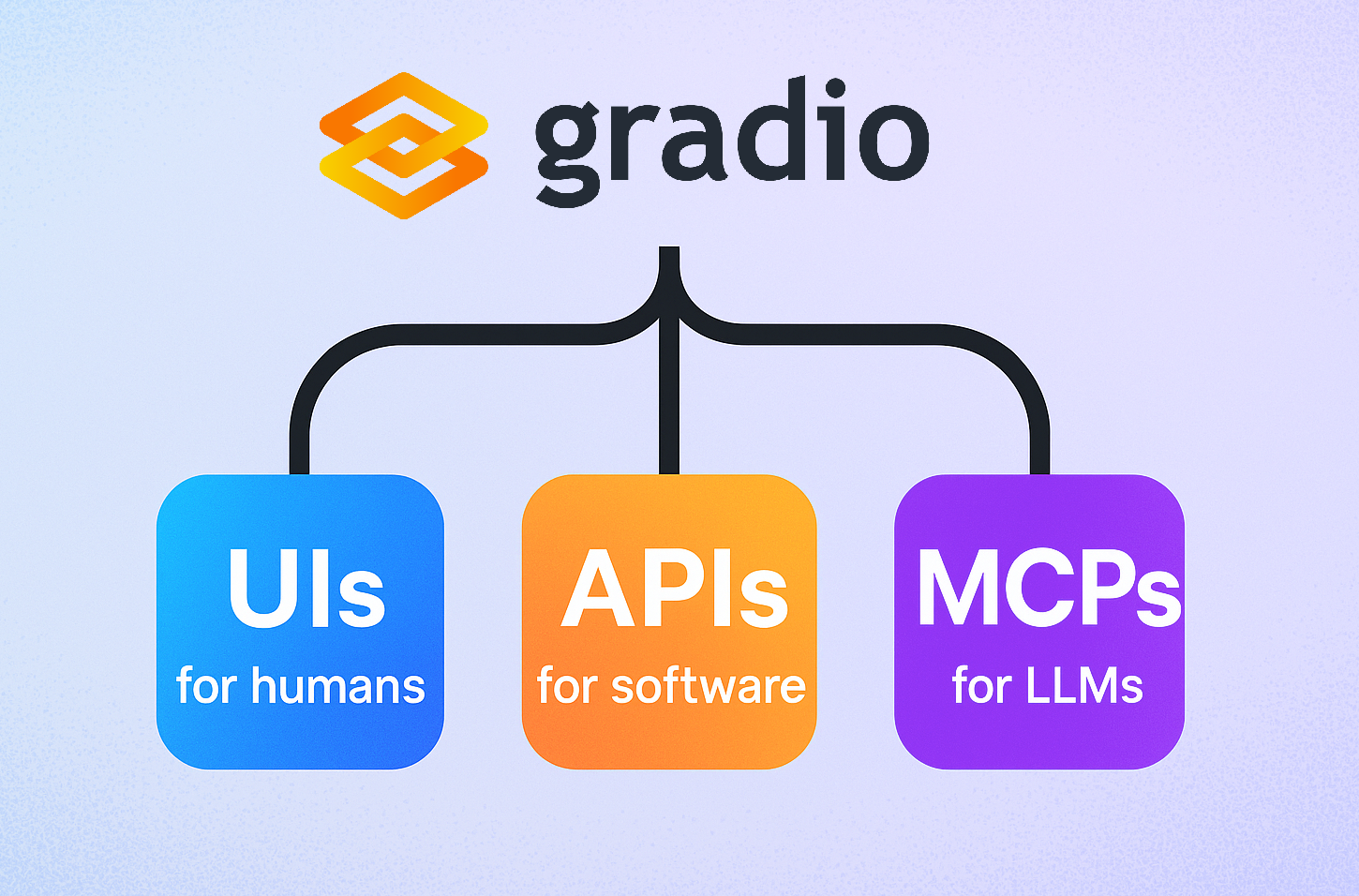
Gradio is a Python library used by more than 1 million developers each month to build interfaces for machine learning models. Beyond just creating UIs, Gradio also exposes API capabilities and — now! — Gradio apps can be launched Model Context Protocol (MCP) servers for LLMs. This means that your Gradio app, whether it’s an image generator or a tax calculator or something else entirely, can be called as a tool by an LLM.
This guide will show you how to use Gradio to build an MCP server in just a few lines of Python.
Prerequisites
If not already installed, please install Gradio with the MCP extra:
pip install "gradio[mcp]"
This will install the necessary dependencies, including the mcp package. You’ll also need an LLM application that supports tool calling using the MCP protocol, such as Claude Desktop, Cursor, or Cline (these are known as “MCP Clients”).
Why Build an MCP Server?
An MCP server is a standardized way to expose tools so that they can be used by LLMs. An MCP server can provide LLMs with all kinds of additional capabilities, such as the ability to generate or edit images, synthesize audio, or perform specific calculations such as prime factorize numbers.
Gradio makes it easy to build these MCP servers, turning any Python function into a tool that LLMs can use.
Example: Counting Letters in a Word
LLMs are famously not great at counting the number of letters in a word (e.g., the number of “r”s in “strawberry”). But what if we equip them with a tool to help? Let’s start by writing a simple Gradio app that counts the number of letters in a word or phrase:
import gradio as gr

def letter_counter(word, letter):
    """Count the occurrences of a specific letter in a word.

    Args:
        word: The word or phrase to analyze
        letter: The letter to count occurrences of

    Returns:
        The number of times the letter appears in the word
    """
    return word.lower().count(letter.lower())

demo = gr.Interface(
    fn=letter_counter,
    inputs=["text", "text"],
    outputs="number",
    title="Letter Counter",
    description="Count how many times a letter appears in a word"
)

demo.launch(mcp_server=True)
Notice that we have set mcp_server=True in .launch(). This is all that’s needed for your Gradio app to serve as an MCP server! Now, when you run this app, it will:
- Start the regular Gradio web interface
- Start the MCP server
- Print the MCP server URL in the console
The MCP server will be accessible at:
http://your-server:port/gradio_api/mcp/sse
Gradio automatically converts the letter_counter function into an MCP tool that can be used by LLMs. The docstring of the function is used to generate the description of the tool and its parameters.
All you need to do is add this URL endpoint to your MCP Client (e.g., Cursor, Cline, or Tiny Agents), which typically means pasting this config in the settings:
{
  "mcpServers": {
    "gradio": {
      "url": "http://your-server:port/gradio_api/mcp/sse"
    }
  }
}
Some MCP Clients, notably Claude Desktop, do not yet support SSE-based MCP Servers. In those cases, you can use a tool such as mcp-remote. First install Node.js. Then, add the following to your own MCP Client config:
{
  "mcpServers": {
    "gradio": {
      "command": "npx",
      "args": [
        "mcp-remote",
        "http://your-server:port/gradio_api/mcp/sse"
      ]
    }
  }
}
(By the way, you can find the exact config to copy-paste by going to the “View API” link in the footer of your Gradio app, and then clicking on “MCP”).

Recent Major Improvements
Gradio has recently added several powerful features to MCP servers. For a detailed overview of five major improvements including seamless local file support, real-time progress notifications, OpenAPI to MCP transformation, enhanced authentication, and customizable tool descriptions, check out our dedicated blog post: Five Big Improvements to Gradio MCP Servers.
Advanced MCP Features
MCP Resources and Prompts
Beyond tools, MCP supports resources (for exposing data) and prompts (for defining reusable templates). Gradio provides decorators to easily create MCP servers with all three capabilities. You can read more in our dedicated guide, here:
import gradio as gr

@gr.mcp.tool()
def add(a: int, b: int) -> int:
    """Add two numbers"""
    return a + b

@gr.mcp.resource("greeting://{name}")
def get_greeting(name: str) -> str:
    """Get a personalized greeting"""
    return f"Hello, {name}!"

@gr.mcp.prompt()
def greet_user(name: str, style: str = "friendly") -> str:
    """Generate a greeting prompt"""
    styles = {
        "friendly": "Please write a warm, friendly greeting",
        "formal": "Please write a formal, professional greeting",
        "casual": "Please write a casual, relaxed greeting",
    }
    return f"{styles.get(style, styles['friendly'])} for someone named {name}."

demo = gr.TabbedInterface(
    [
        gr.Interface(add, [gr.Number(value=1), gr.Number(value=2)], gr.Number()),
        gr.Interface(get_greeting, gr.Textbox("Abubakar"), gr.Textbox()),
        gr.Interface(greet_user, [gr.Textbox("Abubakar"), gr.Dropdown(choices=["friendly", "formal", "casual"])], gr.Textbox()),
    ],
    ["Add", "Get Greeting", "Greet User"]
)

demo.launch(mcp_server=True)
MCP-Only Functions
Gradio also allows you to create functions that only appear in the MCP server (not in the UI) using gr.api():
import gradio as gr

def slice_list(lst: list, start: int, end: int) -> list:
    """
    A tool that slices a list given a start and end index.
    Args:
        lst: The list to slice.
        start: The start index.
        end: The end index.
    Returns:
        The sliced list.
    """
    return lst[start:end]

with gr.Blocks() as demo:
    gr.Markdown("This app includes MCP-only tools not visible in the UI.")
    gr.api(slice_list)

demo.launch(mcp_server=True)
Key features of the Gradio <> MCP Integration
-
Tool Conversion: Each API endpoint in your Gradio app is automatically converted into an MCP tool with a corresponding name, description, and input schema. To view the tools and schemas, visit
http://your-server:port/gradio_api/mcp/schemaor go to the “View API” link in the footer of your Gradio app, and then click on “MCP”.Gradio allows developers to create sophisticated interfaces using simple Python code that offer dynamic UI manipulation for immediate visual feedback.
-
Environment variable support. There are two ways to enable the MCP server functionality:
-
Using the
mcp_serverparameter, as shown above:demo.launch(mcp_server=True) -
Using environment variables:
export GRADIO_MCP_SERVER=True
-
-
File Handling: The server automatically handles file data conversions, including:
- Converting base64-encoded strings to file data
- Processing image files and returning them in the correct format
- Managing temporary file storage
- Automatic file upload MCP server for seamless local file support
Recent Gradio updates have improved its image handling capabilities with features like Photoshop-style zoom and pan and full transparency control.
-
Performance Analytics: Gradio automatically tracks and displays performance metrics for all your MCP tools and API endpoints. View success rates, latency percentiles, and request counts directly in the “View API” page to help you and your users choose the most reliable and fastest tools. Metrics are color-coded: green for 100% success, red for 0% success, and orange for in-between rates.
-
Hosted MCP Servers on 🤗 Spaces: You can publish your Gradio application for free on Hugging Face Spaces, which will allow you to have a free hosted MCP server. Gradio is part of a broader ecosystem that includes Python and JavaScript libraries for building or querying machine learning applications programmatically.
Here’s an example of such a Space: https://huggingface.co/spaces/abidlabs/mcp-tools. Notice that you can add this config to your MCP Client to start using the tools from this Space immediately:
{
  "mcpServers": {
    "gradio": {
      "url": "https://abidlabs-mcp-tools.hf.space/gradio_api/mcp/sse"
    }
  }
}
Private Spaces Authentication
You can also use private Huggingface Spaces as MCP servers by providing authentication:
{
  "mcpServers": {
    "gradio": {
      "url": "https://your-private-space.hf.space/gradio_api/mcp/sse",
      "headers": {
        "Authorization": "Bearer "
      }
    }
  }
}
Conclusion
By using Gradio to build your MCP server, you can easily add many different kinds of custom functionality to your LLM. With the recent improvements including resources, prompts, better authentication, file handling, and performance metrics, Gradio provides a comprehensive platform for building sophisticated MCP servers.
Further Reading
If you want to dive deeper, here are some articles that we recommend:
