

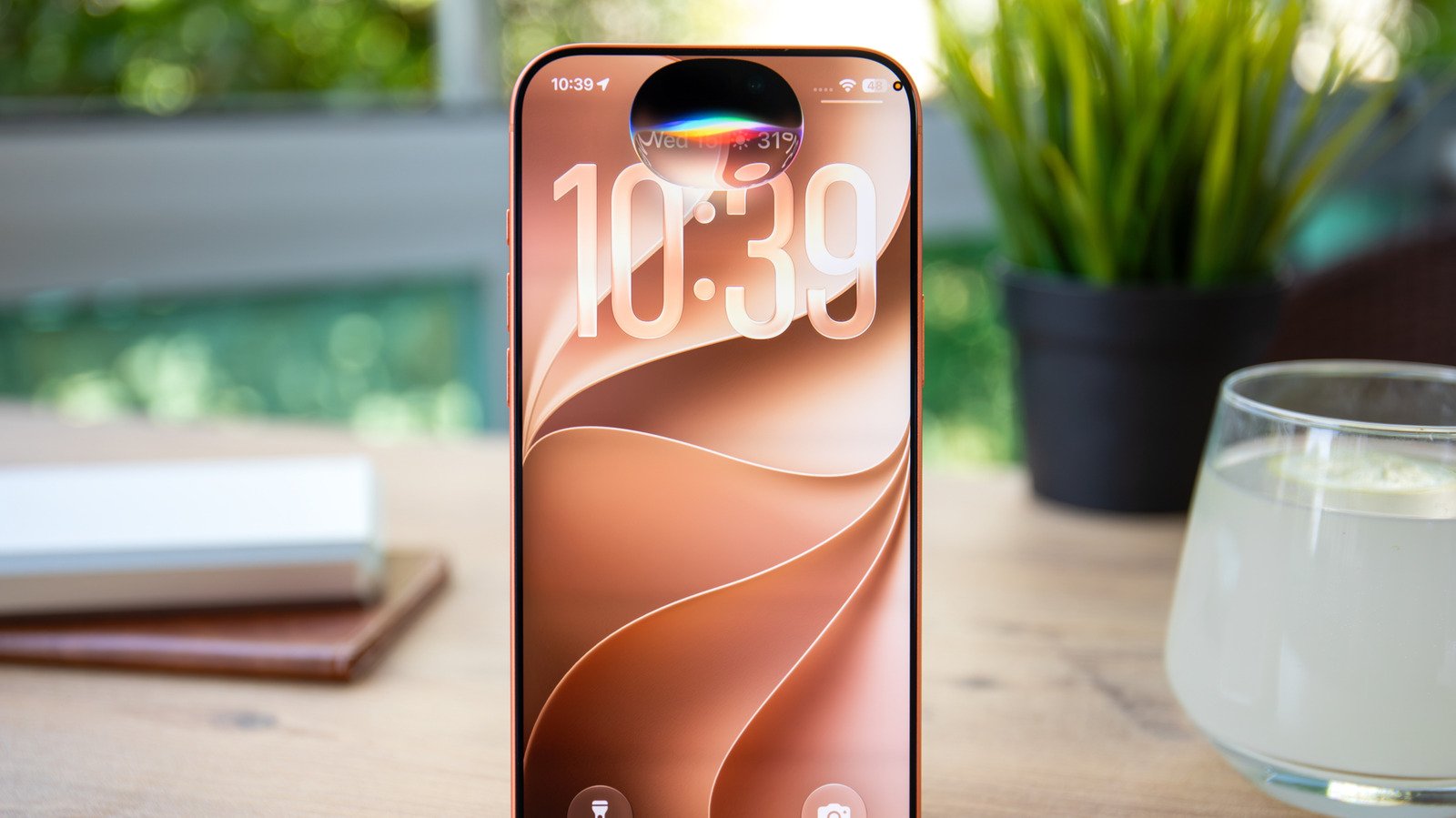
From new Siri AI tricks to interface tweaks for the iPhone Duo, here’s everything new coming with iOS 27.3.
Apple released iOS 27.2 in October, which introduced several improvements to Siri AI, but the company hasn’t stopped there. It has already started working on iOS 27.3, which will be the next major update for iPhone users. This upcoming version is still in beta and isn’t expected to be released to the public before December, but the first developer preview gives us a good idea of what’s coming next for Apple devices. The beta adds even more capabilities to Siri AI, which now integrates better with third-party apps, and also introduces a redesigned Health app. It’s also the first version of the OS to enable Siri Recap on the Apple Watch.
Siri AI learns new actions
Siri AI arrived with iOS 27 in September and was a huge leap forward for the virtual assistant. October’s iOS 27.2 update added support for more languages, such as French, Japanese and Portuguese, and iOS 27.3 will expand Siri AI’s capabilities even further. The assistant now has multiple new actions for most of Apple’s first-party apps, such as Calendar, Mail, Messages, Photos and Safari. You can ask Siri to create a new playlist for you on Apple Music, schedule an iMessage for later or rotate a photo for you. The update makes Siri much more proactive, and it doesn’t stop there.
The biggest change in iOS 27.3 is a new API for Siri AI that helps app developers better integrate their apps with the assistant. While some apps can already interact with Siri, these interactions are mostly limited to basic commands and answering questions. Soon, Siri AI will be able to control apps using App Intents, letting you order dinner or book a table just by talking to Siri, for example.
Apple says the feature is experimental and intended only for development purposes. Apps with full Siri AI support won’t be allowed on the App Store until spring 2027, so you’ll have to wait a bit longer to control your favorite apps with Siri. Like the iOS 27.2 update, the upcoming update also adds new languages, namely Traditional Chinese, Vietnamese, Turkish and Norwegian.
The redesigned Health app is here
Apple teased a redesigned Health app a while ago with the iOS 27.2 beta but pulled it from the final release. Now, the redesigned Health app is back in the first iOS 27.3 beta, and it looks like Apple is ready to make it available to the public next month.
The redesign divides the app into three tabs: Insights, Longevity and Browse. With Insights, Apple provides a new and easier way to understand your health data, which is especially useful for Apple Watch users. It shows your activity history, average steps, heart rate and sleep data, although it’s worth noting that the tab relies on Apple Intelligence, so it only works with iPhone 15 Pro or newer.
Longevity uses several metrics to give you an overview of your health, letting you know whether everything’s in good shape and what to pay closer attention to, such as sleep or hearing. Apple Watch owners will also see a Health Age metric, which compares your numbers to what’s typical for someone your age. The app also keeps the Browse tab with all the data available in the Health app.
Safari gains Vertical Tabs and Adaptive Dark Mode
Safari in iOS 27.3 gets two new features that users have been asking for for years, starting with Vertical Tabs. Like Chrome and other browsers, Safari users can now switch to a vertical tab layout instead of the traditional top bar. By default, tabs are shown as small icons, but the tab column can also show the page titles. The good news is that the new layout is optional, so if you prefer the classic tabs at the top, you can keep using it.
The second new feature is Adaptive Dark Mode, and this is a big one. For years, Safari has supported dark mode on websites, which ensures the page matches the theme you’re using on your device. The thing is, many websites never implemented dark mode support, so you were liable to get blinded by a bright white page. Those days are over with iOS 27.3 if you enable Adaptive Dark Mode. When turned on, Safari quickly learns the page’s layout and adapts it to dark mode if it doesn’t support it natively. It doesn’t work on all webpages, but it helps make browsing much more comfortable for those who use dark mode.
The iPhone Duo gets easier to use with one hand
The iPhone Duo is certainly one of the most exciting iPhones of all time, but its new form factor makes it a bit tricky to use one-handed when it’s closed. Apple’s response to this was to bring Reachability to the Duo with iOS 27.3. Although it shares the same name as the feature introduced with the iPhone 6 in 2014, it now works differently: instead of pulling the screen down, it lets users swipe from the side edges to move the interface to the left or right, closer to their thumbs. It’s an accessibility feature that’s off by default, but if you don’t like using your iPhone Duo folded up, it’s definitely worth a try.
iOS 27.3 brings other improvements to the iPhone Duo, including a revised keyboard with extra padding above the top row of keys, meant to make typing easier on the wide display. Non-Duo owners also get an upgrade, with iOS 27.3 bringing the Duo’s upgraded Standby mode to all supported phones. It still requires you to plug your iPhone into a charger and place it horizontally, but at least it now features the same redesigned clocks and widgets available on the Duo.
Live Rewind and Siri Recap come to Apple Watch
One standout feature of the new Apple Watch Series 12 and Ultra 4 is Audio Intelligence, which turns the Apple Watch into an always-listening AI device . However, Apple shipped the new watches without this feature enabled, promising that it would become available later in 2026. That time is now: the first beta of iOS 27.3 finally enables Audio Intelligence on these models.
Audio Intelligence consists of two features, Live Rewind and Siri Recap. Live Rewind recaps everything said in the last 15 seconds. You trigger it by double-pressing the Digital Crown, and the watch shows a transcript of the conversation you just had. The other feature is Siri Recap, which runs silently in the background. During the times and in the locations you set, your Apple Watch will listen to your conversations and summarize key points.
To protect your privacy, the feature is opt-in and doesn’t transcribe everything that was said verbatim. It also omits sensitive details such as financial information. The recaps are stored in the Siri app and automatically deleted after a week unless you save them. These features won’t be available on older Apple Watch models, so you’ll need to buy either a Series 12 or an Ultra 4 to use them once iOS 27.3 and watchOS 27.3 become available.
