Close Menu
techwavedispatch.com

    Subscribe to Updates

    Get the latest creative news from FooBar about art, design and business.

    What's Hot

    How To Safely Clean Your PC’s GPU To Avoid Damaging It In The Process

    November 22, 2026

    Why Your Monitor Flickers When You Turn It On And Can It Be Fixed?

    November 22, 2026

    The Cool Phone Camera Trick That Can Test Your Remote Control’s Battery

    November 22, 2026
    Facebook X (Twitter) Instagram
    Trending
    • How To Safely Clean Your PC’s GPU To Avoid Damaging It In The Process
    • Why Your Monitor Flickers When You Turn It On And Can It Be Fixed?
    • The Cool Phone Camera Trick That Can Test Your Remote Control’s Battery
    • Which Solar Panel Type Is Best For Your Home?
    • OpenAI’s chief scientist has thoughts on how to limit AI development
    • How Secure Is Your Password? Here’s How To Test It
    • These iOS Settings Will Help You Control Your Mobile Data Use
    • What The Tiny Key Icon Means On Your Android Device
    Facebook X (Twitter) Instagram
    techwavedispatch.com
    Subscribe
    Sunday, November 22
    • Home
    • AI Tools & Software
    • Machine Learning
    • Generative AI
    • Robotics & Automation
    • Future Tech & Hardware
    • AI in Business
    • Ethics & Regulations
    • More
      • Gadgets & Smart Devices
      • Cybersecurity & AI
      • Tech Breakthroughs
    techwavedispatch.com
    Home»Gadgets & Smart Devices»Why Your Monitor Flickers When You Turn It On And Can It Be Fixed?
    Gadgets & Smart Devices

    Why Your Monitor Flickers When You Turn It On And Can It Be Fixed?

    adminBy adminNovember 22, 2026No Comments4 Mins Read
    Facebook Twitter Pinterest LinkedIn Tumblr Email
    Why Your Monitor Flickers When You Turn It On And Can It Be Fixed?
    Share
    Facebook Twitter LinkedIn Pinterest Email

    Your screen might be telling you something.


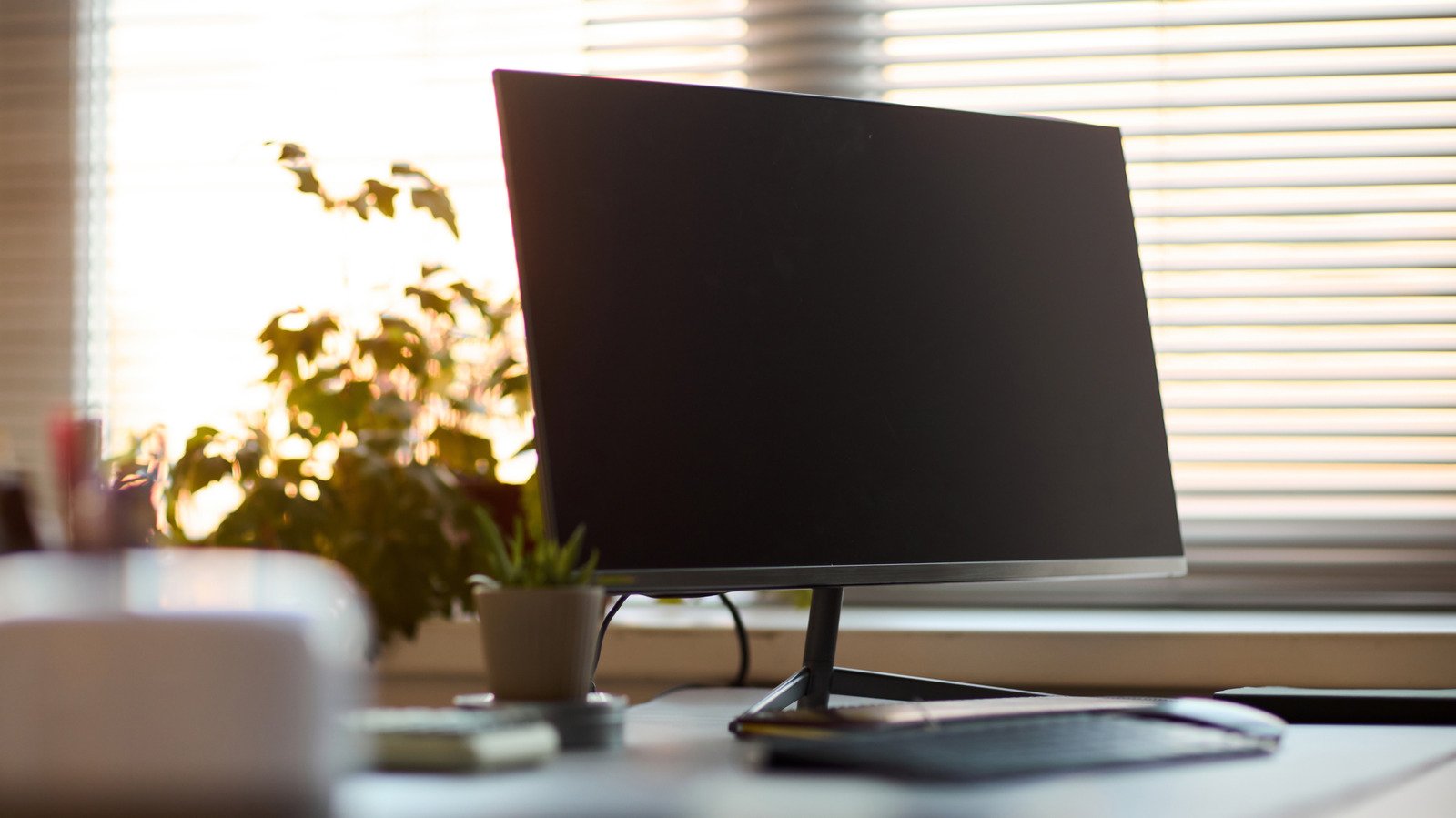
    A computer monitor on a desk in front of blinds.
    Dragon Images/Shutterstock

    If you’re someone who spends a decent amount of time in front of a computer, perhaps at work or during long gaming sessions, you may have noticed just how finicky certain parts of your computer can be. That’s especially true of its peripherals and accessories, with one of the usual suspects being your monitor.

    Turning on your monitor and noticing some unusual oddities, specifically flickering, may seem like an apocalyptic beginning to your day. Monitors of decent quality are pretty affordable today, but no one wants to spend money on a new display if they don’t have to. Thankfully, your computer monitor is fairly easy to troubleshoot on a basic level in order to determine your ideal path forward.

    If it’s something more difficult to solve — something deeper at a hardware level — that can become a bit harder to resolve on your own. Taking some simple steps to determine the cause and potential fixes can save you a lot of headaches in the long run.

    The potential causes and fixes for a flickering monitor


    The back panel of a computer monitor on a white background.
    Delihayat/Getty Images

    A monitor starting to flicker could stem from a rather wide variety of different issues. One of the most common reasons for a flickering monitor is a loose or potentially faulty display cable, whether that’s a modern HDMI or DisplayPort cable, or even an older VGA one. Reinserting the cables or checking them for damage or fraying can be a quick fix.

    If you are suspicious that the cable is defective, you could also try swapping the cable out for a new one. If it’s not the cable, it may potentially be a bad port on the monitor or the PC itself, which would necessitate trying a different port on the monitor or computer if they have more than one. If you’re uncertain which one may potentially be causing the problem, you could also try hooking the monitor up to a different computer that you know with absolute certainty works. If it works without issue, you know who the culprit is.

    Barring a connection issue of some kind, a flickering monitor can also be caused by something at a software level. The first things to look into are your graphics drivers. Out-of-date graphics drivers are one of the most common causes of display issues, and a simple update to them may be just what you need. On the other hand, a graphics driver update does have the potential to actually cause display problems, so rolling back to a previous version could also work. 

    You may also be running into an issue with the monitor’s refresh rate. For example, if your monitor runs at 120Hz but your Windows 11 PC’s refresh rate is set to something entirely different, it can cause some havoc. In order to fix this, all you need to do is go to Settings, then find System on the left panel, then look for Display. Look for Advanced display, then change the refresh rate to match your monitor.

    How to tell if your monitor is actually dying


    A woman in front of a standing desk working on a project with a monitor in front of her.
    Martin-dm/Getty Images

    If you find that your flickering monitor can’t be fixed by any normal means, it may be time to look at the issues a little deeper. A consistent, almost shuttering flicker is a surefire sign that the monitor is about to crash and burn. That’s especially true when you’re unable to solve the issue at a hardware or software level.

    The monitor may also experience blackouts, as in sudden hard cuts to black, before returning to normal operation. Your display is quite keen about letting you know when something has gone haywire, and you can do a lot of diagnosing by just examining how your display is behaving.

    Faded, dim colors or vertical lines that are swimming through the screen are also a couple of telltale signs. If you think of your monitor like you would a TV and utilize similar modalities, you’ll be able to diagnose it in a similar way. If you’ve already exhausted all your other options but still find that your display looks unhealthy, then it most likely is.

    At this point, your options really narrow themselves down to two. You can either look for someone to repair the monitor or seek out a replacement. Whether you should replace or repair the monitor ultimately depends on your budget, but the price of new OLED and 4K screens is starting to tumble. In most cases, it may be better to sell it for parts or donate it and just buy something new.

    Fixed Flickers Monitor Turn
    Share. Facebook Twitter Pinterest LinkedIn Tumblr Email
    admin
    • Website

    Related Posts

    How To Safely Clean Your PC’s GPU To Avoid Damaging It In The Process

    November 22, 2026

    The Cool Phone Camera Trick That Can Test Your Remote Control’s Battery

    November 22, 2026

    Which Solar Panel Type Is Best For Your Home?

    November 22, 2026
    Leave A Reply Cancel Reply

    Top Posts

    NVIDIA Is Investigating Reports That CEO Jensen Huang Was The Target Of Chinese Spy Efforts

    November 8, 202619 Views

    ADIndex: Layer-Adaptive Sparse Attention Indexing via Group-Level Distillation

    November 11, 20266 Views

    Anthropic releases new Mythos and Fable models amid RSI concerns

    November 9, 20266 Views

    If AGI is so close, why is everyone leaving? The neolabs and their bets

    November 6, 20266 Views
    Don't Miss
    Gadgets & Smart Devices

    How To Safely Clean Your PC’s GPU To Avoid Damaging It In The Process

    By adminNovember 22, 20260

    Removing and cleaning a GPU can be intimidating, but it’s actually pretty simple. …

    Why Your Monitor Flickers When You Turn It On And Can It Be Fixed?

    November 22, 2026

    The Cool Phone Camera Trick That Can Test Your Remote Control’s Battery

    November 22, 2026

    Which Solar Panel Type Is Best For Your Home?

    November 22, 2026
    About Us

    Welcome to TechWave Dispatch

    At TechWave Dispatch, we bring you the latest news, insights, and developments from the ever-evolving world of technology. Our mission is to keep readers informed about the innovations shaping our digital future.

    From artificial intelligence and machine learning to cybersecurity, robotics, smart devices, and groundbreaking technologies, we cover the topics that matter in today's fast-moving tech landscape.

    Our Picks

    How To Safely Clean Your PC’s GPU To Avoid Damaging It In The Process

    November 22, 2026

    Why Your Monitor Flickers When You Turn It On And Can It Be Fixed?

    November 22, 2026

    The Cool Phone Camera Trick That Can Test Your Remote Control’s Battery

    November 22, 2026
    Most Popular

    Egyptian and Nigerian English join the Open ASR Leaderboard

    November 6, 20260 Views

    Ads in Chatbots Have Arrived. Here’s What’s Working—and What’s Not

    November 6, 20260 Views

    The General Purpose Pendulum – O’Reilly

    November 6, 20260 Views
    Facebook X (Twitter) Instagram Pinterest
    • Terms and Conditions
    • Privacy Policy
    • Contact Us
    • About Us
    © 2026 TechWave Dispatch. All Rights Reserved.

    Type above and press Enter to search. Press Esc to cancel.