Close Menu
techwavedispatch.com

    Subscribe to Updates

    Get the latest creative news from FooBar about art, design and business.

    What's Hot

    The Reason NVIDIA’s First GPU Was So Iconic

    November 28, 2026

    How Are Apple Passwords And Google Password Manager Different?

    November 28, 2026

    OpenAI’s new countersuit accuses Apple of ‘unlawfully pressuring vendors’

    November 28, 2026
    Facebook X (Twitter) Instagram
    Trending
    • The Reason NVIDIA’s First GPU Was So Iconic
    • How Are Apple Passwords And Google Password Manager Different?
    • OpenAI’s new countersuit accuses Apple of ‘unlawfully pressuring vendors’
    • How To Access The Hidden Developer Menu On Your Apple TV
    • NASA Is Sending A First-Of-Its-Kind Space Crop Growing System To The ISS
    • A Perk Of Buying Gadgets From Anker’s Official Store Instead Of Amazon
    • How To Permanently Delete Your PlayStation Account
    • Car Speakers Rattling? Try These Fixes Before Calling A Mechanic
    Facebook X (Twitter) Instagram
    techwavedispatch.com
    Subscribe
    Saturday, November 28
    • Home
    • AI Tools & Software
    • Machine Learning
    • Generative AI
    • Robotics & Automation
    • Future Tech & Hardware
    • AI in Business
    • Ethics & Regulations
    • More
      • Gadgets & Smart Devices
      • Cybersecurity & AI
      • Tech Breakthroughs
    techwavedispatch.com
    Home»Gadgets & Smart Devices»How Are Apple Passwords And Google Password Manager Different?
    Gadgets & Smart Devices

    How Are Apple Passwords And Google Password Manager Different?

    adminBy adminNovember 28, 2026No Comments4 Mins Read
    Facebook Twitter Pinterest LinkedIn Tumblr Email
    How Are Apple Passwords And Google Password Manager Different?
    Share
    Facebook Twitter LinkedIn Pinterest Email

    Apple Passwords and Google Password Manager are both free and both run on your iPhone, but each one takes care of your logins differently.


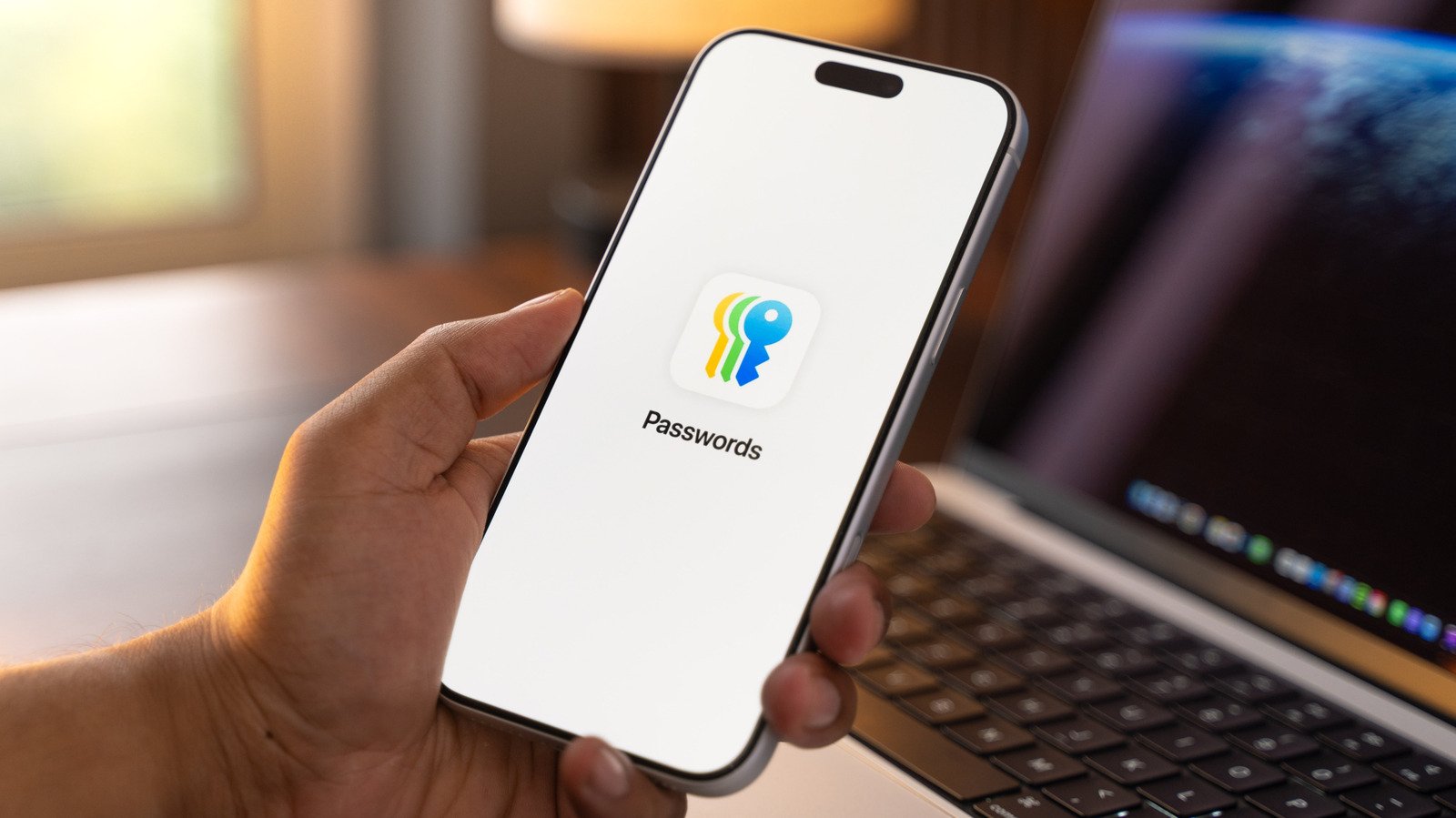
    Someone holding an iPhone with the Apple Passwords app logo on the screen.
    Stockinq/Shutterstock

    In the grand scheme of things, Apple Passwords and Google Password Manager are very similar, at least in terms of aesthetics and workflow. Both feature a long, single, scrollable column of usernames associated with their respective sites or apps. Clicking or tapping one opens its username and password. The obvious difference is that Google Password Manager is a webpage or built into Chrome (passwords.google.com), while using the Apple Passwords app means opening a standalone app on your iPhone, iPad or Mac.

    On an iOS device, Google Password Manager is built into Chrome, and your logins are stored in your Google account. The latter is convenient because it lets you access your passwords regardless of the browser. Just go to Google, tap your profile in the top right corner > Manage Your Google Account > Security & sign-in > Password Manager. It works exactly the same on macOS, regardless of browser. If you want the full Google Password capability on an iOS device, go to Settings > General > AutoFill & Passwords > toggle on Chrome.

    There’s a bit of a trade-off between the two as well. For instance, when using Apple Passwords on iOS or macOS, the feature is immediate and ready to roll the moment you set up your device. As long as you’re using Chrome, Google Password Manager works across the board, but takes an extra minute or two to set up. Apple does offer a Windows option through iCloud for Windows and a browser extension, but there is no Apple Passwords app for Android.

    How do they save and fill in logins on iPhone?

    Both ask you to save a new login whenever you sign up for something. Once the login is saved, the two password managers have mostly the same features. You can edit both and add notes below the username and password. Both password managers allow you to export as well. With iOS 26, Apple added a version history feature so you can look back on previous passwords before you changed them.

    Both password managers allow you to copy and paste in the same way, but the aesthetics are different. In Apple’s app, tap the password row, and a “Copy Password” bubble pops up. You can edit or add a note, and the entry shows when the password was last changed and rates it as strong or weak. Google gives each field its own copy button, the universal page-over-page symbol, plus an additional eye icon to reveal the password if you want to see it. However, on an iPhone, you have to use Chrome or go to the webpage to access the Google Password Manager and copy/paste. As with Apple’s app, you can add a little note, edit or delete Google passwords as well.

    Can you use both on one iPhone?


    Someone holding an Android phone with the Google Password logo on the screen.
    Stockinq/Shutterstock

    You can use either one or both at once. If you’re migrating from Android to iOS or Windows to Mac, you can haul your entire password library with you, as long as you remember your Google login information. You can start adding new passwords in the Apple Passwords app and keep right on using your Google passwords when needed. Keeping up with two password managers can get a bit messy, however, and it’s easier to stick with whichever you find is the best password manager for you.

    Passkeys magnify the confusion because iOS saves them to Apple’s Passwords app. Chrome on iOS 17 or later will save them to Google’s Password Manager instead, if you’ve set Chrome as your AutoFill provider and created a Google Password Manager PIN. Just keep in mind that Apple’s version syncs only across Apple devices and Windows PCs with iCloud for Windows. Google’s, on the other hand, syncs across all platforms as long as you’re using Chrome. In fact, it’s better to stick with Google’s Password Manager if you use a mix of platforms, such as iOS and Android, or PC and Mac.

    Regardless of which platform you stick with as your primary, both flag weak and reused passwords and alert you to leaked passwords. If you decide to go with Google, you can export all of your iOS or macOS passwords to Google without having to go out of your way. It’s a smooth process and doesn’t take long. On an iPhone, go to Settings > Apps > Safari > Export, select Passwords, then tap Save to Downloads > Done. From here, import them into your preferred password manager.

    Apple Google Manager password passwords
    Share. Facebook Twitter Pinterest LinkedIn Tumblr Email
    admin
    • Website

    Related Posts

    The Reason NVIDIA’s First GPU Was So Iconic

    November 28, 2026

    OpenAI’s new countersuit accuses Apple of ‘unlawfully pressuring vendors’

    November 28, 2026

    How To Access The Hidden Developer Menu On Your Apple TV

    November 28, 2026
    Leave A Reply Cancel Reply

    Top Posts

    NVIDIA Is Investigating Reports That CEO Jensen Huang Was The Target Of Chinese Spy Efforts

    November 8, 202620 Views

    Mixture of Experts Explained

    November 13, 202610 Views

    Anthropic launches Claude Meetings to turn workplace discussions into plans and tasks

    November 10, 20269 Views

    Finetuning olmOCR to be a faithful OCR-Engine

    November 10, 20268 Views
    Don't Miss
    Gadgets & Smart Devices

    The Reason NVIDIA’s First GPU Was So Iconic

    By adminNovember 28, 20260

    With the GeForce 256, NVIDIA built a 3D card for the future. …

    How Are Apple Passwords And Google Password Manager Different?

    November 28, 2026

    OpenAI’s new countersuit accuses Apple of ‘unlawfully pressuring vendors’

    November 28, 2026

    How To Access The Hidden Developer Menu On Your Apple TV

    November 28, 2026
    About Us

    Welcome to TechWave Dispatch

    At TechWave Dispatch, we bring you the latest news, insights, and developments from the ever-evolving world of technology. Our mission is to keep readers informed about the innovations shaping our digital future.

    From artificial intelligence and machine learning to cybersecurity, robotics, smart devices, and groundbreaking technologies, we cover the topics that matter in today's fast-moving tech landscape.

    Our Picks

    The Reason NVIDIA’s First GPU Was So Iconic

    November 28, 2026

    How Are Apple Passwords And Google Password Manager Different?

    November 28, 2026

    OpenAI’s new countersuit accuses Apple of ‘unlawfully pressuring vendors’

    November 28, 2026
    Most Popular

    Hugging Face’s CEO Says His P(Doom) Is ‘Close to Zero’

    November 6, 20260 Views

    Kitchen Composters I Recommend After 2 Years of Testing (2026)

    November 6, 20260 Views

    A Closer Look at Phonon TTS. Launching High-Quality On-Device Speech That Tops the Benchmarks.

    November 6, 20260 Views
    Facebook X (Twitter) Instagram Pinterest
    • Terms and Conditions
    • Privacy Policy
    • Contact Us
    • About Us
    © 2026 TechWave Dispatch. All Rights Reserved.

    Type above and press Enter to search. Press Esc to cancel.