Close Menu
techwavedispatch.com

    Subscribe to Updates

    Get the latest creative news from FooBar about art, design and business.

    What's Hot

    Best Black Friday Meal Kit Deals: CookUnity, Green Chef, & More

    November 28, 2026

    Why Did Android Change The Name Of Its Smart Lock Feature?

    November 28, 2026

    The Reason NVIDIA’s First GPU Was So Iconic

    November 28, 2026
    Facebook X (Twitter) Instagram
    Trending
    • Best Black Friday Meal Kit Deals: CookUnity, Green Chef, & More
    • Why Did Android Change The Name Of Its Smart Lock Feature?
    • The Reason NVIDIA’s First GPU Was So Iconic
    • How Are Apple Passwords And Google Password Manager Different?
    • OpenAI’s new countersuit accuses Apple of ‘unlawfully pressuring vendors’
    • How To Access The Hidden Developer Menu On Your Apple TV
    • NASA Is Sending A First-Of-Its-Kind Space Crop Growing System To The ISS
    • A Perk Of Buying Gadgets From Anker’s Official Store Instead Of Amazon
    Facebook X (Twitter) Instagram
    techwavedispatch.com
    Subscribe
    Saturday, November 28
    • Home
    • AI Tools & Software
    • Machine Learning
    • Generative AI
    • Robotics & Automation
    • Future Tech & Hardware
    • AI in Business
    • Ethics & Regulations
    • More
      • Gadgets & Smart Devices
      • Cybersecurity & AI
      • Tech Breakthroughs
    techwavedispatch.com
    Home»Gadgets & Smart Devices»Why Did Android Change The Name Of Its Smart Lock Feature?
    Gadgets & Smart Devices

    Why Did Android Change The Name Of Its Smart Lock Feature?

    adminBy adminNovember 28, 2026No Comments3 Mins Read
    Facebook Twitter Pinterest LinkedIn Tumblr Email
    Why Did Android Change The Name Of Its Smart Lock Feature?
    Share
    Facebook Twitter LinkedIn Pinterest Email

    Back in 2023, one of Android’s most niche, but also most helpful, features saw a seemingly random name change.


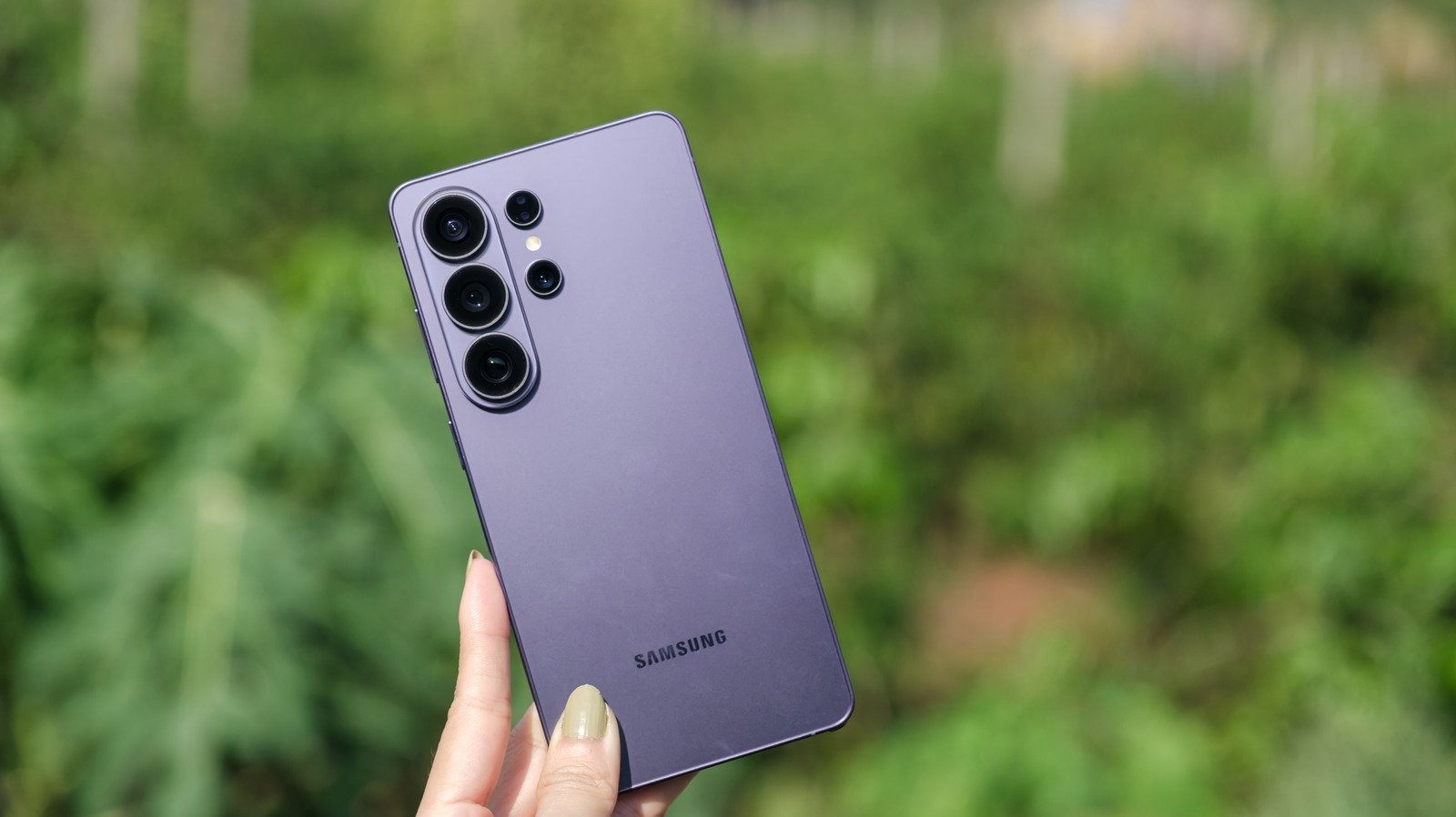
    Galaxy S26 held up, screen facing away from the camera.
    tinhkhuong/Shutterstock

    It’s a busy time to be an Android user, with the major One UI 9 update rolling out across swathes of devices. However, that’s no reason to overlook some of Android’s more niche features. Among them is the Extend Unlock setting, formerly known as Smart Lock. While some settings protect your Android phone from theft by automatically locking it, Extend Unlock does the opposite: it keeps your phone unlocked under selected conditions.

    The Smart Lock feature launched way back in late 2015, allowing users to keep their Android phone unlocked while it’s being held, along with other options for keeping it unlocked through Trusted places and Trusted devices. Back in 2023, though, this setting was relabeled as Extend Unlock in an attempt to better illuminate its true purpose. When you take a look at how Extend Unlock works, the reason for the name change becomes apparent.

    How Extend Unlock works


    Row of Galaxy S25 phones upright in a retail store.
    Wongsakorn 2468/Shutterstock

    Fundamentally, the purpose of Extend Unlock is to keep your device unlocked under certain circumstances after you’ve unlocked it once, meaning you don’t have to constantly re-enter your PIN. This feature comes in three options: On-body detection (keeping your phone unlocked while it’s on your person), Trusted places (your phone will stay unlocked in the locations you add to this section) and Trusted devices (which will keep your phone unlocked when connected to a trusted device via Bluetooth). Just be careful with which devices and places you select as trusted if you want to make sure your Android phone is secure, since your phone can remain unlocked in these locations even when someone else has it.

    To get Extend Unlock up and running, simply head to Settings > Security and privacy > More security and privacy > Extend Unlock and customize your experience from there. Just keep in mind this path may be different depending on your device. From here, you can select devices that have already been paired with your phone via Bluetooth and add locations where you want your phone to remain unlocked.

    Why Smart Lock became Extend Unlock


    Google Pixel 9 phone held up against a plain background, screen facing away from the camera.
    Karlis Dambrans/Shutterstock

    With all of this in mind, it’s easy to see why Smart Lock became Extend Unlock. While “Smart Lock” references the intelligence of the device in knowing when to stay unlocked, “Extend Unlock” more succinctly describes how the feature extends the time your phone can stay unlocked under selected conditions. Either name fits, but Extend Unlock not only works but separates the toggle from other “smart” features (which is especially helpful in the current AI age).

    The Extend Unlock name change was also reported alongside the development of Watch Unlock. Over on the Pixel side of Android, you can head to your Watch app and go to Watch preferences > Security > Watch Unlock and connect a compatible paired Pixel Watch in a similar way to Extend Unlock, allowing you to unlock your phone when your watch is unlocked, on your wrist and nearby. The similar names distinguish their roles: Watch Unlock unlocks your phone, while Extend Unlock keeps it unlocked.

    Android change feature Lock Smart
    Share. Facebook Twitter Pinterest LinkedIn Tumblr Email
    admin
    • Website

    Related Posts

    Best Black Friday Meal Kit Deals: CookUnity, Green Chef, & More

    November 28, 2026

    The Reason NVIDIA’s First GPU Was So Iconic

    November 28, 2026

    How Are Apple Passwords And Google Password Manager Different?

    November 28, 2026
    Leave A Reply Cancel Reply

    Top Posts

    NVIDIA Is Investigating Reports That CEO Jensen Huang Was The Target Of Chinese Spy Efforts

    November 8, 202620 Views

    Mixture of Experts Explained

    November 13, 202610 Views

    Anthropic launches Claude Meetings to turn workplace discussions into plans and tasks

    November 10, 20269 Views

    Finetuning olmOCR to be a faithful OCR-Engine

    November 10, 20268 Views
    Don't Miss
    Gadgets & Smart Devices

    Best Black Friday Meal Kit Deals: CookUnity, Green Chef, & More

    By adminNovember 28, 20260

    The WIRED Reviews team is big on meal kits, especially around Black Friday and Cyber…

    Why Did Android Change The Name Of Its Smart Lock Feature?

    November 28, 2026

    The Reason NVIDIA’s First GPU Was So Iconic

    November 28, 2026

    How Are Apple Passwords And Google Password Manager Different?

    November 28, 2026
    About Us

    Welcome to TechWave Dispatch

    At TechWave Dispatch, we bring you the latest news, insights, and developments from the ever-evolving world of technology. Our mission is to keep readers informed about the innovations shaping our digital future.

    From artificial intelligence and machine learning to cybersecurity, robotics, smart devices, and groundbreaking technologies, we cover the topics that matter in today's fast-moving tech landscape.

    Our Picks

    Best Black Friday Meal Kit Deals: CookUnity, Green Chef, & More

    November 28, 2026

    Why Did Android Change The Name Of Its Smart Lock Feature?

    November 28, 2026

    The Reason NVIDIA’s First GPU Was So Iconic

    November 28, 2026
    Most Popular

    Hugging Face’s CEO Says His P(Doom) Is ‘Close to Zero’

    November 6, 20260 Views

    Kitchen Composters I Recommend After 2 Years of Testing (2026)

    November 6, 20260 Views

    A Closer Look at Phonon TTS. Launching High-Quality On-Device Speech That Tops the Benchmarks.

    November 6, 20260 Views
    Facebook X (Twitter) Instagram Pinterest
    • Terms and Conditions
    • Privacy Policy
    • Contact Us
    • About Us
    © 2026 TechWave Dispatch. All Rights Reserved.

    Type above and press Enter to search. Press Esc to cancel.