Close Menu
techwavedispatch.com

    Subscribe to Updates

    Get the latest creative news from FooBar about art, design and business.

    What's Hot

    Uber Now Lets Riders Request Drivers Who Are Recording Their Trips

    November 23, 2026

    PLoQ: A Prompt-Specific Low-Rank Basis for 4-bit Quantization of LLM Activations

    November 23, 2026

    How To Clear The Cache On Your Fire TV

    November 23, 2026
    Facebook X (Twitter) Instagram
    Trending
    • Uber Now Lets Riders Request Drivers Who Are Recording Their Trips
    • PLoQ: A Prompt-Specific Low-Rank Basis for 4-bit Quantization of LLM Activations
    • How To Clear The Cache On Your Fire TV
    • [2611.14374] Uncertainty-Aware Hybrid Offline Reinforcement Learning with Online Action Selection Enabled by Sparse Gaussian-Process Critics
    • Jensen Huang scheduled to testify next week in Senate following reinstatement as Nvidia CEO
    • The Samsung Odyssey G6 G60H Is The World’s First 1,100Hz Gaming Monitor
    • ORION: Exact Canonical-State Supervision for Systematic Generalization in Transformers
    • Jensen Huang Is Back and So Is Nvidia’s Stock
    Facebook X (Twitter) Instagram
    techwavedispatch.com
    Subscribe
    Monday, November 23
    • Home
    • AI Tools & Software
    • Machine Learning
    • Generative AI
    • Robotics & Automation
    • Future Tech & Hardware
    • AI in Business
    • Ethics & Regulations
    • More
      • Gadgets & Smart Devices
      • Cybersecurity & AI
      • Tech Breakthroughs
    techwavedispatch.com
    Home»Gadgets & Smart Devices»How To Clear The Cache On Your Fire TV
    Gadgets & Smart Devices

    How To Clear The Cache On Your Fire TV

    adminBy adminNovember 23, 2026No Comments4 Mins Read
    Facebook Twitter Pinterest LinkedIn Tumblr Email
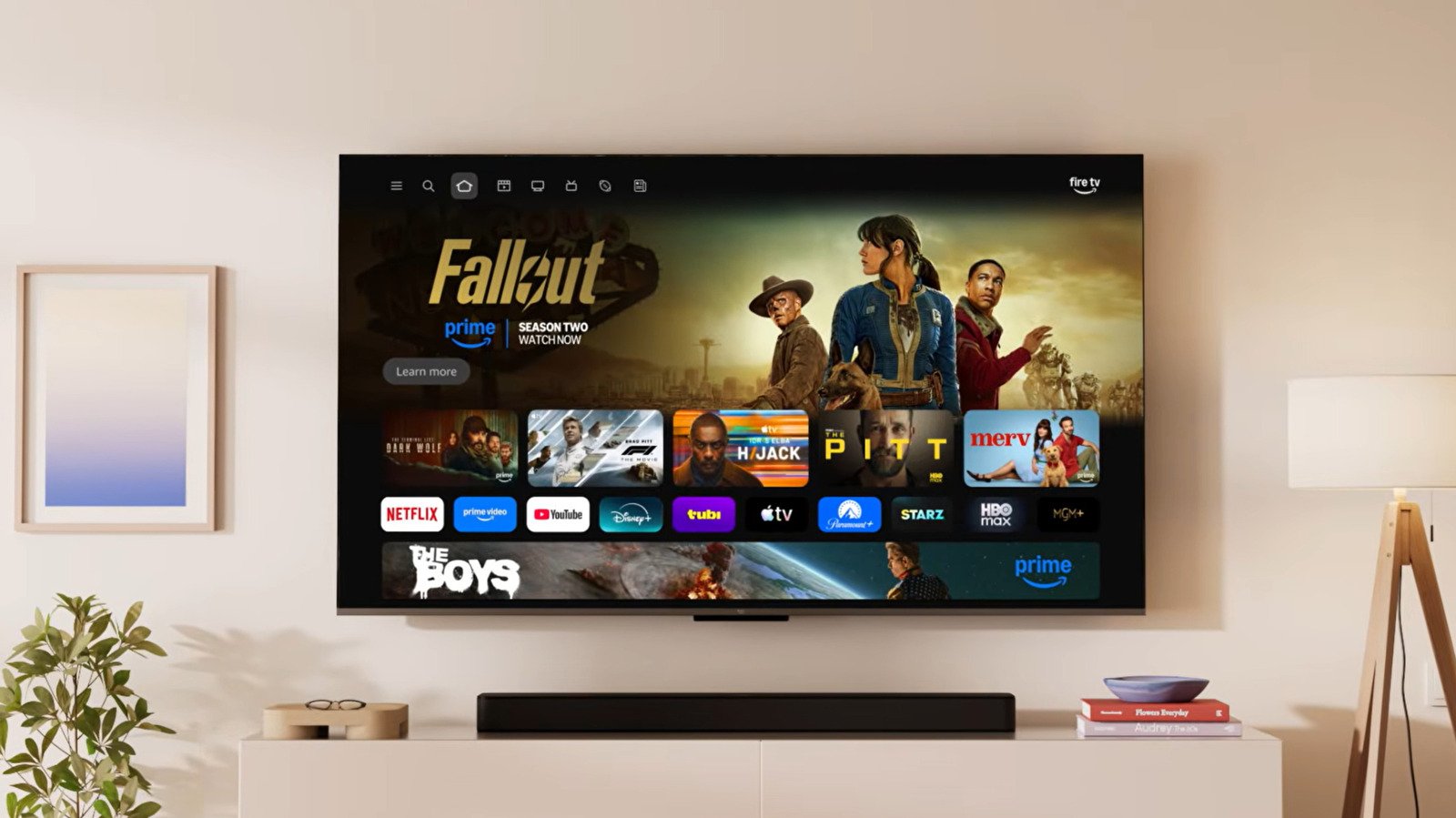
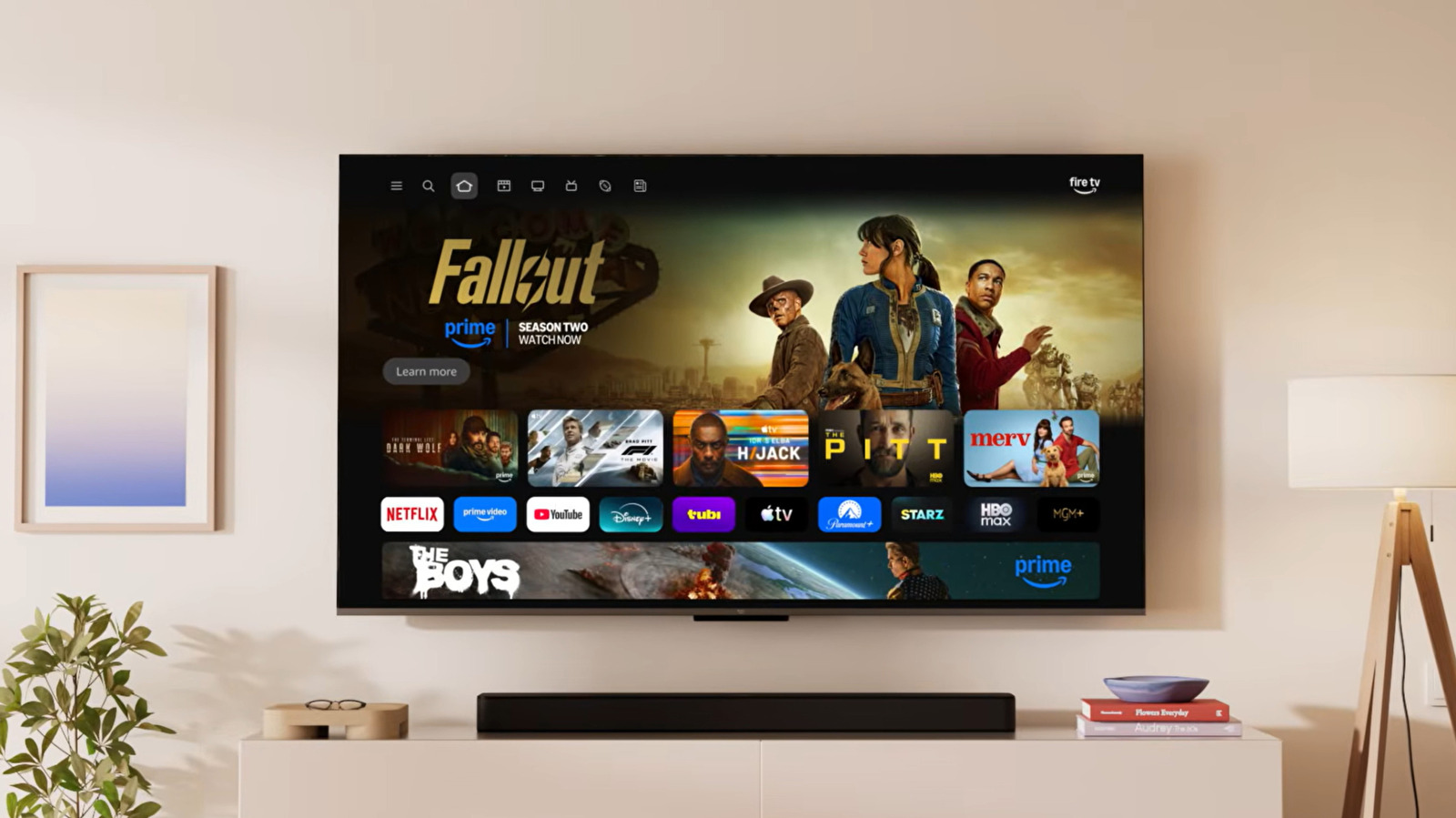
    How To Clear The Cache On Your Fire TV
    Share
    Facebook Twitter LinkedIn Pinterest Email

    Your Fire TV does this automatically, but you can force it if you’re facing issues.

    We may receive a commission on purchases made from links.

    Sometimes all you want is to sit down and decompress with a horrifyingly comic trip to Widow’s Bay, but end up getting frustrated by a slow, buggy or unresponsive TV. If you’re using an Amazon Fire TV or Amazon Fire TV Stick, that doesn’t necessarily mean it’s time to upgrade your device. Instead, you may simply be suffering from a storage issue.

    Your Amazon Fire TV and Fire TV Stick may be slow because your cache is taking up too much storage. Essentially, these devices store information like your watch history and thumbnails in temporary files to make it easier and quicker to access when needed. Much like the web browser cache on your computer, this data is essential to keeping load times short and sweet. 

    Unfortunately, your Amazon Fire TV can suffer from too much of a good thing. Too many apps and shows can cause the cache to balloon, turning from a help into a hindrance. Unfortunately, you likely won’t know you have crossed that threshold until it’s too late. The solution isn’t to limit your TV consumption, even if your health and attention span may thank you. Instead, dive into your Amazon Fire device’s settings and clear its cache. The process is so easy that you should do it on all your streaming devices whenever you notice them slowing down.

    A guide to clearing your cache

    If your device is running low on storage, Amazon may clear your cache for you. When your Fire TV is low on storage, it automatically clears the cache of apps you haven’t used in the past 30 days. The feature is on by default and cannot be deactivated. But if you don’t want to wait that long, you can force it by diving into your Fire TV’s settings.

    Luckily, clearing your cache manually is easy. To do so, open your Fire TV menu, go to Settings and select Applications. Next, choose Manage Installed Applications. From there, you can clear all your app caches by selecting Clear All Application Caches and then confirming your selection. If you would rather limit the action to a particular app,  select the app and choose Clear Cache. If you 

    You can also clear your Fire TV’s cache by visiting Amazon’s website. First, visit Amazon’s Manage Your Content and Devices page and log in to your Amazon account. Next, visit Devices and select your Fire TV. Then, choose Clear Your Fire TV Cache.

    While clearing your cache can help, note that it isn’t guaranteed to speed up your Fire TV immediately. Typically, it’s a medium- to long-term solution, as your device will need to rebuild all the “shortcuts” that the cache provides. Thus, it may be a while before you see the full benefits of a cleared cache.

    Speeding up your Fire TV

    Beyond cache buildup, your device may also suffer from running outdated software. And while your Fire TV device should automatically download these updates when connected to the internet, it is always best to double-check that everything’s up to date. To update your Fire TV, return to your Fire TV menu and go to Settings. Next, navigate to My Fire TV or Device & Software > About > Check for System Update. This applies to apps as well.

    You may also consider removing unused apps. Your Fire TV device has an Auto Offload feature that removes apps you haven’t used in 30 days — crucially, without removing settings and login information, so you can easily pick up where you left off if you redownload. Although enabled by default, you may want to confirm Auto Offload is on by going to Settings > Applications > Auto Offload. You can also remove apps yourself by going to Settings > Manage Installed Applications. Once there, choose the app you want to offload, then press the Menu button. This can help if you want to fix app issues by uninstalling and then redownloading the app.

    Another way to troubleshoot a slow Fire TV is the tried-and-true classic of turning it off and back on again. If even that doesn’t help, you can go for the nuclear option and perform a factory reset.

    Cache Clear Fire
    Share. Facebook Twitter Pinterest LinkedIn Tumblr Email
    admin
    • Website

    Related Posts

    Uber Now Lets Riders Request Drivers Who Are Recording Their Trips

    November 23, 2026

    The Samsung Odyssey G6 G60H Is The World’s First 1,100Hz Gaming Monitor

    November 23, 2026

    You Can Block AI Slop And Spam On These Social Media Platforms

    November 23, 2026
    Leave A Reply Cancel Reply

    Top Posts

    NVIDIA Is Investigating Reports That CEO Jensen Huang Was The Target Of Chinese Spy Efforts

    November 8, 202619 Views

    ADIndex: Layer-Adaptive Sparse Attention Indexing via Group-Level Distillation

    November 11, 20266 Views

    Anthropic releases new Mythos and Fable models amid RSI concerns

    November 9, 20266 Views

    If AGI is so close, why is everyone leaving? The neolabs and their bets

    November 6, 20266 Views
    Don't Miss
    Gadgets & Smart Devices

    Uber Now Lets Riders Request Drivers Who Are Recording Their Trips

    By adminNovember 23, 20260

    The Recorded Rides option is rolling out to Baltimore, Raleigh, Indianapolis and St. Louis first.…

    PLoQ: A Prompt-Specific Low-Rank Basis for 4-bit Quantization of LLM Activations

    November 23, 2026

    How To Clear The Cache On Your Fire TV

    November 23, 2026

    [2611.14374] Uncertainty-Aware Hybrid Offline Reinforcement Learning with Online Action Selection Enabled by Sparse Gaussian-Process Critics

    November 23, 2026
    About Us

    Welcome to TechWave Dispatch

    At TechWave Dispatch, we bring you the latest news, insights, and developments from the ever-evolving world of technology. Our mission is to keep readers informed about the innovations shaping our digital future.

    From artificial intelligence and machine learning to cybersecurity, robotics, smart devices, and groundbreaking technologies, we cover the topics that matter in today's fast-moving tech landscape.

    Our Picks

    Uber Now Lets Riders Request Drivers Who Are Recording Their Trips

    November 23, 2026

    PLoQ: A Prompt-Specific Low-Rank Basis for 4-bit Quantization of LLM Activations

    November 23, 2026

    How To Clear The Cache On Your Fire TV

    November 23, 2026
    Most Popular

    Egyptian and Nigerian English join the Open ASR Leaderboard

    November 6, 20260 Views

    Ads in Chatbots Have Arrived. Here’s What’s Working—and What’s Not

    November 6, 20260 Views

    The General Purpose Pendulum – O’Reilly

    November 6, 20260 Views
    Facebook X (Twitter) Instagram Pinterest
    • Terms and Conditions
    • Privacy Policy
    • Contact Us
    • About Us
    © 2026 TechWave Dispatch. All Rights Reserved.

    Type above and press Enter to search. Press Esc to cancel.