Close Menu
techwavedispatch.com

    Subscribe to Updates

    Get the latest creative news from FooBar about art, design and business.

    What's Hot

    Books, bikes, and The Burbs: These are Ars staff’s holiday gift picks for 2026

    November 27, 2026

    15 Best Buy Black Friday Deals on Hot Tech (2026): Up to 65% Off

    November 27, 2026

    The 6 Best Black Friday Deals on Expert-Tested Laptops (2026): Up to $470 Off

    November 27, 2026
    Facebook X (Twitter) Instagram
    Trending
    • Books, bikes, and The Burbs: These are Ars staff’s holiday gift picks for 2026
    • 15 Best Buy Black Friday Deals on Hot Tech (2026): Up to 65% Off
    • The 6 Best Black Friday Deals on Expert-Tested Laptops (2026): Up to $470 Off
    • Best Kindle and E-Reader Black Friday Deals (2026): Up to $180 Off
    • Our 2027 Innovators Under 35 competition is now open
    • 20 Best Black Friday Tech Deals (2026)
    • Best Black Friday Toy Deals (2026): Up to 50% Off Lego, Board Games, and Toys
    • The British Government is Turning Everyone Into a Prepper
    Facebook X (Twitter) Instagram
    techwavedispatch.com
    Subscribe
    Friday, November 27
    • Home
    • AI Tools & Software
    • Machine Learning
    • Generative AI
    • Robotics & Automation
    • Future Tech & Hardware
    • AI in Business
    • Ethics & Regulations
    • More
      • Gadgets & Smart Devices
      • Cybersecurity & AI
      • Tech Breakthroughs
    techwavedispatch.com
    Home»Gadgets & Smart Devices»Improve Your Amazon Kindle Experience By Doing These Simple Things
    Gadgets & Smart Devices

    Improve Your Amazon Kindle Experience By Doing These Simple Things

    adminBy adminNovember 16, 2026No Comments4 Mins Read
    Facebook Twitter Pinterest LinkedIn Tumblr Email
    Improve Your Amazon Kindle Experience By Doing These Simple Things
    Share
    Facebook Twitter LinkedIn Pinterest Email

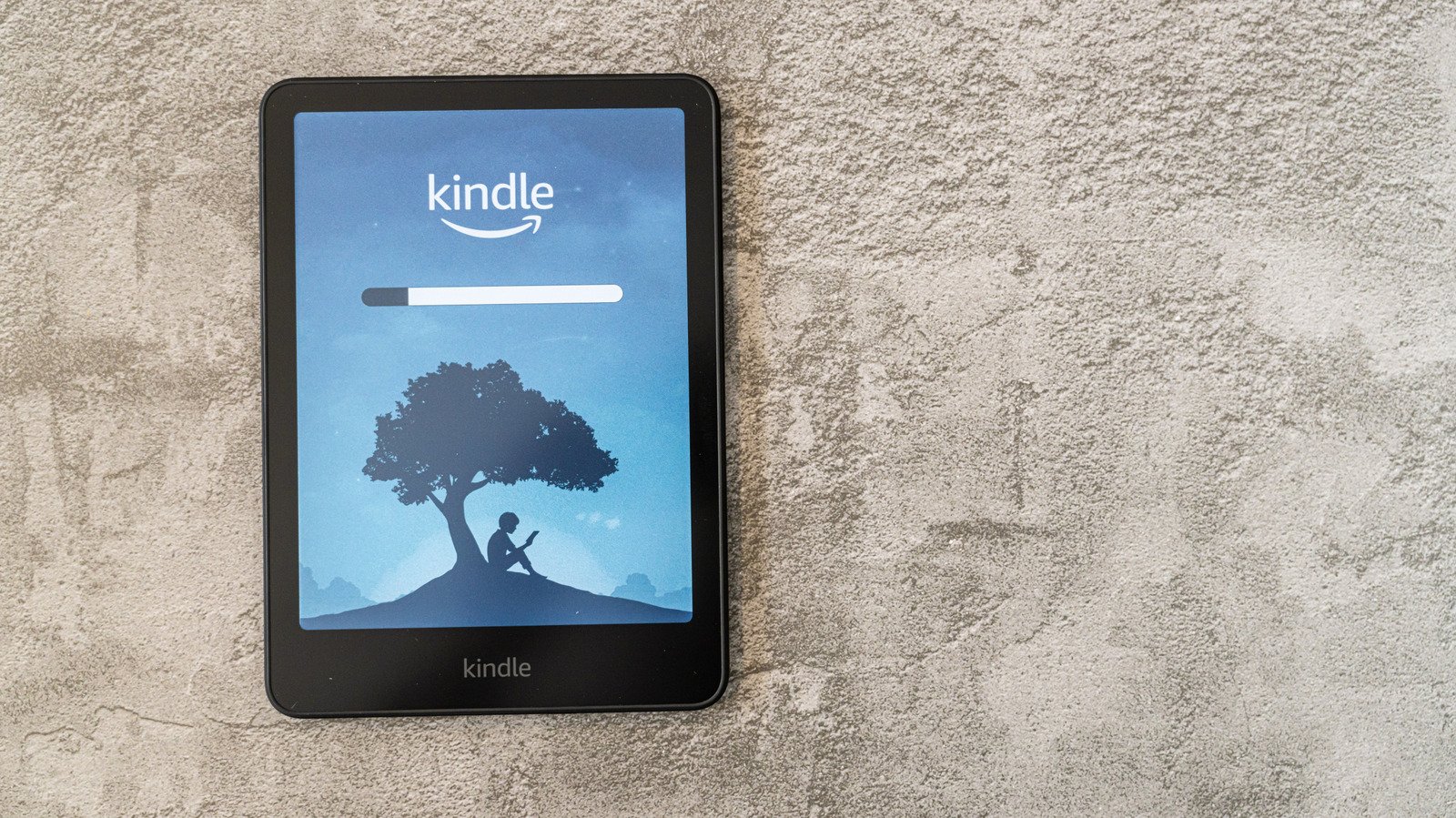
    If you already have a Kindle, or have plans to get one, you may want to know which models can do certain things from within the ereader itself. For changing how the Kindle looks and operates on its screen, Amazon offers quite a lot of customization that you may have never even messed around with before. 

    Buy a cover that resembles a book

    A common complaint about digital books is that they are, in fact, digital books. The actual weight and feeling of reading a book that’s in your hands is gone, but if you’re willing to part with some cash, you can change that up pretty easily.

    They’re a bit on the pricier side, but there are so many cases online that can make the Kindle look like a book. There are some genuinely charming and beautiful designs, many of which can help evoke the texts of yesteryear that made you fall in love with books to begin with. A quick Amazon search for “Kindle book cover” will get you started.

    Change the font

    When you have a book open on your Kindle, you have a lot of ways to change how each one looks. Nearly all of them will allow you to change the display to fit a book-style criteria, and one of the easiest ways to do that is by changing the font to something that looks more book-like. 

    With a book open, look for the Aa symbol at the top. This will allow you to open the settings for that book, and by navigating to Font Family in the Font menu, you can change it to something that feels more appropriate. If you want something that is more traditional and less computer-like, a serif font like Baskerville or Palatino will be a great help.

    Alter your layout

     Combining landscape mode with a two-column layout, which you can turn on by pressing Aa and navigating to Orientation in the Layout tab, can also help make the Kindle feel more like a book with two pages. 

    Another way to make the layout of each book feel more natural is to go into settings and change the margins and text weights. By widening the margins, therefore narrowing the way your eyes scan each block of text, you can get your Kindle display to have extra space around the edges of the text in the same way a book does. If you combine this with increasing the weight of the text, essentially giving it a bolder appearance by going into the Font menu, it helps make each passage look more print-like.

    Change the brightness and warmth settings

    If you have a long history of reading physical books, reading a Kindle may be difficult to get used to at first. One of the reasons it feels less like an actual book is the bright, digital screen that you’re reading it on as opposed to paper. By adjusting the brightness and display output, you can dial in something more nostalgic.

    With a book open, tap the top of the screen, and you’ll be given access to the Kindle’s Quick Actions menu. Crushing the brightness a bit and then turning the warmth up helps create something that feels a lot closer to a physical book. 

    Add page-turn animations

    Some of you may not be aware of this, but you can adjust how the book is actually consumed minute to minute by turning on page-turn animations, which help to get you closer to the feel of reading an actual book. These aren’t supported on every single Kindle, mostly being on Amazon’s Colorsoft, Paperwhite and Scribe, as well as mobile versions. 

    This creates a gentle transition as you tap or swipe between pages. While it doesn’t necessarily recreate the genuine, tactile feel of turning a page, it does help to keep the illusion of reading a book at the forefront of your brain. It can really let you sink into whatever you’re reading.

    Amazon experience Improve Kindle Simple
    Share. Facebook Twitter Pinterest LinkedIn Tumblr Email
    admin
    • Website

    Related Posts

    15 Best Buy Black Friday Deals on Hot Tech (2026): Up to 65% Off

    November 27, 2026

    The 6 Best Black Friday Deals on Expert-Tested Laptops (2026): Up to $470 Off

    November 27, 2026

    Best Kindle and E-Reader Black Friday Deals (2026): Up to $180 Off

    November 27, 2026
    Leave A Reply Cancel Reply

    Top Posts

    NVIDIA Is Investigating Reports That CEO Jensen Huang Was The Target Of Chinese Spy Efforts

    November 8, 202620 Views

    Mixture of Experts Explained

    November 13, 202610 Views

    Finetuning olmOCR to be a faithful OCR-Engine

    November 10, 20268 Views

    ADIndex: Layer-Adaptive Sparse Attention Indexing via Group-Level Distillation

    November 11, 20266 Views
    Don't Miss
    Tech Breakthroughs

    Books, bikes, and The Burbs: These are Ars staff’s holiday gift picks for 2026

    By adminNovember 27, 20260

    – Nick Indge Under $300 Trek BellBeats digital bike bell and speaker – $125One of…

    15 Best Buy Black Friday Deals on Hot Tech (2026): Up to 65% Off

    November 27, 2026

    The 6 Best Black Friday Deals on Expert-Tested Laptops (2026): Up to $470 Off

    November 27, 2026

    Best Kindle and E-Reader Black Friday Deals (2026): Up to $180 Off

    November 27, 2026
    About Us

    Welcome to TechWave Dispatch

    At TechWave Dispatch, we bring you the latest news, insights, and developments from the ever-evolving world of technology. Our mission is to keep readers informed about the innovations shaping our digital future.

    From artificial intelligence and machine learning to cybersecurity, robotics, smart devices, and groundbreaking technologies, we cover the topics that matter in today's fast-moving tech landscape.

    Our Picks

    Books, bikes, and The Burbs: These are Ars staff’s holiday gift picks for 2026

    November 27, 2026

    15 Best Buy Black Friday Deals on Hot Tech (2026): Up to 65% Off

    November 27, 2026

    The 6 Best Black Friday Deals on Expert-Tested Laptops (2026): Up to $470 Off

    November 27, 2026
    Most Popular

    Detecting signs of hypertension using wearable sensors

    November 6, 20260 Views

    Serverless MCP server for AI agent data lake access on Amazon ECS Fargate

    November 6, 20260 Views

    A Way Forward with Communal Computing – O’Reilly

    November 6, 20260 Views
    Facebook X (Twitter) Instagram Pinterest
    • Terms and Conditions
    • Privacy Policy
    • Contact Us
    • About Us
    © 2026 TechWave Dispatch. All Rights Reserved.

    Type above and press Enter to search. Press Esc to cancel.