

The rise of color E Ink screens has made reading comics on a Kindle better than ever.

We may receive a commission on purchases made from links.
You can easily read comics and manga on any Android tablet or iPad; I use my iPad mini and Redmagic’s OLED-toting Astra 2 tablet just because of their smaller size. However, an e-reader like a Kindle is a better alternative. There are a few inherent advantages to doing so: a Kindle is far easier on the eyes as it uses an E Ink screen and doesn’t use a backlit panel like most LCD tablets (thereby reducing eye strain), and its battery life is measured in weeks. Here’s what you need to know about using a Kindle for reading comics and manga, and which models you need to consider.
Which Kindle is the best for manga?
A standard tablet uses an LCD or OLED panel, and these are emissive by nature; they use a backlight to create an image. By contrast, an e-reader like a Kindle uses an E Ink panel that doesn’t need a backlight, so it doesn’t strain your eyes anywhere as much.
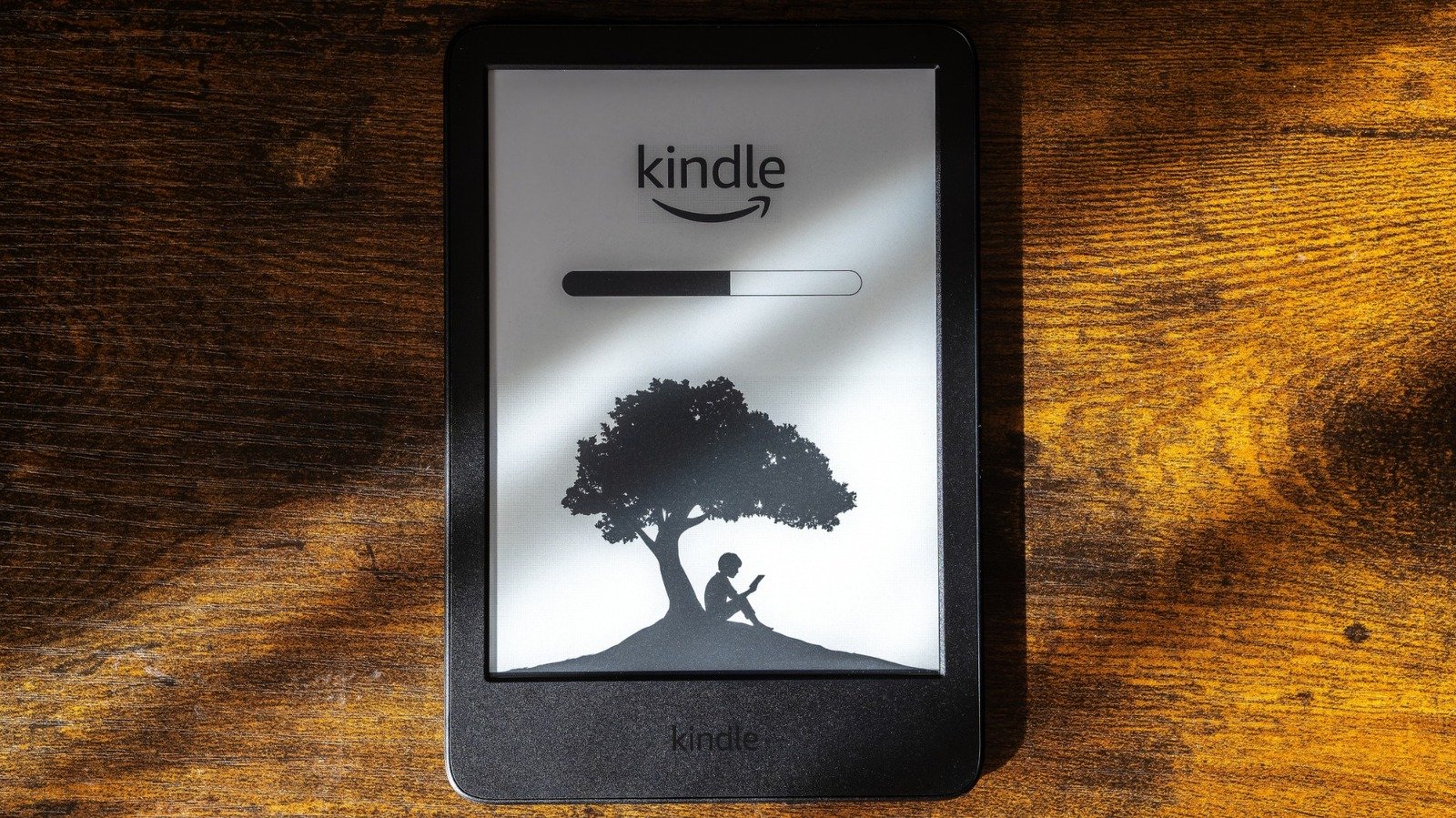
You can use any Kindle to read manga as you don’t need a color E Ink screen. Most manga is drawn in black and white, so you’re not missing out on anything when using a monochrome e-reader. The new $149 Kindle is a decent enough choice on a budget; it has a new design where the screen sits flush with the body, the 6-inch glare-free panel is a good size and you get 16GB of storage as standard. The E Ink panel has 300ppi pixel density, so you get clear text without any fringing, and manga looks good on the device. Amazon tweaked the internals this year to make page refreshes are a little smoother, and that ultimately makes a difference no matter what you’re reading.
That said, the $199 Kindle Paperwhite is a better choice: it has a bigger 7-inch glare-free panel, IPX8 ingress protection that allows you to use it at the pool, and includes an adjustable warm light. This is in addition to the backlit LEDs that are present on both the Kindle and Kindle Paperwhite to provide illumination. It’s just that the latter gets an extra set of LEDs that lets you change the screen to a warm tone, and it makes a big difference in daily use. The warm light feature is particularly useful at night, and I wouldn’t suggest buying an e-reader without it.
The Paperwhite also has 16GB of storage and an E Ink panel with 300ppi pixel density (this is standard across all Kindles now), and it comes with a new oxide TFT backplane with better contrast. Battery life is better as well, so if you’re looking to buy a Kindle for manga, the Paperwhite is the way to go.
Which Kindle should you buy for comics?
For comics, you’ll need a Kindle with a color E Ink screen, and the $289 Kindle Colorsoft is a good model to consider. It has a 7-inch E Ink panel with IPX8 water resistance, 16GB of storage, and a battery that lasts up to eight weeks between charges.
The Colorsoft has an E Ink Kaleido 3 panel, and it has the ability to display colors. This panel has better color saturation than the earlier Colorsoft, and it makes reading comics a little better. However, E Ink doesn’t get anywhere close to the contrast levels of an LCD tablet, and colors tend to look muted in general. It’s still a good choice for reading comics, but the colors don’t look as vibrant as a tablet.
How to read comics and manga on a Kindle
Amazon’s Kindle Store has millions of ebooks and magazines, and following its acquisition of Comixology, it now has an extensive collection of comics and manga. You can also subscribe to Kindle+ for $12 a month and access a vast selection of books, audiobooks, magazines and comics. If you’re buying a comic or manga via the Kindle Store or using Kindle+, you can have it sent to your Kindle automatically; it will be downloaded via Wi-Fi on the e-reader.
If you’re buying from a different storefront and want to read on your Kindle, you’ll need to use a dedicated utility like the Kindle Comic Converter. It converts comics in PDF or CBZ/CBR containers to Kindle-readable formats, and optimizes the layout based on the size and resolution of your Kindle. It is the ideal software to use if you’re buying comics via Humble Bundle, Fanatical or another DRM-free storefront and want to read on your Kindle. Once that’s done, you can send the comic or manga to your Kindle by using Amazon’s Send to Kindle feature.
On the whole, a Kindle is a good choice of e-reader if you’re looking to read manga and comics. Color E Ink has come a long way in the last two years, and the latest iteration of the Kindle Colorsoft is good for reading comics on the go, and you get the same weeks-long battery life and all the other advantages of using an e-reader. If you don’t need a color panel, the Kindle Paperwhite continues to be a solid option.
