Close Menu
techwavedispatch.com

    Subscribe to Updates

    Get the latest creative news from FooBar about art, design and business.

    What's Hot

    5 Music Streaming Services That Let You Listen For Free

    November 28, 2026

    Why AirDrop Isn’t Working On Your Apple Devices (And How To Fix It)

    November 28, 2026

    Terence Tao sees AI ushering in “Big Math,” but calls major tech firms’ proofs “toxic waste”

    November 28, 2026
    Facebook X (Twitter) Instagram
    Trending
    • 5 Music Streaming Services That Let You Listen For Free
    • Why AirDrop Isn’t Working On Your Apple Devices (And How To Fix It)
    • Terence Tao sees AI ushering in “Big Math,” but calls major tech firms’ proofs “toxic waste”
    • The Most Important Gemini Security Settings You Should Probably Be Using
    • iOS 27 Could Be Messing Up Your CarPlay Experience With Google Maps And Waze
    • Sakana AI’s CEO says its homegrown models are about more than Japan’s national security
    • Amazon Alexa Photo Frame review: an Echo smart display without ads
    • 17 Best Buy Black Friday Deals on Hot Tech (2026): Up to 65% Off
    Facebook X (Twitter) Instagram
    techwavedispatch.com
    Subscribe
    Saturday, November 28
    • Home
    • AI Tools & Software
    • Machine Learning
    • Generative AI
    • Robotics & Automation
    • Future Tech & Hardware
    • AI in Business
    • Ethics & Regulations
    • More
      • Gadgets & Smart Devices
      • Cybersecurity & AI
      • Tech Breakthroughs
    techwavedispatch.com
    Home»Gadgets & Smart Devices»Why AirDrop Isn’t Working On Your Apple Devices (And How To Fix It)
    Gadgets & Smart Devices

    Why AirDrop Isn’t Working On Your Apple Devices (And How To Fix It)

    adminBy adminNovember 28, 2026No Comments4 Mins Read
    Facebook Twitter Pinterest LinkedIn Tumblr Email
    Why AirDrop Isn’t Working On Your Apple Devices (And How To Fix It)
    Share
    Facebook Twitter LinkedIn Pinterest Email

    Most AirDrop issues boil down to Wi-Fi, Bluetooth and who is allowed to send to you.


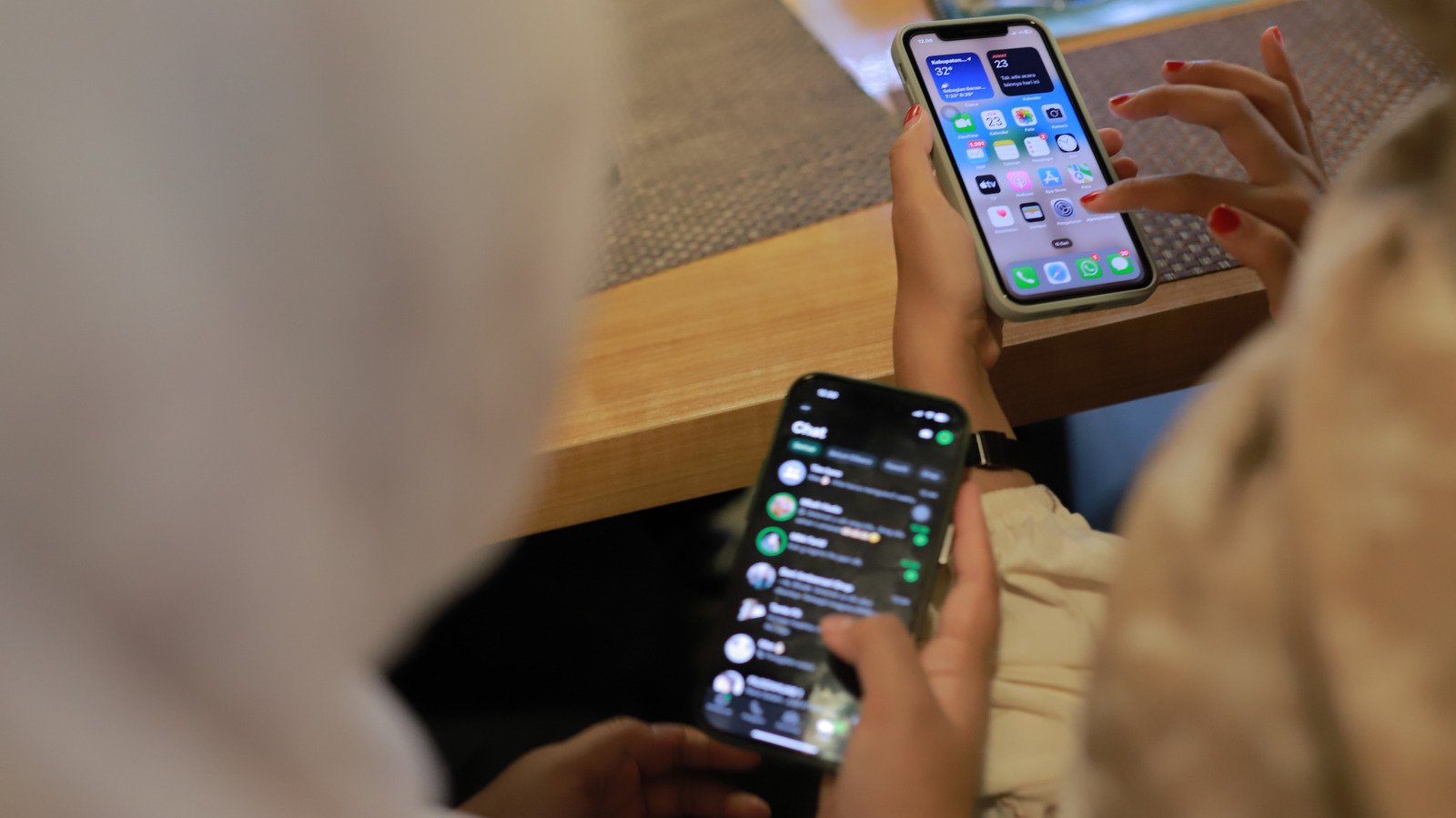
    Two people holding iPhones, one on the Home screen and one using WhatsApp.
    Aan Herman Yulianto/Shutterstock

    Like most technology problems, when AirDrop quits being its normal, dependable self, you should start with the basics. AirDrop needs both Wi-Fi and Bluetooth turned on with a reliable signal, and the two devices need to be within 30 feet of each other. Cellular data can also help when needed. If your connections seem flaky, toggle them off and back on (using Control Center) before proceeding. Make sure both devices are awake, too: a locked iPhone or iPad won’t show up as a potential recipient for the other device.

    If you’re new to the Apple ecosystem, remember that AirDrop only works between Apple devices, so your Windows PC will be left out. On the bright side, Google’s been adding AirDrop support to more Android phones, though Apple’s instructions don’t include anything other than Apple devices. If you have a supported Android device, the peer-to-peer sharing tool you’re looking for is Quick Share, and it should be compatible with AirDrop.

    If everything seems to be in order and AirDrop still isn’t working, it’s time for the reboot that no one has the patience for: turn off both devices, fire them back up again and give it another go. And for what it’s worth, if you’re trying to send a stream to another Apple device, that’s AirPlay, not AirDrop.

    Check who can send to you

    If someone is trying to send to you, look into your receiving settings first using the AirDrop icon in Control Center. You have options for Receiving Off, Contacts Only and Everyone for 10 Minutes. Obviously, the first blocks everything, so choose Contacts Only if you know the person sending or Everyone for 10 Minutes otherwise. 

    There are a few other options under Settings > General > AirDrop to check. If you’re away from Wi-Fi, enable Use Cellular Data. Turning on the Bringing Devices Together toggle lets you start a transfer by bringing your iPhone near another, so try that as a fallback. 

    On a Mac, open Finder and click AirDrop in the sidebar, where the sender’s device should pop up on the screen. Otherwise, at the bottom of the AirDrop screen, highlighted in blue, is a drop-down menu that lets you set your sharing option.

    Contacts Only can cause some confusion. If you’re sending to someone who only accepts items from contacts, you need to be in their contacts, not just them in yours. Also, your Apple account email address or phone number must be on your contact card. Otherwise, your friend’s Apple device won’t show up for you. Tap My Card at the top of the Contacts app to add info if needed.

    Note that if you’re signed in with the same Apple account on two of your own devices and exchange via AirDrop, the process takes place automatically.

    Why is AirDrop suddenly not working?


    AirDrop showing on a Mac's screen.
    Koshiro K/Shutterstock

    If AirDrop suddenly drops the ball despite working fine before, the most common answer is an expired timer or a changed setting after an update. The Everyone for 10 Minutes setting lasts exactly as long as it says. Once that period is up, you have to activate it again if desired. Assuming you’re signed into your Apple account, it returns to Contacts Only after the 10 minutes. If you’re not signed in, it goes back to Receiving Off.

    Always check the settings associated with your most frequently used apps and tools after a software update. Sometimes these add restrictions, like with iOS, iPadOS and macOS 26.2. Following those updates, someone who isn’t in your contacts list has to enter an AirDrop code displayed on your phone to send you something. The receiver taps Get AirDrop Code and shares the code with the sender. After that virtual volleyball game, you can AirDrop back and forth for 30 days (without adding each other to your contacts) before a code is required again.

    Active Personal Hotspots and VPNs can interfere as well, so disconnect both before trying AirDrop again. On a Mac, check your firewall settings to make sure you don’t have all connections blocked. Failing all this and another reboot, you may need to visit an Apple Store for service.

    AirDrop Apple devices fix Isnt working
    Share. Facebook Twitter Pinterest LinkedIn Tumblr Email
    admin
    • Website

    Related Posts

    5 Music Streaming Services That Let You Listen For Free

    November 28, 2026

    The Most Important Gemini Security Settings You Should Probably Be Using

    November 28, 2026

    iOS 27 Could Be Messing Up Your CarPlay Experience With Google Maps And Waze

    November 28, 2026
    Leave A Reply Cancel Reply

    Top Posts

    NVIDIA Is Investigating Reports That CEO Jensen Huang Was The Target Of Chinese Spy Efforts

    November 8, 202620 Views

    Mixture of Experts Explained

    November 13, 202610 Views

    Anthropic launches Claude Meetings to turn workplace discussions into plans and tasks

    November 10, 20269 Views

    Finetuning olmOCR to be a faithful OCR-Engine

    November 10, 20268 Views
    Don't Miss
    Gadgets & Smart Devices

    5 Music Streaming Services That Let You Listen For Free

    By adminNovember 28, 20260

    A subscription isn’t necessary if you can put up with limitations and just want to…

    Why AirDrop Isn’t Working On Your Apple Devices (And How To Fix It)

    November 28, 2026

    Terence Tao sees AI ushering in “Big Math,” but calls major tech firms’ proofs “toxic waste”

    November 28, 2026

    The Most Important Gemini Security Settings You Should Probably Be Using

    November 28, 2026
    About Us

    Welcome to TechWave Dispatch

    At TechWave Dispatch, we bring you the latest news, insights, and developments from the ever-evolving world of technology. Our mission is to keep readers informed about the innovations shaping our digital future.

    From artificial intelligence and machine learning to cybersecurity, robotics, smart devices, and groundbreaking technologies, we cover the topics that matter in today's fast-moving tech landscape.

    Our Picks

    5 Music Streaming Services That Let You Listen For Free

    November 28, 2026

    Why AirDrop Isn’t Working On Your Apple Devices (And How To Fix It)

    November 28, 2026

    Terence Tao sees AI ushering in “Big Math,” but calls major tech firms’ proofs “toxic waste”

    November 28, 2026
    Most Popular

    A new bill could change how the US builds energy infrastructure 

    November 6, 20260 Views

    Taxonomy of agentic primitives in Amazon Quick

    November 6, 20260 Views

    Fox Wraps Up Its $22 Billion Roku Deal

    November 6, 20260 Views
    Facebook X (Twitter) Instagram Pinterest
    • Terms and Conditions
    • Privacy Policy
    • Contact Us
    • About Us
    © 2026 TechWave Dispatch. All Rights Reserved.

    Type above and press Enter to search. Press Esc to cancel.