Close Menu
techwavedispatch.com

    Subscribe to Updates

    Get the latest creative news from FooBar about art, design and business.

    What's Hot

    Want to buy your kid an AI toy this Christmas? Not in New York.

    November 25, 2026

    This $1,900 Alienware Aurora Is One Of The Best Early Black Friday PC Deals

    November 25, 2026

    What a Forecasting Leaderboard Can Establish: Resolution Reporting for Zero-Shot Time-Series Models

    November 25, 2026
    Facebook X (Twitter) Instagram
    Trending
    • Want to buy your kid an AI toy this Christmas? Not in New York.
    • This $1,900 Alienware Aurora Is One Of The Best Early Black Friday PC Deals
    • What a Forecasting Leaderboard Can Establish: Resolution Reporting for Zero-Shot Time-Series Models
    • [2505.00590] Adaptive Linear Networks for Irregular Multivariate Time Series Forecasting in Big Data Systems
    • Ladybird’s new alpha shows there’s life beyond Chromium
    • State AGs fight Character.AI’s plan to auction off users’ private chats
    • Eliciting sandbagged LLM capability via structural interventions on attention-head functional networks
    • Etsy clarifies AI terms after seller backlash
    Facebook X (Twitter) Instagram
    techwavedispatch.com
    Subscribe
    Wednesday, November 25
    • Home
    • AI Tools & Software
    • Machine Learning
    • Generative AI
    • Robotics & Automation
    • Future Tech & Hardware
    • AI in Business
    • Ethics & Regulations
    • More
      • Gadgets & Smart Devices
      • Cybersecurity & AI
      • Tech Breakthroughs
    techwavedispatch.com
    Home»Gadgets & Smart Devices»Why Your MacBook Desktop Spaces Keep Rearranging Themselves And How To Stop It
    Gadgets & Smart Devices

    Why Your MacBook Desktop Spaces Keep Rearranging Themselves And How To Stop It

    adminBy adminNovember 24, 2026No Comments4 Mins Read
    Facebook Twitter Pinterest LinkedIn Tumblr Email
    Why Your MacBook Desktop Spaces Keep Rearranging Themselves And How To Stop It
    Share
    Facebook Twitter LinkedIn Pinterest Email

    Disable a Mission Control-specific setting to keep Spaces from switching.

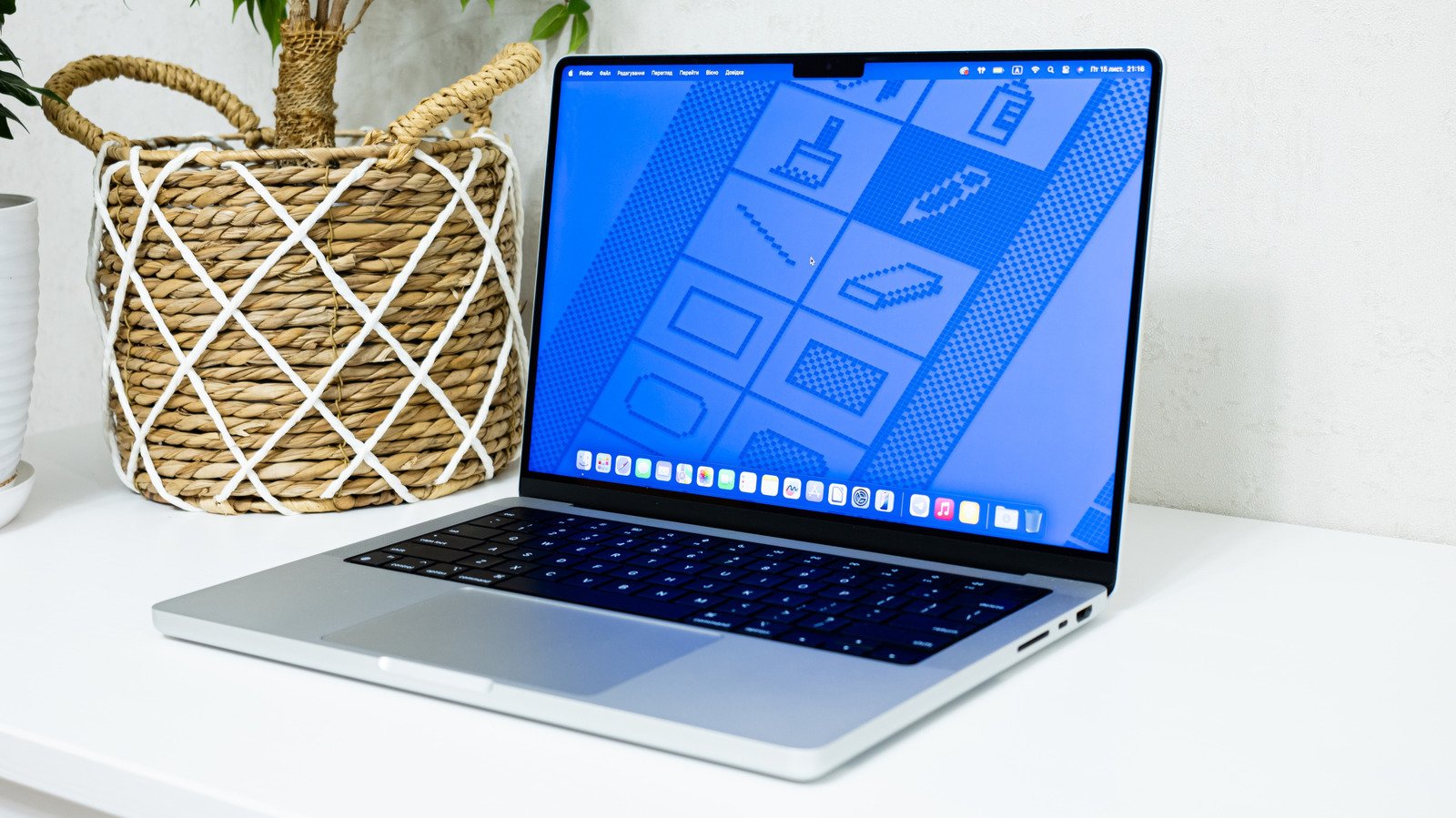
    W silver MacBook sitting on a desk desk beside a plant.
    Vladyslav Lehir/Shutterstock

    In macOS, Spaces are virtual desktops that help organize and manage open apps and windows. macOS allows up to 16 dedicated spaces for organizing your desktop. While fullscreen and split-mode apps also function like Spaces, they are different from numbered Spaces, particularly in how you access them using keyboard shortcuts.You can dedicate specific tasks to individual Spaces, such as communication, media consumption and web browsing. Another benefit to using Spaces is that they help consolidate open windows and prevent them from moving between virtual desktops when you switch Spaces.

    While Spaces are particularly useful in organizing your desktop experience, their shortcomings become apparent when you notice their order changing in Mission Control as you switch between them. This happens when you use the command + tab shortcut to switch Spaces, and macOS rearranges them depending on which Space was recently accessed. If you prefer having Spaces in an order of your choosing, the default auto-rearrangement feature can become frustrating.

    However, the good news is that you don’t have to be stuck with this feature forever. There’s an option tucked away inside macOS’ Settings app that prevents Spaces from rearranging themselves. Disabling it is all you need to make Spaces behave consistently on your MacBook or other macOS devices.

    How to disable Spaces from rearranging in macOS?

    Specifically, a toggle relevant to Mission Control is what causes Spaces to rearrange themselves on macOS, and it’s enabled by default. To disable it, click the Apple icon in the menu bar and then click System Settings to open the Settings app. You can also use Spotlight search to look for System Settings.

    While in the Settings app, click Desktop & Dock to bring up options specific to customizing your desktop experience. Scroll all the way to the bottom of these options to find the Mission Control section. Now, look for Automatically rearrange Spaces based on most recent use and disable it to stop Spaces from rearranging themselves.

    That’s it! You can now freely arrange and move between your Spaces without having to worry about macOS messing with them. Your Mac offers three options to navigate Spaces, including the three or four-finger trackpad swipe, Control + left/right arrow key shortcut and using the pointer to choose from available Spaces in Mission Control.

    How to improve your experience with Spaces in macOS?

    macOS offers several useful tools that, when combined, can help you get the most out of Spaces. For example, even though you cannot officially rename Spaces, they can still be assigned individual wallpapers for visual identity. You can do this by disabling the toggle to Show on all Spaces when changing wallpapers in a desktop Space.

    Similarly, you can enable additional shortcuts besides those that let you switch between Spaces for a more control and precision. You can access these shortcuts from Settings > Keyboard Shortcuts > Mission Control > Mission Control drop-down menu. You’ll see a list of shortcuts depending on the number of available Spaces, and you can enable individual shortcuts based on your requirements.

    Additionally, you can incorporate Hot Corners in your workflow for a more robust multitasking experience. Hot Corners allow you to assign specific functions to the four corners of your display, including an option to launch Mission Control. Since Spaces are inherently tied to Mission Control, the ability to flick the pointer to a corner and view all active Spaces at a glance can save valuable time.

    Likewise, at times you might want to access an app from any Space, for example, Apple Music, to make music control simpler and more accessible. In such cases, Control + click the app in the dock > options > assign to All Desktop to make the chosen app persist across Spaces.

    Desktop MacBook Rearranging Spaces Stop
    Share. Facebook Twitter Pinterest LinkedIn Tumblr Email
    admin
    • Website

    Related Posts

    This $1,900 Alienware Aurora Is One Of The Best Early Black Friday PC Deals

    November 25, 2026

    WhatsApp Is Finally Offering Scheduled Messages

    November 25, 2026

    Ars Live recap: Don’t expect military attacks on data centers to stop

    November 25, 2026
    Leave A Reply Cancel Reply

    Top Posts

    NVIDIA Is Investigating Reports That CEO Jensen Huang Was The Target Of Chinese Spy Efforts

    November 8, 202619 Views

    ADIndex: Layer-Adaptive Sparse Attention Indexing via Group-Level Distillation

    November 11, 20266 Views

    Anthropic releases new Mythos and Fable models amid RSI concerns

    November 9, 20266 Views

    If AGI is so close, why is everyone leaving? The neolabs and their bets

    November 6, 20266 Views
    Don't Miss
    AI in Business

    Want to buy your kid an AI toy this Christmas? Not in New York.

    By adminNovember 25, 20260

    New York has banned AI chatbot toys for five years as new research from Common…

    This $1,900 Alienware Aurora Is One Of The Best Early Black Friday PC Deals

    November 25, 2026

    What a Forecasting Leaderboard Can Establish: Resolution Reporting for Zero-Shot Time-Series Models

    November 25, 2026

    [2505.00590] Adaptive Linear Networks for Irregular Multivariate Time Series Forecasting in Big Data Systems

    November 25, 2026
    About Us

    Welcome to TechWave Dispatch

    At TechWave Dispatch, we bring you the latest news, insights, and developments from the ever-evolving world of technology. Our mission is to keep readers informed about the innovations shaping our digital future.

    From artificial intelligence and machine learning to cybersecurity, robotics, smart devices, and groundbreaking technologies, we cover the topics that matter in today's fast-moving tech landscape.

    Our Picks

    Want to buy your kid an AI toy this Christmas? Not in New York.

    November 25, 2026

    This $1,900 Alienware Aurora Is One Of The Best Early Black Friday PC Deals

    November 25, 2026

    What a Forecasting Leaderboard Can Establish: Resolution Reporting for Zero-Shot Time-Series Models

    November 25, 2026
    Most Popular

    Robot Videos: Home Cable Robot, JPL turns 90, and More

    November 6, 20260 Views

    RIP Cybertruck. You Were Unloved, Unwanted, and Utterly Absurd

    November 6, 20260 Views

    After printing 40,000 whistles, this is the 3D printer I’d buy

    November 6, 20260 Views
    Facebook X (Twitter) Instagram Pinterest
    • Terms and Conditions
    • Privacy Policy
    • Contact Us
    • About Us
    © 2026 TechWave Dispatch. All Rights Reserved.

    Type above and press Enter to search. Press Esc to cancel.