Close Menu
techwavedispatch.com

    Subscribe to Updates

    Get the latest creative news from FooBar about art, design and business.

    What's Hot

    Why Your Tablet Speakers Sound Muffled (And How To Fix Them)

    November 28, 2026

    How You Can Spot And Avoid Scam Ads On Social Media

    November 28, 2026

    5 Android Auto Navigation Apps You Could Be Using Instead Of Google Maps

    November 28, 2026
    Facebook X (Twitter) Instagram
    Trending
    • Why Your Tablet Speakers Sound Muffled (And How To Fix Them)
    • How You Can Spot And Avoid Scam Ads On Social Media
    • 5 Android Auto Navigation Apps You Could Be Using Instead Of Google Maps
    • These Settings Can Adjust Your Samsung Phone’s Display To Your Liking
    • Best JBL Black Friday Deals (2026): Save on JBL Flip 7 and More
    • New study casts doubt on how AI companies test the safety systems meant to keep their agents in check
    • The Safest Way To Eject A Stuck Disc From Your PS5
    • Best Black Friday Meal Kit Deals: CookUnity, Green Chef, & More
    Facebook X (Twitter) Instagram
    techwavedispatch.com
    Subscribe
    Saturday, November 28
    • Home
    • AI Tools & Software
    • Machine Learning
    • Generative AI
    • Robotics & Automation
    • Future Tech & Hardware
    • AI in Business
    • Ethics & Regulations
    • More
      • Gadgets & Smart Devices
      • Cybersecurity & AI
      • Tech Breakthroughs
    techwavedispatch.com
    Home»Gadgets & Smart Devices»Why Your Tablet Speakers Sound Muffled (And How To Fix Them)
    Gadgets & Smart Devices

    Why Your Tablet Speakers Sound Muffled (And How To Fix Them)

    adminBy adminNovember 28, 2026No Comments4 Mins Read
    Facebook Twitter Pinterest LinkedIn Tumblr Email
    Why Your Tablet Speakers Sound Muffled (And How To Fix Them)
    Share
    Facebook Twitter LinkedIn Pinterest Email

    Before you consider a repair or replacement, a few simple checks of your tablet’s case, speakers and sound settings could help improve the audio.


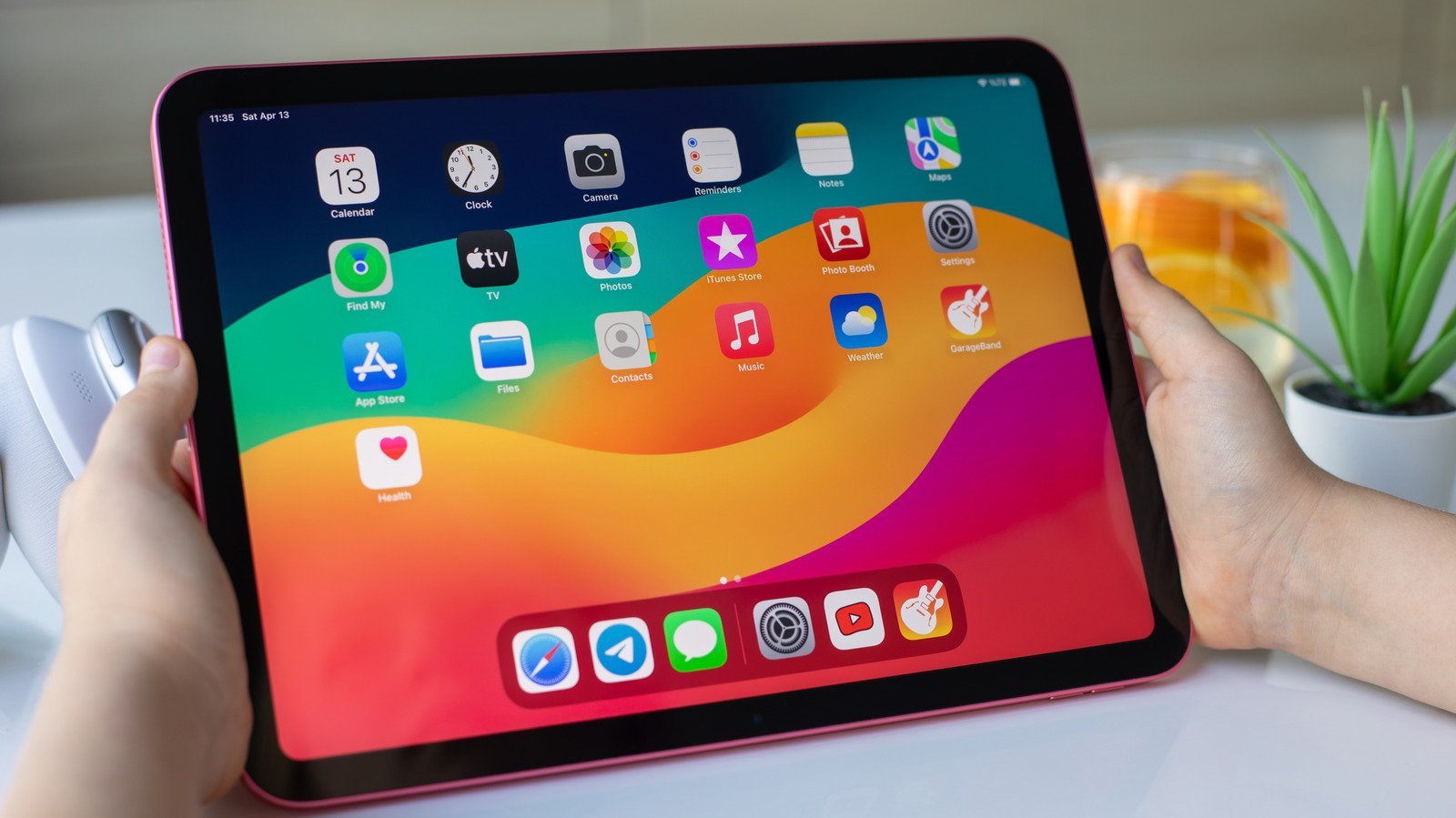
    Children hands holding Apple iPad IOS 17 with widget on the home screen.
    DenPhotos/Shutterstock

    If you sit down to watch a video on your tablet and you are struggling to hear the audio track, the problem might not be the speakers themselves but something blocking them. A case may be covering the openings, or dirt and debris may be obstructing them. An obstruction can easily leave the audio sounding muffled, as if the tablet were underwater.

    You might think that the problem could be with the speakers themselves; perhaps they started sounding quieter after an update, or they just don’t function as well as they used to. But before you go out and buy an entirely new tablet, check for blocked speaker openings, see whether they need gentle cleaning and review your software and sound settings. These checks can help you improve the audio without paying for a repair or replacement.

    Start with the case and the screen protector

    Apple lists removing the case and screen protector as a first step on the way to fixing sound issues with the iPad, because it rules them out before you assume the speaker is the problem. A screen protector might be installed incorrectly, and it could be blocking the sound coming out of your speakers. A loose case or a lifting screen protector might also rattle against the body and muddle the sound.

    Even if this is not the root cause of the sound problems, removing the cover and the screen protector gives you a clearer route to diagnosing the source of the problem. This might sound like an unnecessary step, but if the audio improves, put the case back on and test again to see whether it was responsible. If the sound gets worse again with the case fitted, leave it off while you decide whether to adjust its position or replace it. If you need a replacement, consider the best iPad cases for 2026 to help you narrow down the options.

    Clean the speaker openings gently


    Person's hands using a digital tablet, touching the screen.
    Mstudioimages/Getty Images

    Now that you have clear access to your speakers, it’s time to start cleaning them carefully. Knowing how to properly clean and sanitize your tech finds is useful: gentle handling matters when cleaning delicate surfaces. Start by powering the tablet off and unplugging all cables. Then use a small, nonmetallic, soft-bristled dry brush to try to remove as much dust and lint as you can from the speaker grilles. Make sure the brush itself is clean, and gently brush debris away from the openings.

    Do not blow air into the speaker. It is very tempting to try to blow the dust away by applying a strong puff of air, using your mouth or compressed air, but that could make things worse. Use a microfiber cloth to remove the loosened debris, since your breath or compressed air might only lodge it further in. Your breath also contains moisture, which can make cleaning even harder.

    Rule out software and settings

    If cleaning the speakers doesn’t work, there is still one more thing to check, and that is the software. Your speakers might be working perfectly while your tablet is using the wrong sound settings. Check whether your equalizer settings are affecting the sound.

    On Samsung Galaxy tablets, go to Settings > Sounds and vibration > Sound quality and effects > Equalizer. Check that the equalizer is set to Normal to start, since the other presets will change how audio sounds. For audio in the Music app on an iPad, go to Settings > Apps > Music > EQ, then just turn it off completely to see if the speakers sound any better.

    Another way to narrow it down is to connect the tablet to a Bluetooth speaker or to a pair of earphones. If it sounds good on a Bluetooth speaker but bad on the built-in speaker, then the built-in speaker may be the problem. If you decide to use an external speaker, consider some of the best portable Bluetooth speakers like the JBL Charge 6 or Beats Pill.

    fix Muffled Sound Speakers tablet
    Share. Facebook Twitter Pinterest LinkedIn Tumblr Email
    admin
    • Website

    Related Posts

    How You Can Spot And Avoid Scam Ads On Social Media

    November 28, 2026

    5 Android Auto Navigation Apps You Could Be Using Instead Of Google Maps

    November 28, 2026

    These Settings Can Adjust Your Samsung Phone’s Display To Your Liking

    November 28, 2026
    Leave A Reply Cancel Reply

    Top Posts

    NVIDIA Is Investigating Reports That CEO Jensen Huang Was The Target Of Chinese Spy Efforts

    November 8, 202620 Views

    Mixture of Experts Explained

    November 13, 202610 Views

    Anthropic launches Claude Meetings to turn workplace discussions into plans and tasks

    November 10, 20269 Views

    Finetuning olmOCR to be a faithful OCR-Engine

    November 10, 20268 Views
    Don't Miss
    Gadgets & Smart Devices

    Why Your Tablet Speakers Sound Muffled (And How To Fix Them)

    By adminNovember 28, 20260

    Before you consider a repair or replacement, a few simple checks of your tablet’s case,…

    How You Can Spot And Avoid Scam Ads On Social Media

    November 28, 2026

    5 Android Auto Navigation Apps You Could Be Using Instead Of Google Maps

    November 28, 2026

    These Settings Can Adjust Your Samsung Phone’s Display To Your Liking

    November 28, 2026
    About Us

    Welcome to TechWave Dispatch

    At TechWave Dispatch, we bring you the latest news, insights, and developments from the ever-evolving world of technology. Our mission is to keep readers informed about the innovations shaping our digital future.

    From artificial intelligence and machine learning to cybersecurity, robotics, smart devices, and groundbreaking technologies, we cover the topics that matter in today's fast-moving tech landscape.

    Our Picks

    Why Your Tablet Speakers Sound Muffled (And How To Fix Them)

    November 28, 2026

    How You Can Spot And Avoid Scam Ads On Social Media

    November 28, 2026

    5 Android Auto Navigation Apps You Could Be Using Instead Of Google Maps

    November 28, 2026
    Most Popular

    Hugging Face’s CEO Says His P(Doom) Is ‘Close to Zero’

    November 6, 20260 Views

    Kitchen Composters I Recommend After 2 Years of Testing (2026)

    November 6, 20260 Views

    A Closer Look at Phonon TTS. Launching High-Quality On-Device Speech That Tops the Benchmarks.

    November 6, 20260 Views
    Facebook X (Twitter) Instagram Pinterest
    • Terms and Conditions
    • Privacy Policy
    • Contact Us
    • About Us
    © 2026 TechWave Dispatch. All Rights Reserved.

    Type above and press Enter to search. Press Esc to cancel.