


The huggingface_hub library is a lightweight interface that provides a programmatic approach to exploring the hosting endpoints Hugging Face provides: models, datasets, and Spaces.
Up until now, searching on the Hub through this interface was tricky to pull off, and there were many aspects of it a user had to “just know” and get accustomed to.
In this article, we will be looking at a few exciting new features added to huggingface_hub to help lower that bar and provide users with a friendly API to search for the models and datasets they want to use without leaving their Jupyter or Python interfaces.
Before we begin, if you do not have the latest version of the
huggingface_hublibrary on your system, please run the following cell:
!pip install huggingface_hub -U
Situating the Problem:
First, let’s imagine the scenario you are in. You’d like to find all models hosted on the Hugging Face Hub for Text Classification, were trained on the GLUE dataset, and are compatible with PyTorch.
You may simply just open https://huggingface.co/models and use the widgets on there. But this requires leaving your IDE and scanning those results, all of which requires a few button clicks to get you the information you need.
What if there were a solution to this without having to leave your IDE? With a programmatic interface, it also could be easy to see this being integrated into workflows for exploring the Hub.
This is where the huggingface_hub comes in.
For those familiar with the library, you may already know that we can search for these type of models. However, getting the query right is a painful process of trial and error.
Could we simplify that? Let’s find out!
Finding what we need
First we’ll import the HfApi, which is a class that helps us interact with the backend hosting for Hugging Face. We can interact with the models, datasets, and more through it. Along with this, we’ll import a few helper classes: the ModelFilter and ModelSearchArguments
from huggingface_hub import HfApi, ModelFilter, ModelSearchArguments

api = HfApi()
These two classes can help us frame a solution to our above problem. The ModelSearchArguments class is a namespace-like one that contains every single valid parameter we can search for!
Let’s take a peek:
>>> model_args = ModelSearchArguments()

>>> model_args
Available Attributes or Keys:
 * author
 * dataset
 * language
 * library
 * license
 * model_name
 * pipeline_tag
We can see a variety of attributes available to us (more on how this magic is done later). If we were to categorize what we wanted, we could likely separate them out as:
pipeline_tag(or task): Text Classificationdataset: GLUElibrary: PyTorch
Given this separation, it would make sense that we would find them within our model_args we’ve declared:
>>> model_args.pipeline_tag.TextClassification
'text-classification'
>>> model_args.dataset.glue
'dataset:glue'
>>> model_args.library.PyTorch
'pytorch'
What we begin to notice though is some of the convience wrapping we perform here. ModelSearchArguments (and the complimentary DatasetSearchArguments) have a human-readable interface with formatted outputs the API wants, such as how the GLUE dataset should be searched with dataset:glue.
This is key because without this “cheat sheet” of knowing how certain parameters should be written, you can very easily sit in frustration as you’re trying to search for models with the API!
Now that we know what the right parameters are, we can search the API easily:
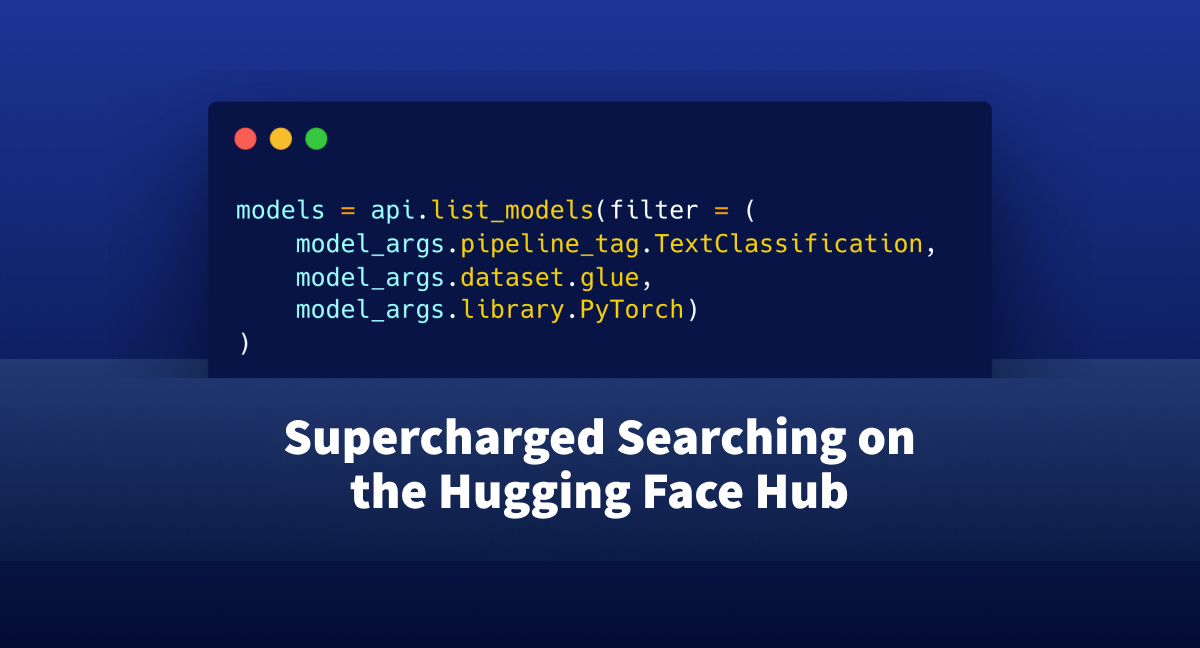
>>> models = api.list_models(filter = (
>>>     model_args.pipeline_tag.TextClassification,
>>>     model_args.dataset.glue,
>>>     model_args.library.PyTorch)
>>> )
>>> print(len(models))
140
We find that there were 140 matching models that fit our criteria! (at the time of writing this). And if we take a closer look at one, we can see that it does indeed look right:
>>> models[0]
    ModelInfo: {
        modelId: Jiva/xlm-roberta-large-it-mnli
        sha: c6e64469ec4aa17fedbd1b2522256f90a90b5b86
        lastModified: 2021-12-10T14:56:38.000Z
        tags: ['pytorch', 'xlm-roberta', 'text-classification', 'it', 'dataset:multi_nli', 'dataset:glue', 'arxiv:1911.02116', 'transformers', 'tensorflow', 'license:mit', 'zero-shot-classification']
        pipeline_tag: zero-shot-classification
        siblings: [ModelFile(rfilename=".gitattributes"), ModelFile(rfilename="README.md"), ModelFile(rfilename="config.json"), ModelFile(rfilename="pytorch_model.bin"), ModelFile(rfilename="sentencepiece.bpe.model"), ModelFile(rfilename="special_tokens_map.json"), ModelFile(rfilename="tokenizer.json"), ModelFile(rfilename="tokenizer_config.json")]
        config: None
        private: False
        downloads: 680
        library_name: transformers
        likes: 1
    }
It’s a bit more readable, and there’s no guessing involved with “Did I get this parameter right?”
Did you know you can also get the information of this model programmatically with its model ID? Here’s how you would do it:
api.model_info('Jiva/xlm-roberta-large-it-mnli')
Taking it up a Notch
We saw how we could use the ModelSearchArguments and DatasetSearchArguments to remove the guesswork from when we want to search the Hub, but what about if we have a very complex, messy query?
Such as:
I want to search for all models trained for both text-classification and zero-shot classification, were trained on the Multi NLI and GLUE datasets, and are compatible with both PyTorch and TensorFlow (a more exact query to get the above model).
To setup this query, we’ll make use of the ModelFilter class. It’s designed to handle these types of situations, so we don’t need to scratch our heads:
>>> filt = ModelFilter(
>>>     task = ["text-classification", "zero-shot-classification"],
>>>     trained_dataset = [model_args.dataset.multi_nli, model_args.dataset.glue],
>>>     library = ['pytorch', 'tensorflow']
>>> )
>>> api.list_models(filt)
    [ModelInfo: {
         modelId: Jiva/xlm-roberta-large-it-mnli
         sha: c6e64469ec4aa17fedbd1b2522256f90a90b5b86
         lastModified: 2021-12-10T14:56:38.000Z
         tags: ['pytorch', 'xlm-roberta', 'text-classification', 'it', 'dataset:multi_nli', 'dataset:glue', 'arxiv:1911.02116', 'transformers', 'tensorflow', 'license:mit', 'zero-shot-classification']
         pipeline_tag: zero-shot-classification
         siblings: [ModelFile(rfilename=".gitattributes"), ModelFile(rfilename="README.md"), ModelFile(rfilename="config.json"), ModelFile(rfilename="pytorch_model.bin"), ModelFile(rfilename="sentencepiece.bpe.model"), ModelFile(rfilename="special_tokens_map.json"), ModelFile(rfilename="tokenizer.json"), ModelFile(rfilename="tokenizer_config.json")]
         config: None
         private: False
         downloads: 680
         library_name: transformers
         likes: 1
     }]
Very quickly we see that it’s a much more coordinated approach for searching through the API, with no added headache for you!
What is the magic?
Very briefly we’ll talk about the underlying magic at play that gives us this enum-dictionary-like datatype, the AttributeDictionary.
Heavily inspired by the AttrDict class from the fastcore library, the general idea is we take a normal dictionary and supercharge it for exploratory programming by providing tab-completion for every key in the dictionary.
As we saw earlier, this gets even stronger when we have nested dictionaries we can explore through, such as model_args.dataset.glue!
For those familiar with JavaScript, we mimic how the
objectclass is working.
This simple utility class can provide a much more user-focused experience when exploring nested datatypes and trying to understand what is there, such as the return of an API request!
As mentioned before, we expand on the AttrDict in a few key ways:
- You can delete keys with
del model_args[key]or withdel model_args.key - That clean
__repr__we saw earlier
One very important concept to note though, is that if a key contains a number or special character it must be indexed as a dictionary, and not as an object.
>>> from huggingface_hub.utils.endpoint_helpers import AttributeDictionary
A very brief example of this is if we have an AttributeDictionary with a key of 3_c:
>>> d = {"a":2, "b":3, "3_c":4}
>>> ad = AttributeDictionary(d)
>>>
>>> ad.3_c
 File "", line 2
    ad.3_c
        ^
SyntaxError: invalid token
>>>
>>> ad["3_c"]
4
Concluding thoughts
Hopefully by now you have a brief understanding of how this new searching API can directly impact your workflow and exploration of the Hub! Along with this, perhaps you know of a place in your code where the AttributeDictionary might be useful for you to use.
From here, make sure to check out the official documentation on Searching the Hub Efficiently and don’t forget to give us a star!
