Close Menu
techwavedispatch.com

    Subscribe to Updates

    Get the latest creative news from FooBar about art, design and business.

    What's Hot

    Sleep Vs. Shutdown – Which Should Xbox Series X Owners Actually Use?

    November 22, 2026

    Can You Completely Remove One UI From A Samsung Phone?

    November 22, 2026

    The Purpose Of The SC Port On Your Old Laptop

    November 22, 2026
    Facebook X (Twitter) Instagram
    Trending
    • Sleep Vs. Shutdown – Which Should Xbox Series X Owners Actually Use?
    • Can You Completely Remove One UI From A Samsung Phone?
    • The Purpose Of The SC Port On Your Old Laptop
    • Perplexity’s new Monitor API turns web search from a one-off query into a nonstop watchdog
    • 10 Rare Game Consoles That Almost No One Owns
    • Common Reasons Why Some USB Ports Are Red
    • Turning Thermal Noise Into Ultra-Low-Power Signals
    • Does Old Computer Hardware Ever Become Truly Useless?
    Facebook X (Twitter) Instagram
    techwavedispatch.com
    Subscribe
    Sunday, November 22
    • Home
    • AI Tools & Software
    • Machine Learning
    • Generative AI
    • Robotics & Automation
    • Future Tech & Hardware
    • AI in Business
    • Ethics & Regulations
    • More
      • Gadgets & Smart Devices
      • Cybersecurity & AI
      • Tech Breakthroughs
    techwavedispatch.com
    Home»Gadgets & Smart Devices»Can You Completely Remove One UI From A Samsung Phone?
    Gadgets & Smart Devices

    Can You Completely Remove One UI From A Samsung Phone?

    adminBy adminNovember 22, 2026No Comments4 Mins Read
    Facebook Twitter Pinterest LinkedIn Tumblr Email
    Can You Completely Remove One UI From A Samsung Phone?
    Share
    Facebook Twitter LinkedIn Pinterest Email

    No, but there are ways to make One UI less prominent.


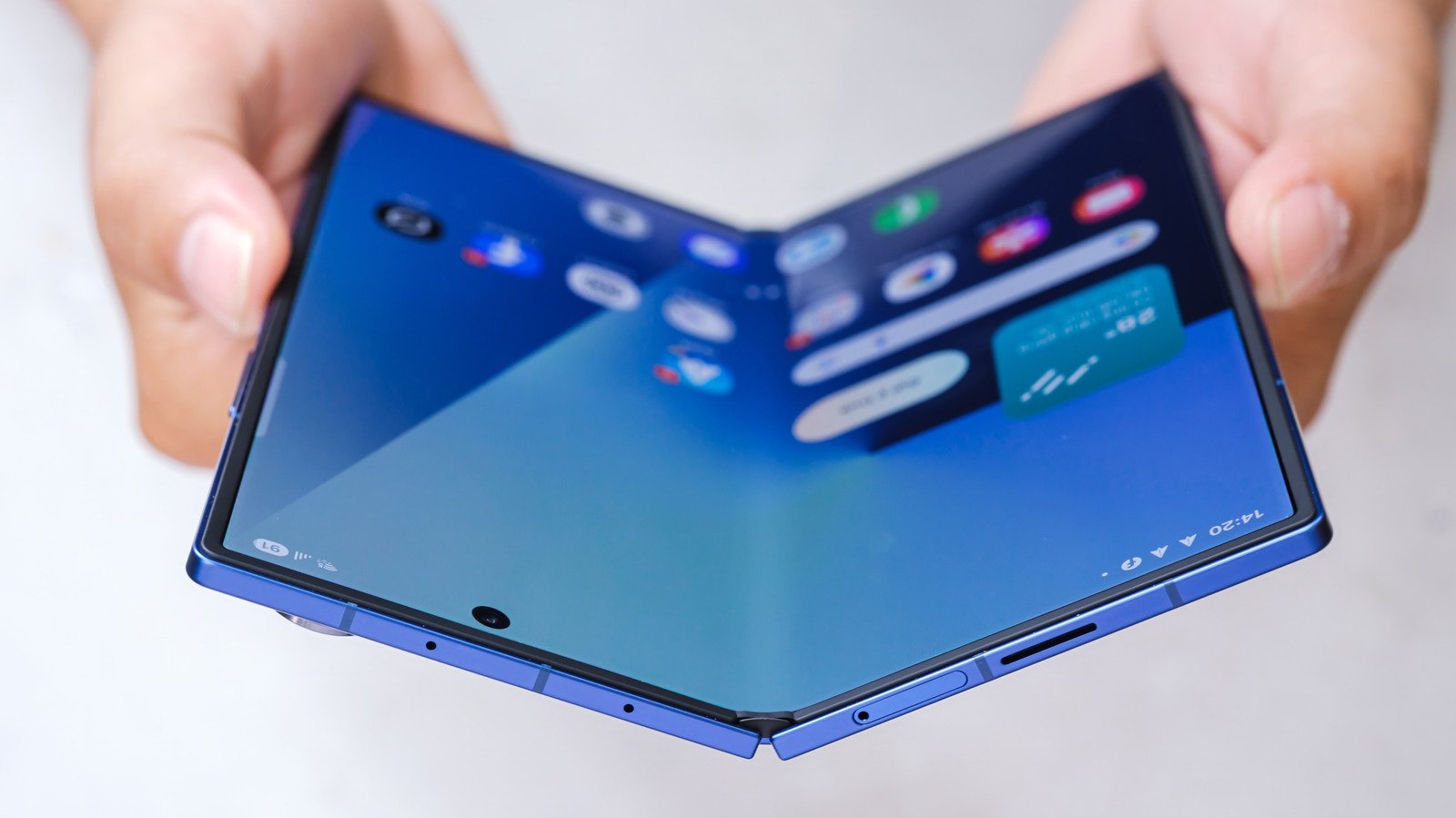
    Hands holding Samsung Galaxy Fold phone.
    tinhkhuong/Shutterstock

    Samsung’s One UI is a staple feature of the company’s phones and tablets, and for most users, it handles everything well enough. That doesn’t mean it’s perfect, though, and there are plenty of reasons why you might want to replace it with another set of apps entirely. The bad news is that you can’t remove One UI from a Samsung phone, but there are ways to cut out the parts you find frustrating or unhelpful with just a little effort.

    First, it’s important to understand what One UI actually is and the features it offers. One UI is custom software for Samsung phones, but in many cases, what people actually want to change is their launcher, which determines the look of the home screen. While that’s part of the picture, One UI also encompasses a set of features and pre-installed apps that affect every aspect of your phone. Some parts of One UI will always be running on a Samsung phone, but replacing your launcher and removing other apps can help get the results you want without switching phones entirely.

    A custom launcher can replace the look of One UI

    Switching out your launcher will have the biggest impact on how your phone looks and behaves. Fortunately, it’s extremely easy to change, since launchers can be downloaded from the Play Store like any other app. Once you’ve downloaded a new launcher, just open the Settings app, tap the Apps menu, then Choose default apps. Make sure you set your new launcher under Home app and it should automatically replace One UI Home when you open your phone.

    Niagara Launcher and Smart Launcher are among the most popular third-party launchers for Android, but there are plenty of other options out there. If you’d rather keep the home screen but tune it to your liking, Samsung even offers its own solution for customizing your phone with One UI 9. The Good Lock app isn’t an entirely new launcher, but it offers tons of customization settings that can change your home screen so much it might solve your One UI woes in the same way.

    Limiting pre-installed apps can cut out the bloat of One UI


    Hand holding Samsung Galaxy phone.
    Framesira/Shutterstock

    Even if you’re happy with One UI, it’s still packed with apps you might be better off without. By default, One UI includes a suite of apps to handle basic functions covering everything from health tracking to a digital wallet. While they’re perfectly serviceable, there are plenty of other apps out there that do the same things, and there’s no reason to keep the built-in options if you’re not using them.

    Since they’re system apps, most of these can’t be completely deleted, but you can hide them and limit how much space they take up on your phone. First, head to Settings, then Apps and type Samsung into the search bar. Tap the option you want to remove. Some, like Notes, allow you to uninstall them completely. If there’s no uninstall option, tap the three dots menu in the top right and select Uninstall updates. The app will remain, but it won’t take up as much storage space.

    Once you’ve done that, you can also keep the icons of remaining apps from cluttering up your phone. In Settings, head to Home screen, then scroll down to Hide apps on Home and Apps screen. Then, just select the apps you don’t want to see and they’ll be hidden. It’s an imperfect solution for sure, but it can help make your phone much easier to navigate.

    Completely phone Remove Samsung
    Share. Facebook Twitter Pinterest LinkedIn Tumblr Email
    admin
    • Website

    Related Posts

    Sleep Vs. Shutdown – Which Should Xbox Series X Owners Actually Use?

    November 22, 2026

    The Purpose Of The SC Port On Your Old Laptop

    November 22, 2026

    10 Rare Game Consoles That Almost No One Owns

    November 22, 2026
    Leave A Reply Cancel Reply

    Top Posts

    NVIDIA Is Investigating Reports That CEO Jensen Huang Was The Target Of Chinese Spy Efforts

    November 8, 202619 Views

    ADIndex: Layer-Adaptive Sparse Attention Indexing via Group-Level Distillation

    November 11, 20266 Views

    Anthropic releases new Mythos and Fable models amid RSI concerns

    November 9, 20266 Views

    If AGI is so close, why is everyone leaving? The neolabs and their bets

    November 6, 20266 Views
    Don't Miss
    Gadgets & Smart Devices

    Sleep Vs. Shutdown – Which Should Xbox Series X Owners Actually Use?

    By adminNovember 22, 20260

    The Xbox Series X never fully turns off, leaving you with two power options. …

    Can You Completely Remove One UI From A Samsung Phone?

    November 22, 2026

    The Purpose Of The SC Port On Your Old Laptop

    November 22, 2026

    Perplexity’s new Monitor API turns web search from a one-off query into a nonstop watchdog

    November 22, 2026
    About Us

    Welcome to TechWave Dispatch

    At TechWave Dispatch, we bring you the latest news, insights, and developments from the ever-evolving world of technology. Our mission is to keep readers informed about the innovations shaping our digital future.

    From artificial intelligence and machine learning to cybersecurity, robotics, smart devices, and groundbreaking technologies, we cover the topics that matter in today's fast-moving tech landscape.

    Our Picks

    Sleep Vs. Shutdown – Which Should Xbox Series X Owners Actually Use?

    November 22, 2026

    Can You Completely Remove One UI From A Samsung Phone?

    November 22, 2026

    The Purpose Of The SC Port On Your Old Laptop

    November 22, 2026
    Most Popular

    Egyptian and Nigerian English join the Open ASR Leaderboard

    November 6, 20260 Views

    Ads in Chatbots Have Arrived. Here’s What’s Working—and What’s Not

    November 6, 20260 Views

    The General Purpose Pendulum – O’Reilly

    November 6, 20260 Views
    Facebook X (Twitter) Instagram Pinterest
    • Terms and Conditions
    • Privacy Policy
    • Contact Us
    • About Us
    © 2026 TechWave Dispatch. All Rights Reserved.

    Type above and press Enter to search. Press Esc to cancel.