Close Menu
techwavedispatch.com

    Subscribe to Updates

    Get the latest creative news from FooBar about art, design and business.

    What's Hot

    Wi-Fi 8 Is An Attempt To Fix The Biggest Problem With Wireless Internet

    November 15, 2026

    Deploy GPT-J 6B for inference using Hugging Face Transformers and Amazon SageMaker

    November 15, 2026

    Spotting A Fake SD Card Is Easier Than You Think

    November 15, 2026
    Facebook X (Twitter) Instagram
    Trending
    • Wi-Fi 8 Is An Attempt To Fix The Biggest Problem With Wireless Internet
    • Deploy GPT-J 6B for inference using Hugging Face Transformers and Amazon SageMaker
    • Spotting A Fake SD Card Is Easier Than You Think
    • Boosting Wav2Vec2 with n-grams in 🤗 Transformers
    • You Can Control Your Other Devices With This Resourceful Apple Feature
    • Millisecond Latency using Hugging Face Infinity and modern CPUs
    • Jensen Huang might be plotting a return and more of the latest Nvidia drama
    • How To Find Your IP Address
    Facebook X (Twitter) Instagram
    techwavedispatch.com
    Subscribe
    Sunday, November 15
    • Home
    • AI Tools & Software
    • Machine Learning
    • Generative AI
    • Robotics & Automation
    • Future Tech & Hardware
    • AI in Business
    • Ethics & Regulations
    • More
      • Gadgets & Smart Devices
      • Cybersecurity & AI
      • Tech Breakthroughs
    techwavedispatch.com
    Home»Gadgets & Smart Devices»Spotting A Fake SD Card Is Easier Than You Think
    Gadgets & Smart Devices

    Spotting A Fake SD Card Is Easier Than You Think

    adminBy adminNovember 15, 2026No Comments4 Mins Read
    Facebook Twitter Pinterest LinkedIn Tumblr Email
    Spotting A Fake SD Card Is Easier Than You Think
    Share
    Facebook Twitter LinkedIn Pinterest Email

    Fake SD cards have been a problem for years, but there are some simple steps you can take to protect your wallet and your files.
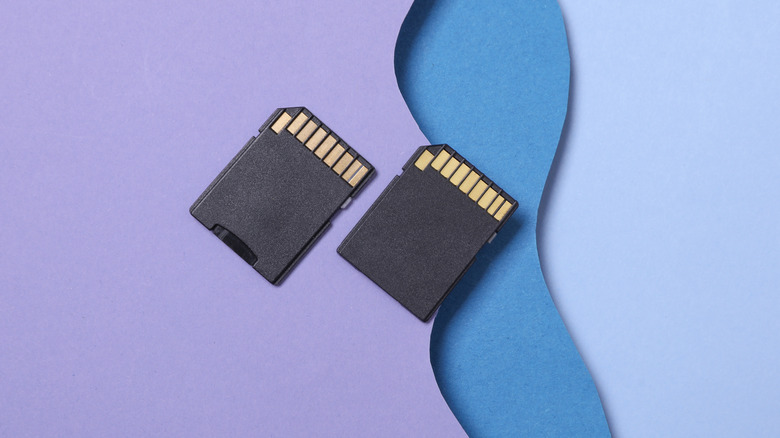

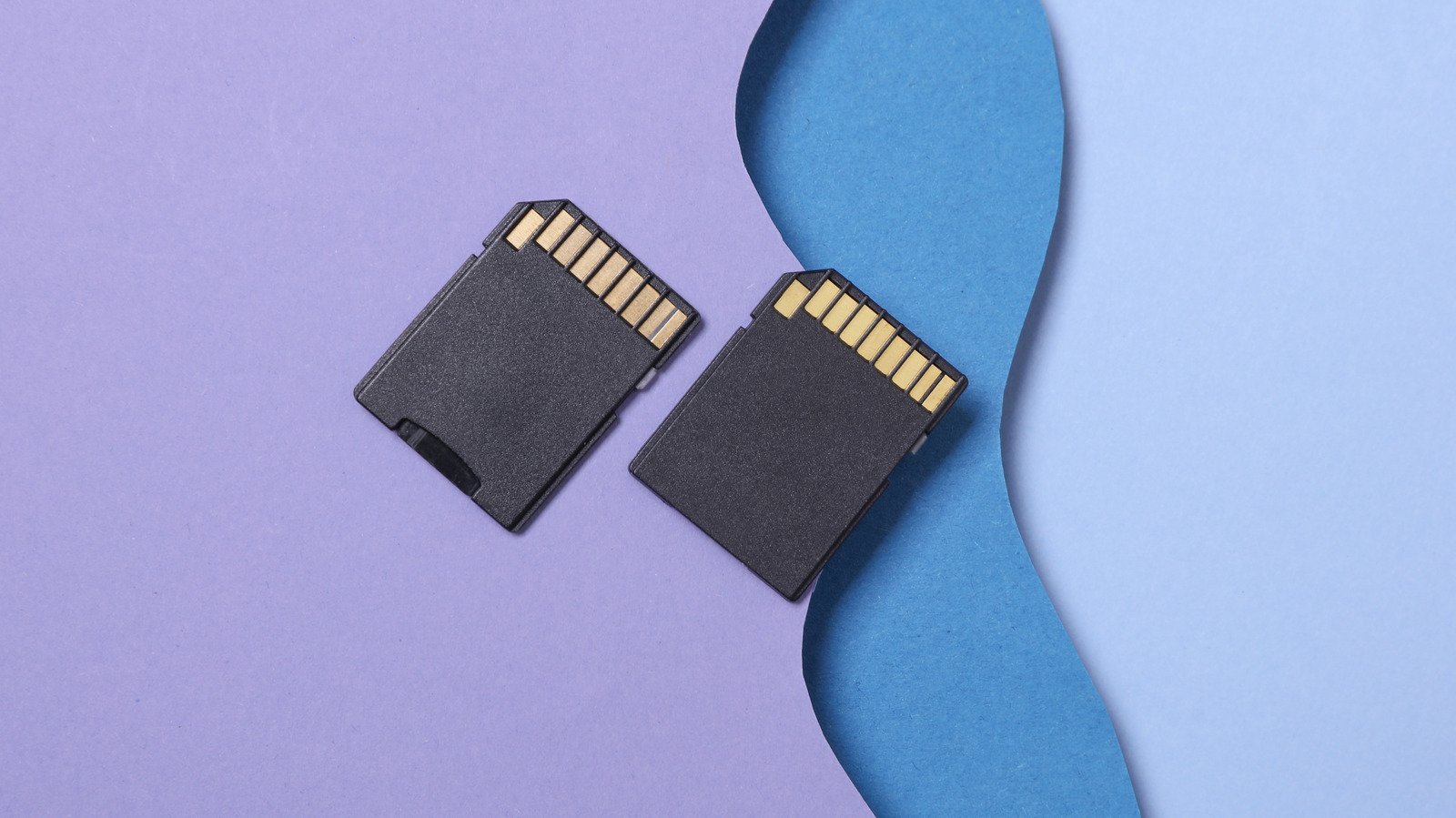
    Two SD cards next to each other on a abstract background.
    Vladimir Sukhachev/Shutterstock

    If you’re in the market for a new SD card, you might want to tread with a little extra caution. Buying a fake SD card online could cause you problems you didn’t anticipate when all you wanted to do was save some files.

    Fake SD cards might seem like they’re everywhere, but they aren’t new. You can go back years on forums like Reddit and find people complaining about having been duped by an SD card that was priced in a manner that was too good to be true. As chip and memory shortages drive up prices on HHD, SSD, RAM and more, consumers might be more inclined to snap up an SD card that costs less. A PCWorld article from early 2026 found that compared to 2025, some SD cards have doubled (or more) in price.

    While an inflated price tag is a headache, a worse fate might be using a fake SD card only to find valuable files lost, corrupted or overwritten. How-to Geek explained that scammers can make it seem as though a storage device can hold much more than it can. Problems arise when you try to move a file onto a device that just doesn’t have the capacity. Fortunately, there are some steps you can take to make sure the card you bought works and your files are safe.

    Warning signs

    Experts explain that before you buy, there are some warning signs an SD card could be fake. A card that’s suspiciously cheap is a big red flag. You might also want to steer clear of SD cards sold by unauthorized third-party resellers on platforms like Amazon or eBay. Additionally, watch out for brands you’re unfamiliar with (though some have reported seeing counterfeits using big names or names that mimic the most reputable brands). 

    You should also inspect the packaging — are there missing labels or a lack of warranty information? Some advise staying away from refurbished cards altogether. If you want to make sure the card you’re buying is legitimate, it can’t hurt to go to a physical retailer and grab one there. When it comes to preserving your files, taking a chance for the sake of saving money might not be worth the risk.

    How to test an SD card

    If you want to test an SD card before loading it up with important files, there are some different approaches to take. If you have a Windows computer, you can use H2testw – a free, downloadable program that will help you check both the speed and memory of storage devices like SD cards and flash drives. Its website notes that it was developed expressly because there have been so many instances of bunk SD cards and flash drives. Once you install the program, you can plug in your device, select it within h2testw, and the program can tell you whether the device is functioning properly and whether it has the storage it says it has.

    You can also use f3, which stands for Flight Flash Fraud. It’s an open-source program that, according to its website, “fills the device with pseudorandom data and then checks if it returns the same on reading.” The website also contains detailed directions for how to use the program, depending on your operating system.

    Another approach is to check the SD card’s performance because slow speeds can be another issue connected to fake SD cards. A program like CrystalDiskMark can help you benchmark an SD card’s performance. XDA explains that an SD card will usually have a baseline number of reads and writes displayed somewhere on the packaging. The results of the test should be in that range.

    So, the next time you’re looking to buy a new SD card, make use of these warning signs and tests to avoid disaster with your files.

    card easier fake Spotting
    Share. Facebook Twitter Pinterest LinkedIn Tumblr Email
    admin
    • Website

    Related Posts

    Wi-Fi 8 Is An Attempt To Fix The Biggest Problem With Wireless Internet

    November 15, 2026

    You Can Control Your Other Devices With This Resourceful Apple Feature

    November 15, 2026

    How To Find Your IP Address

    November 15, 2026
    Leave A Reply Cancel Reply

    Top Posts

    NVIDIA Is Investigating Reports That CEO Jensen Huang Was The Target Of Chinese Spy Efforts

    November 8, 202619 Views

    ADIndex: Layer-Adaptive Sparse Attention Indexing via Group-Level Distillation

    November 11, 20265 Views

    Anthropic releases new Mythos and Fable models amid RSI concerns

    November 9, 20265 Views

    One Policy for 100 Household Tasks: Our Solution for the 2026 BEHAVIOR Challenge

    November 11, 20264 Views
    Don't Miss

    Wi-Fi 8 Is An Attempt To Fix The Biggest Problem With Wireless Internet

    By adminNovember 15, 20260

    Because perfection currently remains just out of range. Sometimes, better doesn’t mean faster. With Wi-Fi…

    Deploy GPT-J 6B for inference using Hugging Face Transformers and Amazon SageMaker

    November 15, 2026

    Spotting A Fake SD Card Is Easier Than You Think

    November 15, 2026

    Boosting Wav2Vec2 with n-grams in 🤗 Transformers

    November 15, 2026
    About Us

    Welcome to TechWave Dispatch

    At TechWave Dispatch, we bring you the latest news, insights, and developments from the ever-evolving world of technology. Our mission is to keep readers informed about the innovations shaping our digital future.

    From artificial intelligence and machine learning to cybersecurity, robotics, smart devices, and groundbreaking technologies, we cover the topics that matter in today's fast-moving tech landscape.

    Our Picks

    Wi-Fi 8 Is An Attempt To Fix The Biggest Problem With Wireless Internet

    November 15, 2026

    Deploy GPT-J 6B for inference using Hugging Face Transformers and Amazon SageMaker

    November 15, 2026

    Spotting A Fake SD Card Is Easier Than You Think

    November 15, 2026
    Most Popular

    After blocking Muse, Amazon now lets users text Alexa to help them shop

    November 6, 20260 Views

    A controlled world for robot learning and evaluation

    November 6, 20260 Views

    Perplexity now has its own always-on AI agent

    November 6, 20260 Views
    Facebook X (Twitter) Instagram Pinterest
    • Terms and Conditions
    • Privacy Policy
    • Contact Us
    • About Us
    © 2026 TechWave Dispatch. All Rights Reserved.

    Type above and press Enter to search. Press Esc to cancel.