
Close Menu
techwavedispatch.com

    Subscribe to Updates

    Get the latest creative news from FooBar about art, design and business.

    What's Hot

    AI coding agents ace isolated tests but complete fewer than one in ten tasks in a simulated workplace

    November 22, 2026

    Why You Should Never Vacuum The Inside Of Your Computer

    November 22, 2026

    Sleep Vs. Shutdown – Which Should Xbox Series X Owners Actually Use?

    November 22, 2026
    Facebook X (Twitter) Instagram
    Trending
    • AI coding agents ace isolated tests but complete fewer than one in ten tasks in a simulated workplace
    • Why You Should Never Vacuum The Inside Of Your Computer
    • Sleep Vs. Shutdown – Which Should Xbox Series X Owners Actually Use?
    • Can You Completely Remove One UI From A Samsung Phone?
    • The Purpose Of The SC Port On Your Old Laptop
    • Perplexity’s new Monitor API turns web search from a one-off query into a nonstop watchdog
    • 10 Rare Game Consoles That Almost No One Owns
    • Common Reasons Why Some USB Ports Are Red
    Facebook X (Twitter) Instagram
    techwavedispatch.com
    Subscribe
    Sunday, November 22
    • Home
    • AI Tools & Software
    • Machine Learning
    • Generative AI
    • Robotics & Automation
    • Future Tech & Hardware
    • AI in Business
    • Ethics & Regulations
    • More
      • Gadgets & Smart Devices
      • Cybersecurity & AI
      • Tech Breakthroughs
    techwavedispatch.com
    Home»Gadgets & Smart Devices»Why You Should Never Vacuum The Inside Of Your Computer
    Gadgets & Smart Devices

    Why You Should Never Vacuum The Inside Of Your Computer

    adminBy adminNovember 22, 2026No Comments3 Mins Read
    Facebook Twitter Pinterest LinkedIn Tumblr Email
    Why You Should Never Vacuum The Inside Of Your Computer
    Share
    Facebook Twitter LinkedIn Pinterest Email

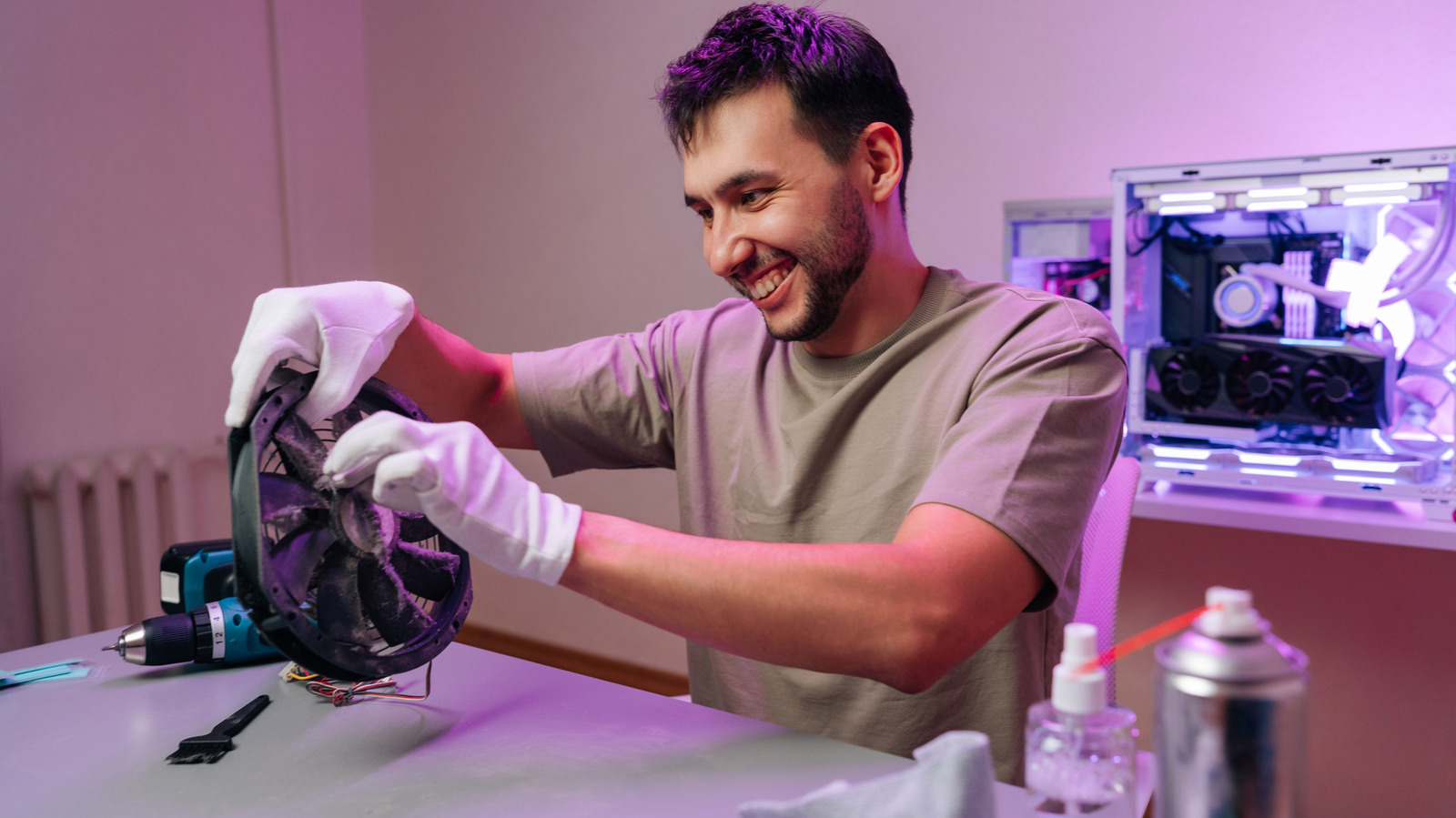
    With any luck, you’ve now been warned off from putting vacuum inside your PC (unless it’s a specialized, anti-static one). There are simply too many downsides and too many risks. There are many better options, too. A can of compressed air, or an electric air duster designed for electronics, can help you quickly blow dust out of a PC case.

    Whatever you do, you’ll want to start by switching your PC off and disconnecting it from an outlet. Take out the external power cables and, if you can, move it somewhere clean. Ideally, somewhere with plenty of air flow, especially if you’re using air to blast out the dust. If you can’t, use a mask if you have one spare, and make sure to open plenty of windows.

    Compressed air is your friend when it comes to PC cleaning. Compressed air cans, or an electric air duster, is a static-free alternative to vacuuming. You’re pushing air through the case with enough force to clean the dust out. Short bursts are best, just so you can control where you’re directing the air without sending dust further into the case. They’re particularly useful for cleaning out any clumps of dust stuck deep inside.

    There’s no special knack to this; you’ll just want to use your judgement. Where you can, you might want to try and hold fan blades still while cleaning around them, especially if you’re using an electric duster with a lot of power. You’ve still got to be careful with delicate components, so don’t push tools blindly or force a nozzle into a gap you can’t see into. Any inaccessible areas should be considered with care. The same applies to your power supply, too. You don’t want to open that up, as its internal components can retain dangerous electrical charges, although you can clear surface dust from its external fan grill without reaching inside.

    If you’re lucky, your PC might have removable dust filters that you can clean separately. These might sit in front of your case fans as a way to block some of the dust entering. If you’re able to remove them, pull them out and give them a thorough clean. A damp cloth should work, but keep moisture away from any circuit boards and let the filters dry completely before you reinstall them. You can use a dry microfiber cloth to wipe down the outside of the case, too.

    When you’re done, double-check everything inside. Internal cables should be securely connected, with none trailing into the fan blades. Once your case is clean, you’ll be in a better position to keep it that way. Keep it off the floor if you can, too, as it’ll help to reduce the amount of dust you’re drawing in through your fans. You can’t stop dust completely, but you can keep it manageable enough, with occasional checks and cleans in place, before it starts clogging up your vents again.

    computer Vacuum
    Share. Facebook Twitter Pinterest LinkedIn Tumblr Email
    admin
    • Website

    Related Posts

    Sleep Vs. Shutdown – Which Should Xbox Series X Owners Actually Use?

    November 22, 2026

    Can You Completely Remove One UI From A Samsung Phone?

    November 22, 2026

    The Purpose Of The SC Port On Your Old Laptop

    November 22, 2026
    Leave A Reply Cancel Reply

    Top Posts

    NVIDIA Is Investigating Reports That CEO Jensen Huang Was The Target Of Chinese Spy Efforts

    November 8, 202619 Views

    ADIndex: Layer-Adaptive Sparse Attention Indexing via Group-Level Distillation

    November 11, 20266 Views

    Anthropic releases new Mythos and Fable models amid RSI concerns

    November 9, 20266 Views

    If AGI is so close, why is everyone leaving? The neolabs and their bets

    November 6, 20266 Views
    Don't Miss
    AI Tools & Software

    AI coding agents ace isolated tests but complete fewer than one in ten tasks in a simulated workplace

    By adminNovember 22, 20260

    AI coding agents are nearing top scores on standard benchmarks. A new experiment puts them…

    Why You Should Never Vacuum The Inside Of Your Computer

    November 22, 2026

    Sleep Vs. Shutdown – Which Should Xbox Series X Owners Actually Use?

    November 22, 2026

    Can You Completely Remove One UI From A Samsung Phone?

    November 22, 2026
    About Us

    Welcome to TechWave Dispatch

    At TechWave Dispatch, we bring you the latest news, insights, and developments from the ever-evolving world of technology. Our mission is to keep readers informed about the innovations shaping our digital future.

    From artificial intelligence and machine learning to cybersecurity, robotics, smart devices, and groundbreaking technologies, we cover the topics that matter in today's fast-moving tech landscape.

    Our Picks

    AI coding agents ace isolated tests but complete fewer than one in ten tasks in a simulated workplace

    November 22, 2026

    Why You Should Never Vacuum The Inside Of Your Computer

    November 22, 2026

    Sleep Vs. Shutdown – Which Should Xbox Series X Owners Actually Use?

    November 22, 2026
    Most Popular

    Egyptian and Nigerian English join the Open ASR Leaderboard

    November 6, 20260 Views

    Ads in Chatbots Have Arrived. Here’s What’s Working—and What’s Not

    November 6, 20260 Views

    The General Purpose Pendulum – O’Reilly

    November 6, 20260 Views
    Facebook X (Twitter) Instagram Pinterest
    • Terms and Conditions
    • Privacy Policy
    • Contact Us
    • About Us
    © 2026 TechWave Dispatch. All Rights Reserved.

    Type above and press Enter to search. Press Esc to cancel.